The Image Was Stable Until the Cooling Fan Started
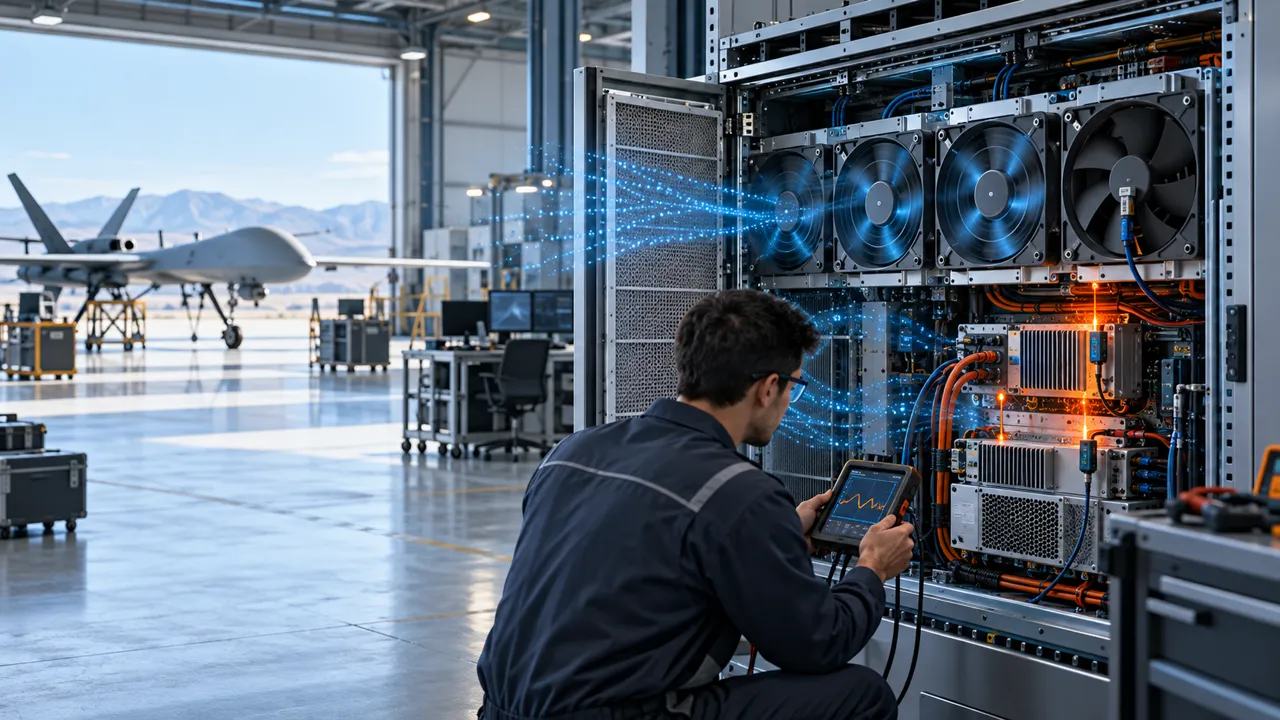
An anonymised UAV payload team needed cooling for a compact electro-optical gimbal without adding a new image-stability disturbance.
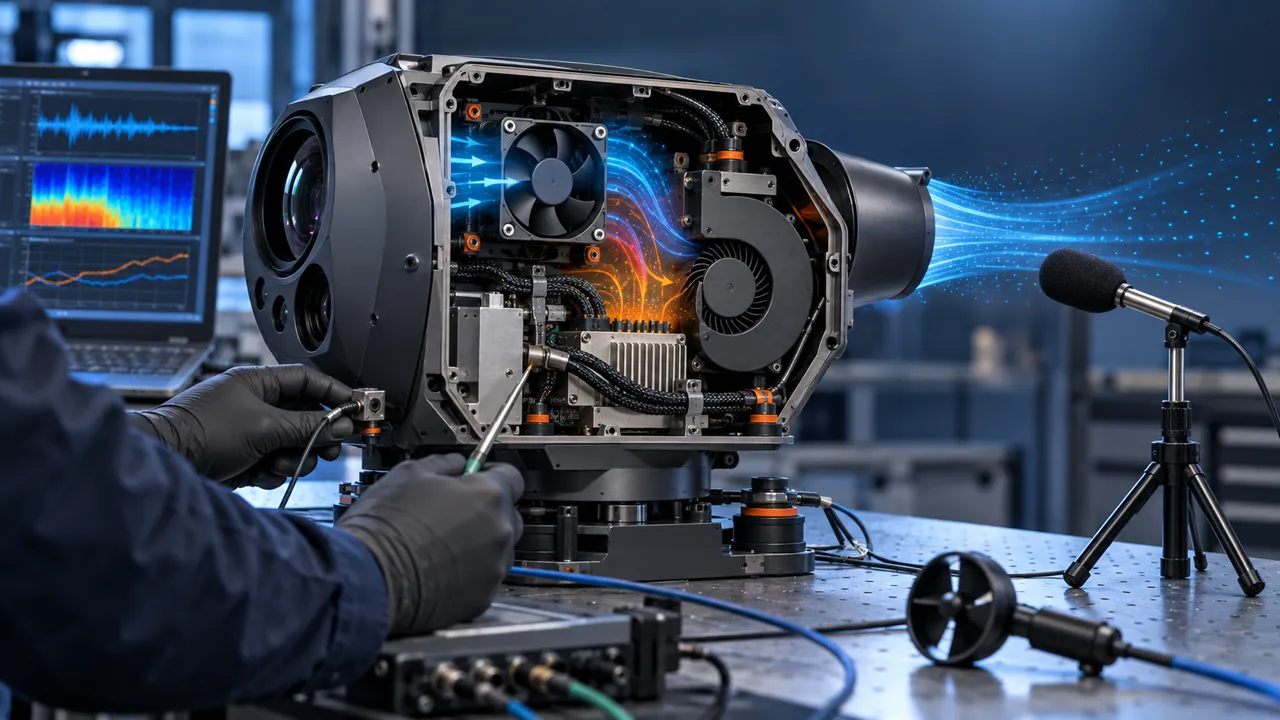
The payload combined a camera, processor, power conversion and storage electronics inside a tight gimbal-mounted enclosure. The optical image was acceptable during the initial passive check, but the team saw a periodic disturbance when active cooling was enabled. The disturbance was small enough to be missed by a casual visual check and large enough to matter in a stabilized image stream.
The first assumption was that the fan only needed to move more air. That was incomplete. A fan can meet a thermal target and still transfer a force or tonal excitation into the gimbal frame. The relevant design question was how the fan, mount, duct, cable route, speed command and camera stabilization loop interacted at the installed operating point.
The customer identity, airframe and measured acceptance values remain confidential. This case describes the engineering method: separate the thermal path from the vibration path, measure the excitation, and validate the fan on the actual payload rather than approving it from a catalogue number alone.
Why a Gimbal Cooling Fan Can Affect Image Stability
The thermal fan is part of the mechanical disturbance chain once it is mounted on a stabilized payload.
A gimbal rejects angular disturbances through its sensors, controller and motors, but rejection is not unlimited. A periodic fan force can enter through the mounting plate, the payload housing, a stiff cable bundle or a duct that bridges two structures. If the excitation is near a structural mode or a control-loop sensitivity peak, a small source can become visible as image motion.
The fan speed matters because the rotating frequency and blade-pass frequency move with RPM. For a rotor with B blades, the blade-pass frequency is approximately B times the rotational frequency. The calculation is a screening tool, not a complete acoustic or vibration prediction. Bearing condition, balance, commutation, PWM behavior, inlet distortion and the enclosure all change the measured spectrum.
The design review therefore compared the fan spectrum with the gimbal response. It did not label every tonal line as a fan defect. A resonance can belong to the payload frame, a bracket, a lens barrel, a cable loop or a test fixture. The practical goal was to identify the transmission path and create enough separation to preserve both cooling and image stability.
| What to check | Why it matters | Evidence to record |
|---|---|---|
| Fan speed range | Excitation moves with speed and blade count | RPM, command and spectrum |
| Mounting interface | A stiff path can transmit force into the gimbal | Fastener, isolator and bracket response |
| Air path | A restriction can force a higher speed or tonal operating point | Airflow, pressure and outlet condition |
| Cable route | A cable can bridge an isolated fan to the camera frame | Slack, clamp points and clearance |
| Camera response | The same vibration may be harmless in one mode and visible in another | Image metric and gimbal state |
Map the Airflow and the Vibration Paths Separately
The first useful drawing had two overlays: where air should go and where force could travel.
The team marked the inlet, fan, heat source, outlet and bypass gaps on the payload section. A fan placed near the camera does not automatically cool the processor, and a fan discharge aimed at a sensitive optical or inertial assembly can create an avoidable local disturbance. The air path was kept short where possible, while the fan mount was prevented from becoming a structural bridge between the cooling module and the stabilized optical frame.
A small pressure loss at a grille, filter or bend can move the fan to a different point on its P-Q curve. That changes both airflow and speed control behavior. The test therefore measured the installed condition with the real inlet and outlet restrictions. Free-air CFM was retained as a catalogue reference, not as the acceptance result.
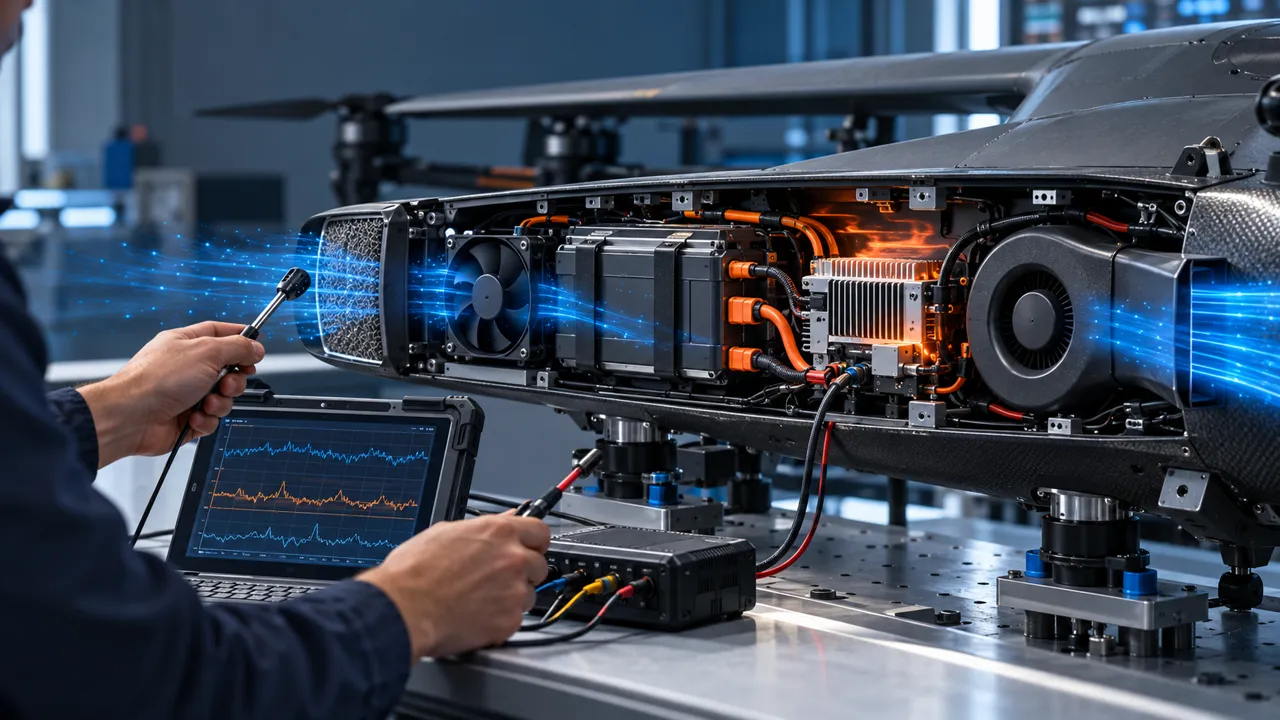
The second overlay followed the force path from the fan frame to the gimbal. It included mounting screws, rubber or elastomer elements, sheet-metal brackets, cable bundles and any duct that touched both sides. The animated schematic below is intentionally illustrative: it shows the review logic, not product performance data.

Check Speed, Blade-Pass Frequency and Structural Response
The fix was not simply to lower RPM; the team looked for a speed and mount combination that met cooling without exciting the payload.
The validation swept the commanded speed through the permitted range while recording fan RPM, electrical current, airflow or pressure, accelerometer response and an image-stability metric. A narrow peak in the vibration spectrum was treated as a clue. The team changed one variable at a time so that a quieter image could be traced to speed, mount stiffness, cable routing, duct contact or controller behavior.
If the fan has multiple operating states, each state needs its own check. A PWM command can create a low-speed operating point that is thermally adequate but acoustically or mechanically unfavorable. A controller can also produce a brief start transient that is more visible than the steady state. The acceptance record should include startup, commanded changes, steady operation and stop behavior.
The point of this test is not to promise a universal quiet speed. Resonant frequencies belong to the installed assembly. A candidate that behaves well in one gimbal may need a different mount, control range or air path in another. That is why a sample on the customer assembly is more useful than a generic “low vibration” label.
Use Isolation Without Creating a New Thermal Problem
An isolator is useful only when it reduces the force path and still holds the fan in the required position.
The mechanical review compared the fan bracket, fastener preload, elastomer support and available clearance. An isolator that is too soft can allow movement, cable rubbing or a changing outlet gap. An isolator that is too stiff can pass more force into the gimbal. The correct selection depends on the fan mass, excitation, bracket geometry, temperature and the available travel.
The team also checked that the isolation detail did not close the inlet or outlet. A small clearance loss can raise system resistance and force a higher speed, undoing the acoustic benefit. The final drawing called out the no-contact zones, the cable slack loop and the location at which the vibration sensor was attached.
Fastener torque and assembly variation were included in the repeatability check. The goal was not a laboratory-perfect result from one build; it was a configuration that stayed inside the agreed thermal and image-stability limits across representative assembly conditions.
| Detail | Failure if ignored | Design-review evidence |
|---|---|---|
| Isolation support | Force bypasses the isolator or movement becomes excessive | Installed transmissibility comparison |
| Fastener preload | Mount stiffness changes between builds | Torque method and repeat test |
| Cable slack | Harness bridges the isolated and sensitive structures | Clearance photo and pull check |
| Outlet clearance | Pressure loss raises speed and heat | Installed P-Q point |
| Sensor location | A good source measurement hides camera motion | Source and image-frame channels |
Keep Airflow Away From Sensitive Optical and Inertial Interfaces
The best cooling route was not necessarily the shortest straight jet toward the camera.
A direct jet can create local pressure fluctuations, dust movement or an unwanted temperature gradient near an optical window. It can also make the payload response dependent on orientation. The review used a short duct or diffuser where needed to distribute the flow across the electronics while keeping the camera, IMU and stabilization mechanism outside the strongest local disturbance.
The team checked whether the inlet drew air from a warm recirculation pocket and whether the outlet leaked back toward the inlet. Temperature probes were placed at the processor, power device, camera electronics and local inlet. Airflow measurements were taken at the heat source rather than only at the fan face.
The resulting layout treated thermal and optical boundaries as a system. MEGA Tech can help review the fan-side operating point and sample, but the payload manufacturer remains responsible for optical contamination, stabilization performance, flight safety and the final enclosure design.
Validate Startup, Control Feedback and Environmental States
A fan that is quiet in steady operation still needs a defined response to startup, low voltage, temperature and mission transitions.
The electrical test recorded supply voltage, current, startup time, PWM command, FG or RD feedback and any controller alarm. The payload team defined the minimum command at which the fan must start, the behavior after a brief power interruption and the action after a missing feedback signal. These are interface requirements, not assumptions that can be inferred from a frame size.
Temperature and altitude can change the installed result. Lower air density changes the mass flow and heat capacity for a given volumetric flow, while a cold start can change bearing and motor behavior. The test matrix therefore included the environmental range that the payload owner actually specified, with the basis recorded beside every result.
The fan is only one part of the response. The aircraft or payload controller decides whether a fault produces a warning, a processor power limit, a graceful payload shutdown or a mission decision. MEGA Tech can provide the fan-side feedback and sample evidence; it does not replace the aircraft safety analysis.
| State | Record | Decision |
|---|---|---|
| Cold startup | Voltage, current, time to valid feedback | Starts within the payload requirement |
| Low supply | RPM, current, FG/RD and thermal response | No hidden stall or false healthy signal |
| Speed transition | Image metric during ramp and steady state | No unacceptable transient disturbance |
| High ambient or altitude | Installed airflow and hotspot temperature | Thermal margin remains defined |
| Fan fault | Feedback loss and controller action | Payload response is explicit |
Result: A Tuned Cooling Sample With a Traceable Vibration Path
The project closed when the team could explain both the thermal result and the image-stability result.
The release package recorded the fan envelope, mass, supply, command and feedback interface, installed airflow, pressure reference, temperature points, vibration sensor locations and image-stability metric. It also recorded the mount, cable route, outlet clearance and the states that were tested. This made the next design review faster because a new bracket or duct could be assessed against a known baseline.
The transferable result was a method rather than a universal performance promise. The payload team learned which fan speed bands were acceptable, which mechanical path needed isolation, where the cable could not bridge the frame and which thermal state required another sample check. A different camera, gimbal, duct or controller would require its own validation.
For a custom cooling-fan manufacturer, this is the useful boundary: MEGA Tech can develop and manufacture the fan, help select the operating point, review the air path and validate samples on the customer assembly. The customer owns the complete UAV, gimbal, camera, flight controller, battery, optical performance and flight-safety decisions.
How MEGA Tech Supports Custom UAV Cooling Fans
We help UAV and payload teams move from an envelope and duty requirement to a sample that can be tested in the real assembly.
MEGA Tech develops and manufactures custom cooling fans, including compact DC axial fans and centrifugal blower options where the installed pressure path requires them. Our work can cover fan selection, air-path review, sample validation and volume production. Selection starts from the operating condition rather than a part number: airflow and static pressure at that airflow, voltage tolerance, control and feedback, envelope, noise target, environment, vibration concern and life assumption.
For a first UAV review, send the payload section or sample, heat load by mission state, inlet temperature and altitude basis, required airflow and pressure, available fan envelope, supply and tolerance, PWM/FG/RD or alarm interface, connector and harness route, mounting detail, acoustic target, vibration condition, quantity and production plan. A sample can then be checked on the customer's actual air path before a production decision.
We do not supply complete UAVs, gimbals, cameras, flight controllers, batteries, coils, liquid loops, system controllers or flight-safety functions. Those remain with the aircraft, payload and system integrators. For a candidate sample, use the fan selection tool, review the compact DC axial fan range, or contact MEGA Tech on WhatsApp and send the operating requirements.
Engineer FAQ
These questions usually decide whether a UAV payload fan needs another design iteration.
Q: Can a low-noise fan still disturb a gimbal? A: Yes. Sound pressure and structure-borne vibration are different measurements. Check the installed accelerometer and image metric, not only dB(A).
Q: Is a larger fan safer for image stability? A: Not automatically. It may reduce speed but add mass, bracket load or a new structural mode. Compare installed pressure, force path and energy together.
Q: Should the fan be isolated from the gimbal? A: Often the fan-side mount can be isolated, but the result depends on stiffness, travel, fastener preload, cable routing and outlet clearance. Validate the complete assembly.
Q: Do PWM and FG/RD matter for a camera payload? A: They can. PWM changes speed and therefore excitation; FG/RD can provide the controller with a fan-health signal. The interface must match the payload electronics.
Q: What does MEGA Tech need before recommending a sample? A: The fan envelope, voltage, airflow and pressure target, mission temperature and altitude, control interface, quantity, noise and vibration limits, mounting and the real air path.
Questions for a Design Review
Use this checklist with thermal, mechanical, electrical, controls and imaging engineers before freezing the payload fan.
- What heat load occurs during idle, processing, transmission and peak mission states?
- What airflow and static pressure are required at the actual altitude and inlet temperature?
- Where does air go after the fan, and what bypass path is easier than the intended path?
- Which structure receives the fan force, and where are the gimbal, camera and IMU sensitivity points?
- What speed band, blade-pass line or startup transient is visible in the image metric?
- Can the cable, duct or fastener bridge the isolated fan to the sensitive frame?
- What are the low-voltage, cold-start, high-ambient and altitude test conditions?
- What does FG/RD report after a fan fault, and what action does the payload controller take?
- Which change triggers a new sample: fan, mount, duct, heat source, control range or airframe interface?