The same fan body is both 25 dB and 46 dB — a single datasheet number doesn’t tell you which one your medical device is
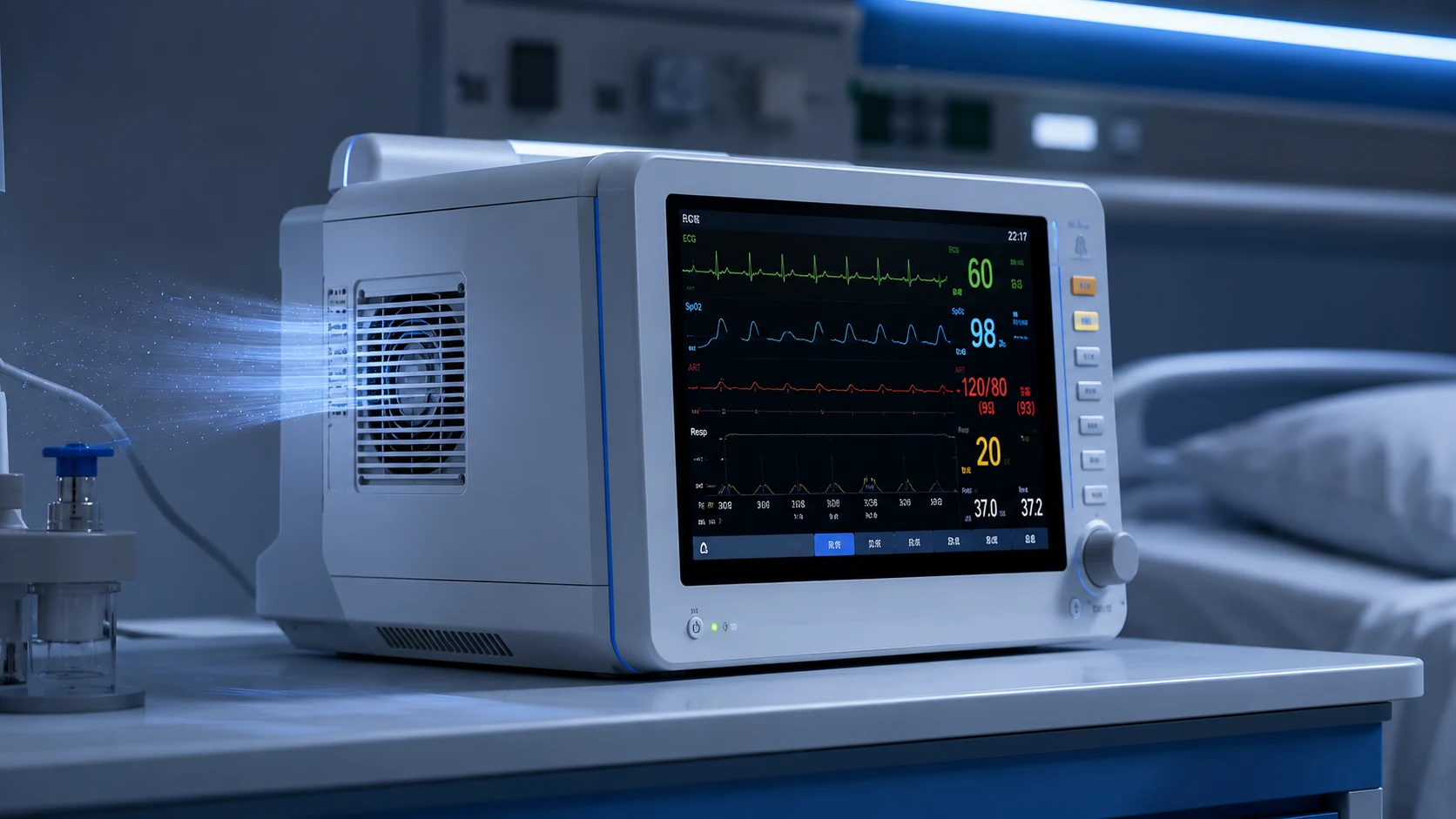
A patient monitor, anesthesia workstation or imaging console that works well enough finally gets heard — by the patient who is trying to sleep, by the nurse who has to listen for alarms, by the doc who has told the family “it’s quiet here”. For medical equipment, noise is not an aesthetic detail; it is part of why the device gets accepted on the ward. And the fan at the back of it is usually the only moving part standing between the design and that point.
Here is the piece that most datasheets hide in plain sight: the same physical fan, on the same frame, has a noise figure written on the box — but that single number is almost never the number your device will make. Noise and airflow are the same lever pulled in opposite directions. Crank the fan up and you trade silence for airflow; back it off and you gain silence but lose cooling. A quiet medical fan is less a “quiet model” than a fan you are allowed to run slowly.
WHO gives a 35 dB reference for noise in most rooms where patients are treated or observed; that is a room-level context, not a fan-only specification. This is a data guide to how a fan contributes to that budget: how to read a noise figure, why RPM is the real dial, what a static-pressure path does to a fan’s noise, where the noise you add yourself comes from, and how PWM control can balance sound and cooling across the day.
Why the single dB on a datasheet is not your device’s dB
A fan datasheet may print one acoustic figure, but the value only makes sense with its test method, speed, voltage, airflow path and measurement position. Some catalogue values are measured at a high-speed or free-air point; others use a defined chamber or system condition. Once the fan sits behind a grille, filter, packed PCB stack or cassette, the working point and the enclosure can change both the broadband level and the tonal character.
Acoustic standards exist because a repeatable number requires a defined environment and measurement surface. ISO 3744 determines sound power from sound-pressure measurements around a noise source under an essentially free-field condition; that is different from the sound pressure a nurse or patient hears beside a complete medical device. A bench dB value is a starting point, not a device-level acceptance result.
The practical reading is: do not select on the quoted dB. Select on the P-Q (pressure–airflow) curve, the speed you intend to run, and the pressure the airflow actually has to fight — then ask the supplier for A-weighted sound-pressure data at your expected operating point, not just at maximum speed.

RPM is the dial — a quiet professional fan ships several of them
Professional medical-grade fans are built around the idea that one motor should serve several thermal realities. The same frame is sold with a range of rated running points, and the noise follows the speed far more than it follows the frame. Our own catalogue makes the point with two 80×25 mm 24 V fans that bracket the same frame:
Run the low-speed tap and a fan that can also scream at nearly 46 dB(A) is content at 25 dB(A) while still pushing enough air for a small monitor. The acoustic range you must design for is the fan’s full curve at your back-pressure — not its headline number.
The same logic often favours a larger frame when the footprint allows it: the larger impeller can meet the airflow target at a lower speed, but the actual acoustic advantage still depends on the pressure path, blade design and mounting. Compare candidate fans at the same delivered airflow and pressure, not only at their free-air catalogue points.
Bearings add another acoustic trade. A sleeve bearing can be quiet when new, while a ball-bearing design may offer different life and mounting characteristics. Wear, grease condition, rotor balance and chassis coupling can change the result over time, so a medical design should compare initial and aged noise in the intended mounting instead of promising that one bearing family is always quieter.
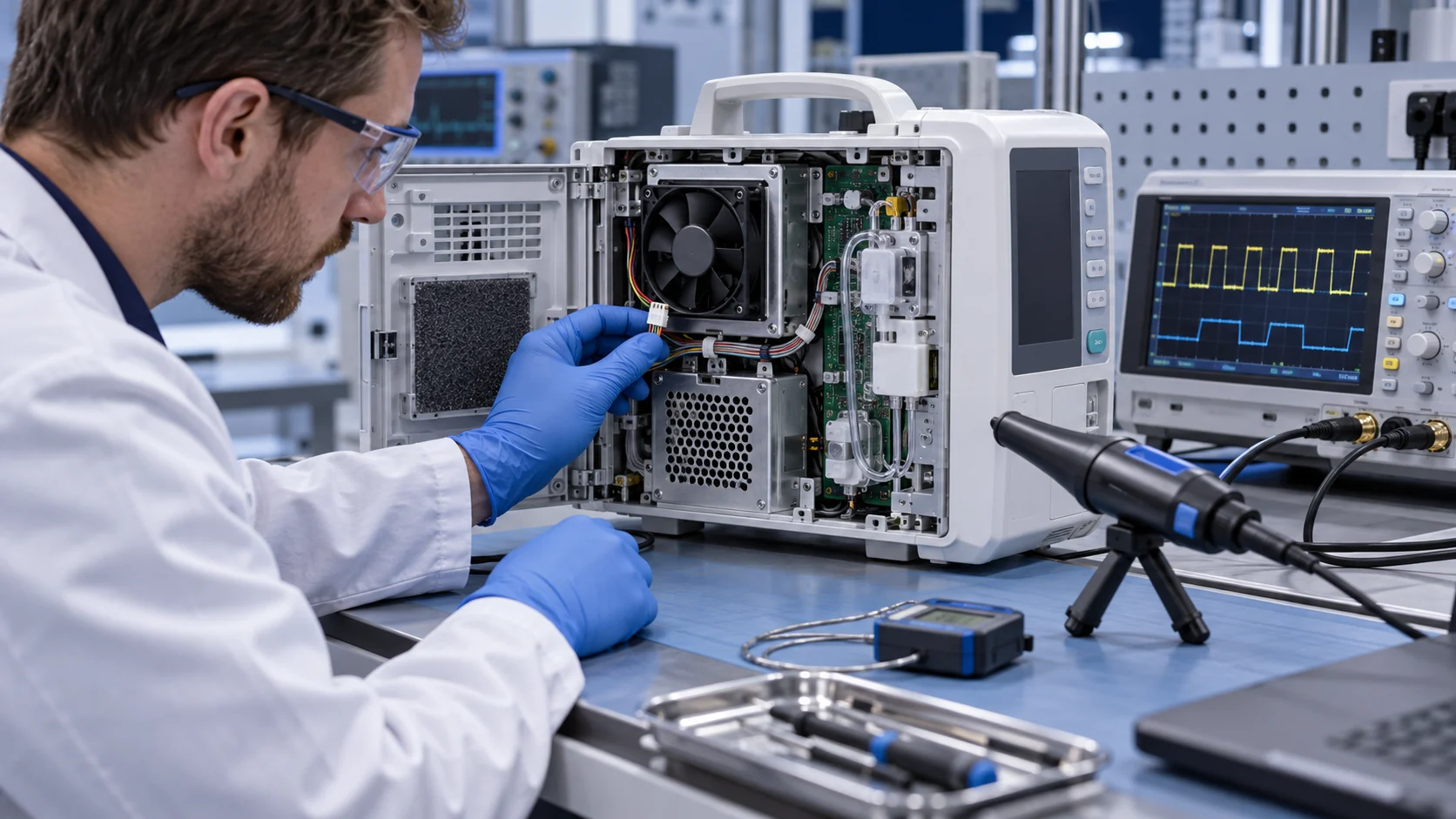
Precision applications push the same logic further. Laboratory analyzers, PCR instruments and imaging platforms care about vibration almost as much as sound: a fan that rattles a chassis at 3000 RPM can smear an optical measurement or add artifacts to a sensitive detection step. Equipment guidance for these platforms asks for dynamically balanced impellers, low-vibration bearing systems and PWM control for temperature-responsive speed — acoustics and measurement stability arriving from the same spec line.
| Model | Running point | Airflow (CFM) | Noise | Character |
|---|---|---|---|---|
| MG8025L24X | 2000 RPM | ~19.2 | 25.0 dB(A) | Quiet tap — a bedside monitor’s pace |
| MG8025L24X | 3000 RPM | ~31.5 | 28.3 dB(A) | Higher tap, still a low-noise device |
| MG8025HV24X | 5000 RPM | ~60.5 | 46.3 dB(A) | Max-airflow tap — loud, for dense loads |
Larger frame at low speed beats a small frame at full speed
For a given airflow, the underlying acoustics often favour the fan that can do the job while turning slower. A larger impeller may meet the same airflow at a lower RPM, but blade design, pressure, grille geometry and mounting still decide the measured result. That is why the quietest medical devices usually compare the largest practical frame at its real operating point instead of assuming a small high-speed fan will be quieter.
That is the whole trick of the low-noise medical ventilator and imaging package: not a magical fan, but a fan sized so that its normal operating point sits low on the speed curve, with headroom above for the rare peak load.
The counter-rule matters too: a fan picked to just barely fit the airflow budget gets pushed to its upper tap to survive a hot day, and that is the moment a medical device stops being quiet in front of a patient. Fan-law estimates can indicate the direction of change, but the actual dB reduction depends on the fan, operating point, blade tone, grille and enclosure. Measure the low, normal and peak speed points in the finished device before promising a noise margin.
- Fit the largest fan the footprint allows and run it at a low tap — the impeller does the work, not the motor.
- Design the normal operating point low on the speed curve, leaving RPM headroom for peak thermal loads.
- Avoid selecting a fan so marginal that it runs at its top tap to pass a hot-room test.
- Compare usable airflow area, pressure capability and noise at the actual operating point; do not reduce frame selection to a simple hub-area ratio.
Axial vs blower — what the airflow path dictates
Medical equipment often chooses between axial fans and blowers according to the air path. Where air must pass through a cassette filter, cuvette, long duct or tightly packed optics stack, a centrifugal blower may provide a more suitable pressure-flow curve. For free-discharge, low-restriction board cooling, an axial fan may be simpler. Neither architecture is automatically quieter without comparing the complete operating point.
The guiding question is not “which type makes less noise in a datasheet” but “which type makes less noise at my operating point, against my system resistance”. A blower can add unnecessary complexity in a low-resistance path; an axial fan can lose airflow and become noisy when forced through excessive resistance.
Match the fan architecture to the resistance once, and the acoustic margin comes for free.
The noise you add yourself — turbulence, tones, hysteresis and structure
Fan choice is only half of the acoustic budget; the enclosure adds or removes the rest, and the worst of it can arrive as a discrete tone rather than broadband hiss. TDK-Lambda notes that turbulent air striking an obstruction near the fan can raise the level by as much as 10 dBA, roughly a doubling of perceived loudness. Keep sharp edges and bends away from the immediate inlet and outlet, smooth transitions where practical, and verify the change with a spectrum or repeatable sound measurement instead of assuming the fix is complete.
Control behaviour creates its own annoyance channel. A fan whose speed hunts up and down with every thermal blip is more irritating than one running slightly louder but steadily — variable-speed implementations need proper hysteresis so the level stays constant, and some medical power-supply designs hold speed nearly fixed by sensing incoming air temperature instead of the load (TDK-Lambda). Perception follows the same pattern: a steady low hum reads as calm, a cyclic rise-fall-rise reads as a fault about to happen.
And not all fan noise arrives through the air. Bearing vibration couples into the chassis, and if its frequency matches a panel’s resonance the enclosure amplifies it to an intolerable level — a structural path that anti-vibration mounting isolates (industry design guidance). The audit list for a quiet device therefore spans the mechanical boundary: obstruction-free geometry at the fan, stable speed control with hysteresis, and mounts that keep bearing vibration out of the sheet metal.
One more regulatory note for airflow-path components: in respiratory devices and incubators the air the patient receives has crossed the fan, so frame materials may need biocompatibility evaluation under ISO 10993 — request material declarations from the supplier before the enclosure is frozen.
PWM makes silence cheap — slow when cool, full speed when needed
The quietest fan in a medical device is the one that does not have to spin all the time. A 4-wire PWM (pulse-width-modulated) fan lets the system track the actual thermal load: silent and slow at partial load, ramping toward its top tap only when a real thermal demand arrives.
PWM is useful when the device can track thermal load, but the operating range must be checked against the fan's control specification. Lower speed can reduce acoustic output, yet it also reduces airflow and pressure margin; the real trade should be measured at the enclosure's operating point. If the controller's PWM frequency or commutation introduces an audible tone, move it outside the audible band where the fan and electronics support that choice, then verify EMC and acoustic behavior rather than treating 20 kHz as a universal requirement.
For medical use, variable speed can keep normal acoustic output lower and reserve cooling capacity for peak load. Specify the control hysteresis and minimum speed at the same time as the fan; a PWM ramp without a deadband can turn every small temperature change into an audible sweep. Lower speed may also affect life, but that relationship must be validated for the selected model and duty cycle.
Verification closes the loop. A tachometer (FG) output lets the controller confirm the fan is delivering the speed used in the acoustic model, while a device-level acoustic test with the real duty point turns the design into a number the procurement team can compare. Analog voltage control and 4-wire PWM each have integration trade-offs; select the control method that the fan, controller and EMC design support, then specify switching tone, hysteresis and minimum speed as deliberately as the airflow.
Build the quiet point into a customized sample
A low-noise medical fan is not chosen by its quietest catalogue number; it is developed around the device's real air path and duty cycle.
MEGA Tech can work with medical-equipment teams from the thermal and acoustic requirement. We review the heat load, airflow path, pressure loss, available space, noise limit, voltage, speed range, control method, feedback signal, connector and service conditions. The goal is to place the device's normal operating point in a genuinely quiet and stable part of the fan curve, with enough headroom for peak load.
The configuration can be customized around frame size and thickness, airflow and static pressure, speed range, PWM response, FG or RD feedback, connector and cable length, bearing choice, rotation direction, mounting and environmental protection. If a standard fan is too loud, too large, too weak against the filter or not compatible with the control board, we can develop a practical sample around the medical device instead of asking the enclosure to compromise.
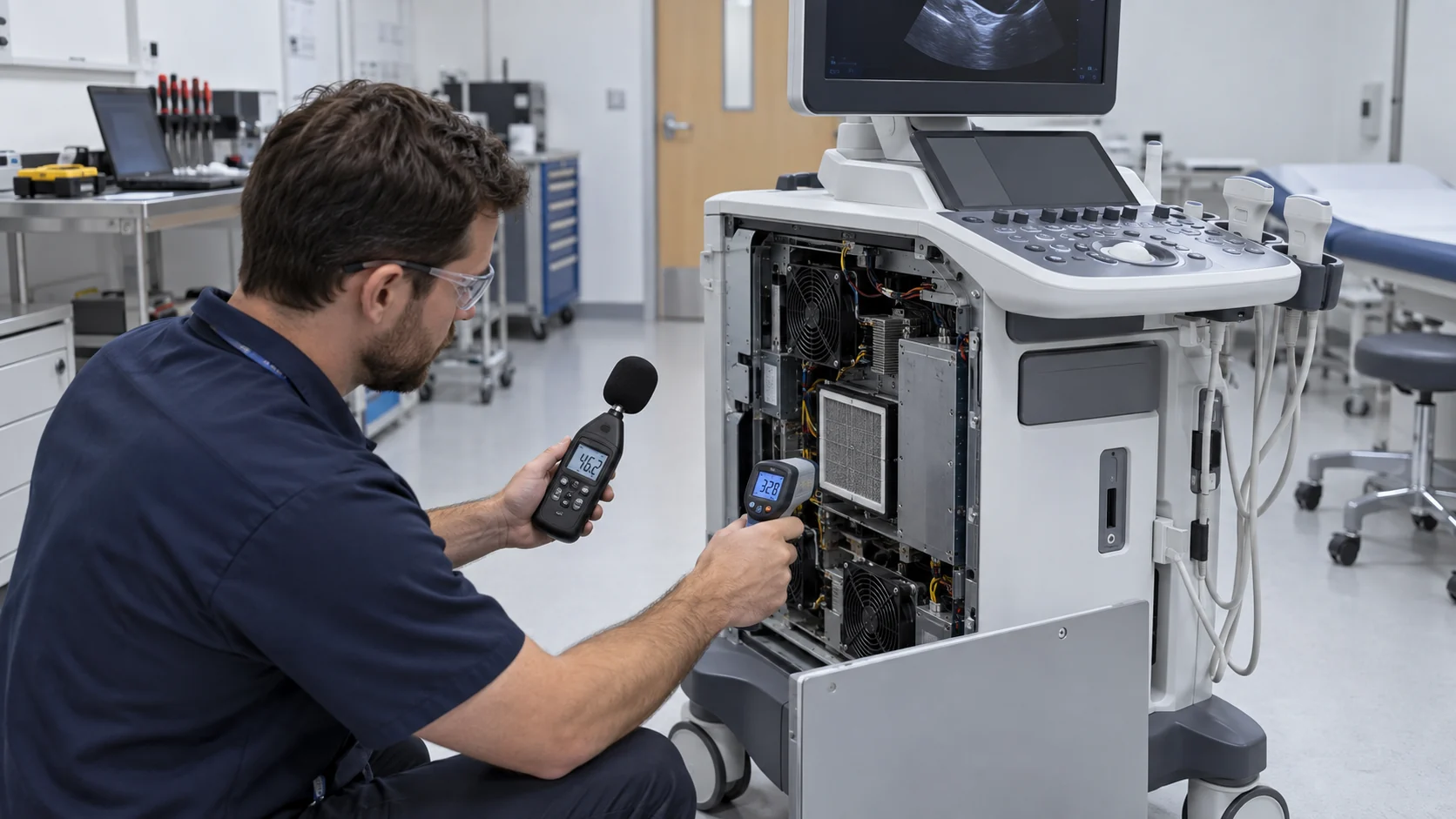
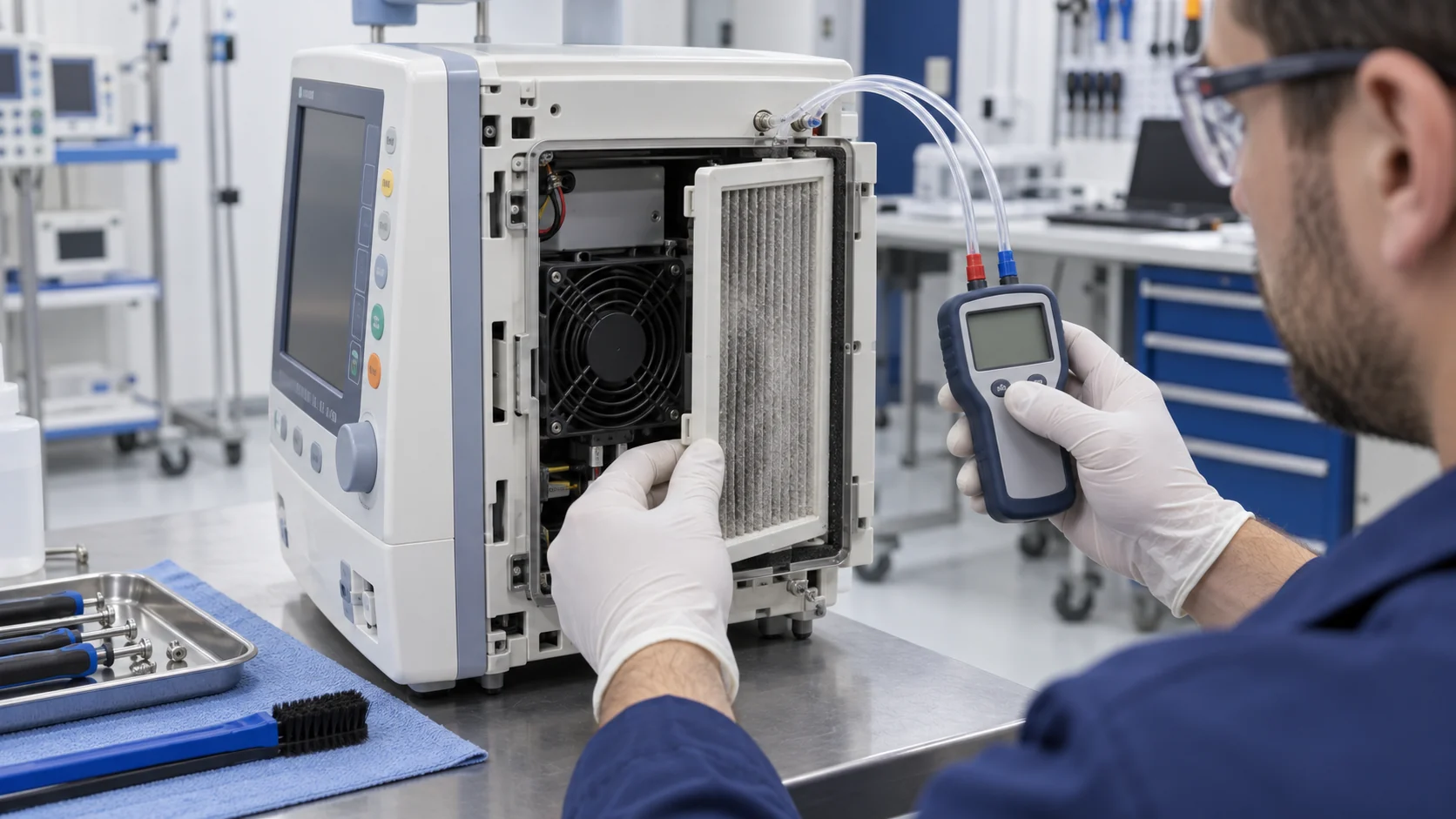
Sample validation should take place in the representative enclosure with the real grille, filter, heat sink, duct and mounting structure. We measure sound pressure, temperature rise, airflow, pressure margin, PWM behavior, tach response and continuous operation, then refine the design with the customer. Once approved, the same configuration can move into reliable volume production with consistent quality and documented component data for the device team's verification process.
- Define the device heat load, pressure path, noise limit and operating profile.
- Customize the fan's size, speed, control, feedback, wiring, bearing and mounting.
- Validate acoustic and thermal performance in the representative medical enclosure.
- Transfer the approved sample into stable, traceable production.
Engineer FAQ: Medical Fan Noise, RPM and Operating Point
A quiet medical fan is defined by the complete device result at its required airflow and pressure, not by one isolated dB value.
Q: Why can the same fan family show very different dB values? A: Noise changes with model, speed, voltage, airflow, pressure, mounting and measurement method. Compare the exact model and operating point rather than treating a frame-size family as one acoustic result.
Q: Is sound pressure the same as sound power? A: No. Sound pressure depends on the receiver position and room, while sound power characterizes the source using a defined method. A fan or complete-device acceptance test must state which quantity was measured and where.
Q: Does a larger fan always make a medical device quieter? A: Not automatically. A larger fan may meet the required airflow at lower speed, but grille geometry, pressure drop, blade tone, mounting and enclosure resonance can change the installed result. Verify equal delivered airflow and pressure in the final device.
Q: Can PWM reduce noise without creating a new problem? A: It can reduce normal operating speed, but minimum speed, hysteresis, switching tone, startup behavior, EMC and thermal margin must be validated for the exact fan and controller.
Q: What should a medical acoustic sample test include? A: Test the representative enclosure at patient or operator distance and at normal, peak and relevant transient duty points. Record airflow, pressure, RPM, temperature, power, overall A-weighted level, tonal or vibration components and the control state.
- Tie every numerical answer to voltage, speed, temperature, mounting and test condition.
- Separate catalogue maximums, engineering estimates and measured application results.
- Use the FAQ to define the next measurement or sample-validation step.
Checklist — designing a medical device that passes a quiet ward
A short checklist for turning “we bought a quiet fan” into “the device is genuinely quiet in front of a patient”:
- Ignore the single dB line — select on the fan’s running point at your back-pressure and speed, not on free-air max-speed noise.
- Size the fan so the normal operating point is low on the RPM curve, with headroom for hot-room peaks.
- Run the largest frame that fits at a low speed rather than a small frame at full speed.
- Match axial vs blower to the air path’s resistance; choose PWM so the fan idles silently at partial load.
- Audit the enclosure for the noise you add yourself: no sharp edges or obstructions at the fan inlet/outlet, speed-control hysteresis so the level never hunts, anti-vibration mounts so bearing noise stays out of the panels.
- Specify the PWM frequency, minimum speed, hysteresis and fault behavior, then verify that the motor and controller do not add an audible or EMC problem.
- Demand sound-pressure or sound-power data with the measurement method and operating point stated, then verify the whole device against its clinical-environment noise target — not a datasheet headline.