Why a hotend fan failure looks like a filament problem
A printer can continue moving normally while extrusion quietly degrades. The hotend fan is a thermal protection device, not just another airflow accessory.
A mid-print click, rising extrusion force or a nozzle that stops feeding filament is often investigated as a slicer, filament or nozzle problem. Those causes are real, but the cold side of the hotend deserves an earlier check. If the heat sink is not kept sufficiently cool, the softening zone moves upward from the heater block. Filament can then expand or deform before it reaches the intended melt zone, and the extruder begins to grind or skip.
This failure is difficult because the symptom may appear after a long delay. The fan can spin at startup, the printer can pass a short bench test and the nozzle can extrude normally in an open room. The same assembly may fail after two hours in a warm enclosure, after dust fills the heat-sink fins, or after a toolhead cable briefly disturbs the fan inlet. A catalogue airflow number cannot describe all of those conditions.
Prusa's heat-creep guidance identifies several contributors: warm ambient air or an enclosure, insufficient heat transfer at the hotend, not enough heat-sink airflow and slow material flow. It also stresses fan direction, fan speed and heat-sink cleanliness. Those observations lead to a practical OEM question: can the selected fan protect the heatbreak at the real inlet temperature, pressure drop, command range and service condition?
This article turns that question into a design and validation plan. The numeric examples are illustrative engineering estimates, not universal limits. Replace them with the printer's hotend design, material process window, fan curve and approved thermal limits.

Define the hotend fan's real thermal duty
The fan does not cool the nozzle directly. It protects the cold side of the hotend by keeping the heatbreak and heat sink inside a controlled temperature boundary.
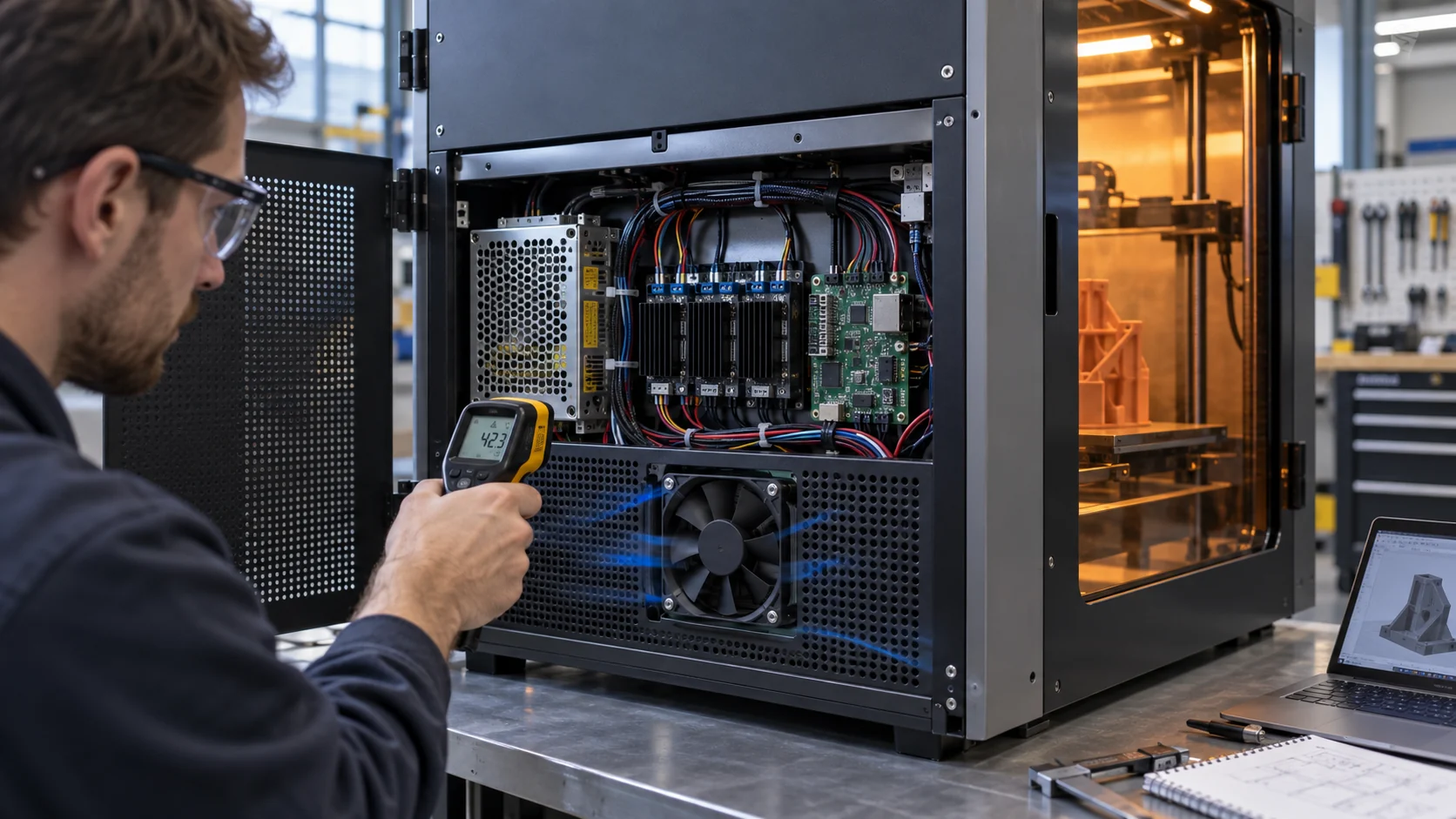
The heater block is meant to be hot; the upper heatbreak and heat sink are not. A thermal design therefore needs a defined temperature map rather than a single statement such as fan on or fan off. Record the heater-block temperature, heatbreak or filament-entry temperature where the design allows it, heat-sink temperature, fan-inlet temperature and the temperature of nearby printed or structural parts.
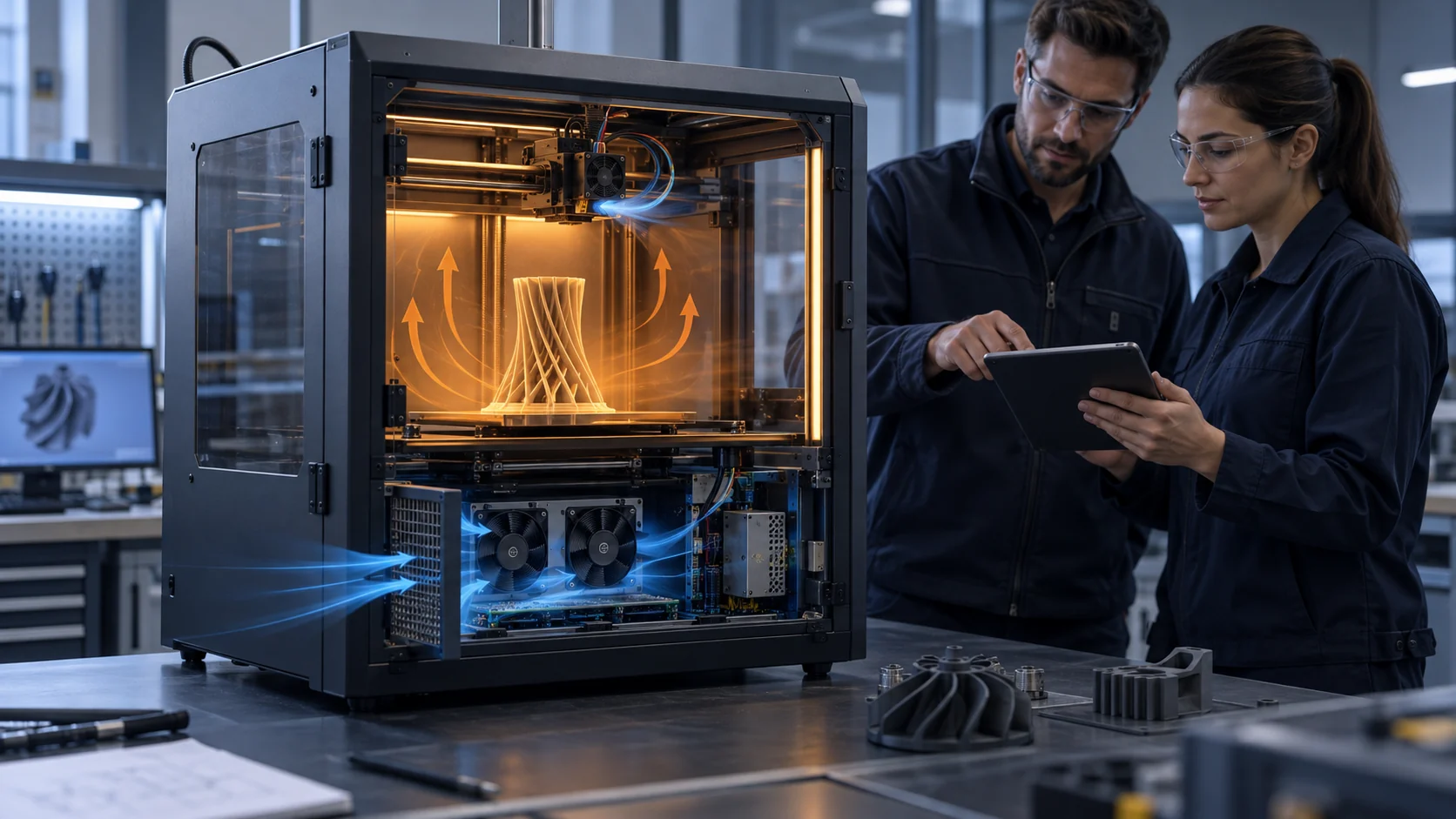
A useful first review separates three heat paths. Heat travels upward from the heater through the heatbreak, hot air can recirculate around the toolhead, and the fan removes heat through the fin stack. The fan only controls the third path. If the heatbreak interface is poor, the fan may be forced to overcome a mechanical thermal problem. If the fan draws air from a warm chamber, its mass-flow and temperature margin can both change. If the shroud leaks around the fins, the rotor can spin while the useful local velocity is low.
For an illustrative test, assume a printer's approved cold-side limit is 45 C at the filament-entry sensor, with a 25 C room and a 35 C enclosed-chamber case. The fan requirement is not simply to hold 45 C in the room. The design should show the measured temperature after a stable hotend soak, during slow extrusion, during a long retraction-heavy job and after a restart. The 20 C room-to-limit margin is a test envelope, not a guaranteed result for any particular fan.
Do not copy a model-specific RPM rule into a new product. Prusa publishes an example range for a specific printer family, but RPM depends on the fan geometry, voltage, sensor method, duct pressure and hotend assembly. Use RPM as a health signal alongside temperature and installed airflow, not as a substitute for them.

Build the pressure budget around the small heat sink
A 40 mm fan can face a meaningful pressure load when the inlet, shroud, fin stack and outlet are compact.
Start by drawing the complete path from room or chamber air to the heat sink and out again. Include the fan inlet clearance, protective grille, printed shroud, bend, fin stack, cable obstruction and outlet. The toolhead may move through a different pressure environment at different positions, so note any nearby wall, carriage plate or cable bundle that changes the available area.
Here is an illustrative planning calculation. Suppose a hotend path is estimated at 8 Pa for the inlet grille, 12 Pa for the shroud and turn, 18 Pa for the heat sink and 7 Pa for the outlet mesh. The clean-path total is 45 Pa. If a service condition raises the fin and mesh losses by 50 percent, the same path is approximately 58 Pa. Those values are not universal 3D-printer losses; they show why a fan should be checked at both the clean and service operating points.
If a candidate produces 0.8 CFM at 45 Pa but the thermal test needs 1.1 CFM at that pressure, increasing the free-air rating does not prove the solution. Plot the fan's P-Q curve against the measured or estimated system curve. If the crossing point moves too close to shutoff, improve the shroud, increase the available inlet area, change the fan type or select a fan with more pressure margin.
A centrifugal blower may be appropriate when the toolhead requires a tight turn or a narrow outlet. An axial fan may be the better choice when the path is short and open. The correct answer is the installed curve, acoustic behavior, mass and control interface together. The P-Q curve guide explains the same operating-point method for broader fan applications.

| Path element | Clean estimate | What to verify |
|---|---|---|
| Inlet grille and clearance | 8 Pa | Fan orientation, nearby wall and free area |
| Printed shroud and bend | 12 Pa | Actual print tolerances and leakage |
| Heat sink | 18 Pa | Fin spacing, dust state and local velocity |
| Outlet mesh | 7 Pa | Open area and cable obstruction |
| Clean-path planning total | 45 Pa | Replace estimate with a test or supplier curve |
| Illustrative service state | about 58 Pa | Re-test after dust or restriction is defined |
Treat dust and warm chamber air as design inputs
The hotend fan is often small, close to the print process and exposed to the same contamination that slowly reduces the heat sink's effectiveness.
Fine dust on the heat-sink fins reduces the surface available for heat transfer. Dust on the fan can also disturb the rotor balance and reduce the open area at the inlet. Prusa specifically recommends cleaning the heat sink and fan after many hours of printing. For an OEM, that maintenance note should become a service condition in the verification plan, not a footnote after a field failure.
The chamber condition matters as well. A fan moving 1 CFM of 25 C air is not equivalent to the same fan moving 1 CFM of 45 C air when the heat sink must stay below a fixed temperature. High chamber temperature also changes the thermal gradient through the heatbreak. If the printer uses PLA in a closed and unventilated enclosure, the process may create exactly the heat-creep condition the fan is expected to prevent.
Create at least three environmental states: clean room or open-frame inlet, normal enclosure inlet and the warmest approved chamber inlet. Add a defined dust or filter condition if the product will operate in a workshop, farm or production floor. State whether the service condition is a measured mass of dust, a pressure-drop limit or a maintenance interval. Without that definition, two test teams can report different results while believing they used the same condition.
Do not automatically respond to a warm chamber by increasing every fan speed. A faster rotor can add noise and power while still drawing air from the wrong zone. First check the inlet location, recirculation, shroud leakage and whether the hotend fan and electronics fan are competing for the same warm air.
Validate low-speed startup, feedback and fault behavior
A hotend fan can be thermally critical even when its commanded speed is low. The controller must know whether the fan started and whether it remains healthy.
The part-cooling fan and hotend fan have different control philosophies. A part fan may be intentionally commanded to zero for the first layers or for a material profile. A hotend fan may need to run whenever the heater is active. The firmware and electrical interface must not treat an expected part-fan zero as equivalent to an unexpected hotend-fan stall.
For a PWM fan, characterize the minimum reliable start command, the minimum stable running command, the response time to a step and the recovery after a power interruption. Test the low end at the minimum and maximum supply voltage. An illustrative protocol might test 20 percent, 30 percent and 40 percent command, but those percentages are only test points; they are not recommended universal operating values.
FG or tach feedback can prove that the rotor is turning, while RD or lock output can identify a fault when supported by the selected interface. Neither signal proves that useful airflow reaches the heat sink. Log the feedback beside inlet temperature, heat-sink temperature, current and the installed pressure or velocity evidence. A normal RPM with an obstructed shroud is still a thermal failure risk.
Include fault injection: disconnect the fan, block the rotor briefly only under a controlled and safe test method, remove the feedback signal and restart the printer after a power interruption. Define what the controller should do: pause, reduce heater power, raise an alarm or enter a safe state. The fan supplier can provide electrical behavior and sample data, but the printer OEM owns the final protective logic.
Check motion, vibration and acoustic behavior at the toolhead
A fan that passes on a stationary bench can fail mechanically when it is carried through thousands of toolhead moves.
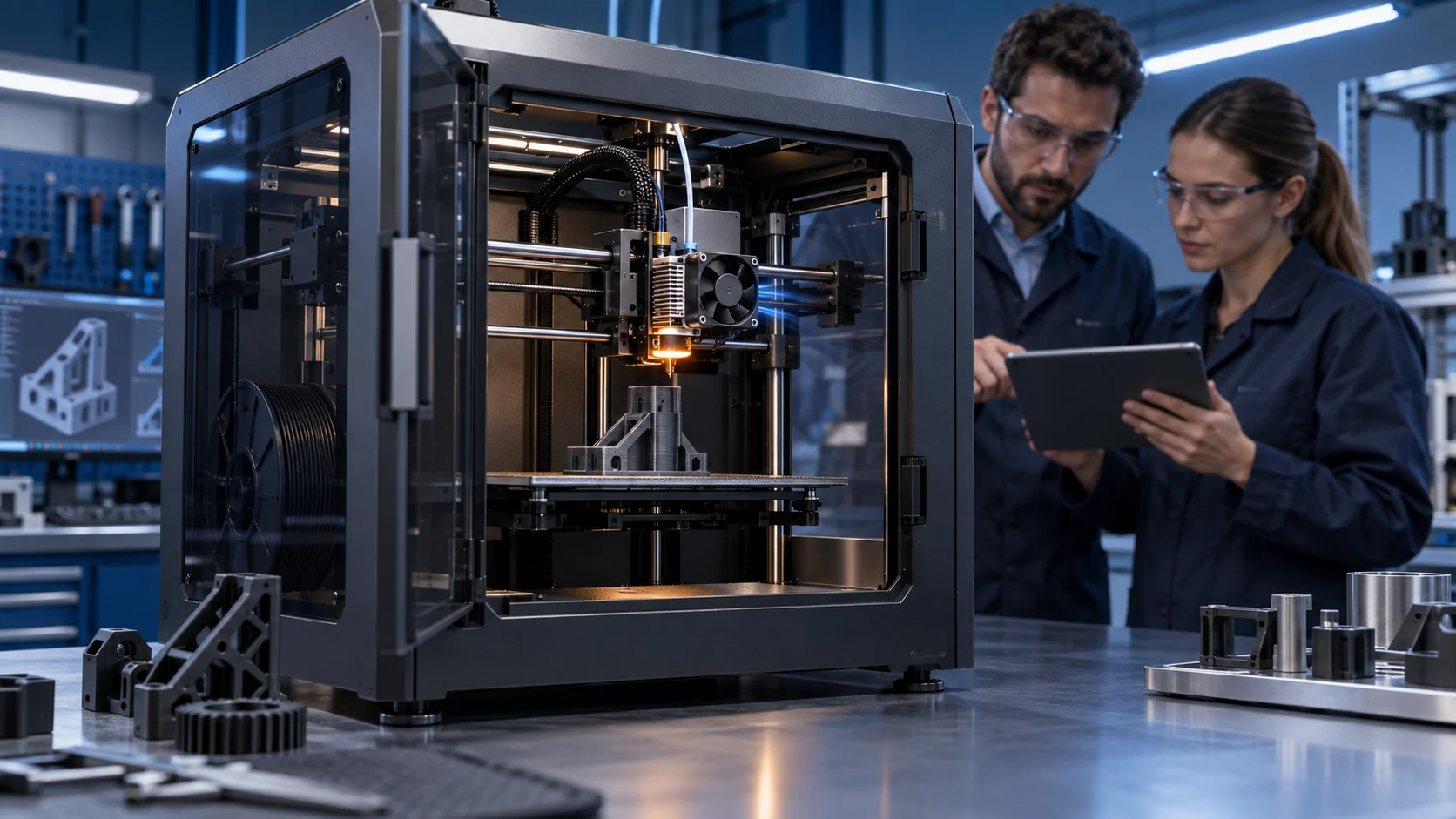
The toolhead is a moving machine element. Fan mass changes acceleration demand, an imbalanced rotor creates periodic force and a flexible shroud can amplify both vibration and noise. The test should reproduce the mounting plane, screw torque, gasket, cable bend radius, orientation and travel of the real printer. A flat fixture is useful for screening, but it cannot reveal every integration problem.
Check clearance at the full travel envelope, not only at the home position. A cable may touch a guard during a diagonal move. A printed duct may flex toward the impeller after it warms. A connector can pull on the fan frame when the harness is routed too tightly. These are small mechanical details, but they can create intermittent contact, an RPM dip or a tonal acoustic peak that looks like an electrical fault.
Measure noise under installed pressure, with the printer stationary and with representative motion. Separate broadband airflow noise from tonal motor or blade noise. If a supplier provides a dBA value, ask for the test distance, background level, voltage, speed and whether the fan was free-air or installed. The same fan can have a different acoustic signature after a narrow outlet or grille is added.
For production approval, write pass criteria before testing: no rotor contact, no intermittent feedback loss, no unacceptable vibration, no fastener loosening and no acoustic peak above the product limit. If a larger fan improves pressure margin but adds too much moving mass, a compact blower or a revised shroud may be the better system decision.

Use long-print evidence instead of a short spin test
A reliable hotend fan is a repeated process result: it starts, maintains the thermal boundary and reports faults over the complete print duty.
Begin with a baseline print that exposes the hotend to the intended heater temperature, retraction pattern, layer time and material. Add a long-duration condition that represents the actual product, not only a convenient calibration cube. If the printer is sold for enclosed operation, test inside the enclosure at the maximum approved chamber temperature. If the hotend fan is expected to be continuous duty, run the fan for the full test window rather than cycling it as a laboratory shortcut.
A useful report includes time histories, not only pass or fail words. Plot fan command, RPM or FG, current, inlet air, heat-sink temperature, heatbreak temperature where available, chamber temperature and extrusion events. Mark the first sign of clicking, under-extrusion, missed steps or a temperature excursion. If the fault occurs after 120 minutes, a 10-minute test has not reproduced the relevant risk.
Repeat the test after a controlled restart and after a warm soak. Test the lower supply voltage and the connector actually planned for production. If the design includes a dust service limit, repeat at that condition. For the part fan, include bridges, overhangs and material profiles; for the hotend fan, focus on cold-side temperature and extrusion stability. Do not let a good part-cooling result hide a weak hotend result.
The approval decision should compare the fan and assembly, not just the motor. If the temperature margin is small, return to the pressure budget, inlet location and shroud geometry before simply increasing RPM. A sample that passes after a mechanical redesign is more valuable than a catalogue part that passes only in free air.
| Test area | Record | Pass question |
|---|---|---|
| Thermal | Heat-sink, heatbreak and inlet temperatures | Does the cold side remain below the approved limit after warm soak? |
| Air path | Installed pressure, velocity or P-Q operating point | Does useful air cross the real fin stack? |
| Control | Voltage, PWM, current, RPM/FG and RD state | Does the fan start and report correctly at every required command? |
| Mechanical | Clearance, vibration, fasteners and cable motion | Does the moving toolhead remain safe through full travel? |
| Long print | Time history and extrusion events | Does performance remain stable for the complete duty? |
| Service | Dust or filter condition and maintenance access | Is the result repeatable at the defined service boundary? |
How MEGA Tech can support a hotend fan program
The useful starting point is the installed constraint, not a request for the largest fan that fits the frame.
MEGA Tech develops customized DC cooling fans and compact centrifugal blowers around the installed duty. For a 3D printer, customization may involve frame or thickness, connector and cable length, PWM behavior, FG or RD feedback, airflow direction, bearing configuration, mounting detail or a blower outlet shaped around the toolhead duct. We select by the operating condition and validate samples on the customer's assembly rather than treating the same outline dimension as proof of equivalence.
For a first engineering review, provide the available envelope, voltage range, target airflow or pressure, warmest fan-inlet temperature, chamber temperature, control interface, connector pinout, noise target, duty cycle, service condition, expected life and the pass/fail limits for the hotend. A CAD section, photographs of the current shroud and a short description of the failure often reveal more than a part number alone.
We can help with a small first build for an early-stage printer, a replacement sample for an installed fan or a production-oriented variant after the thermal path is defined. The sample should be checked by the printer team for heatbreak temperature, extrusion stability, moving clearance, acoustic behavior and the controller's fault response.
Our boundary is clear: MEGA Tech supplies and customizes cooling fans and fan samples. We do not replace the printer controller, heater, hotend, enclosure safety design, filtration certification or material-process qualification. Those system responsibilities remain with the printer design team.
Recommended Fan Starting Points
These catalogue series may be suitable starting points for this application. Final selection depends on the installed airflow, static pressure, voltage, noise target and operating environment.
Request a sample for validation on your equipment.
Engineer FAQ
Short answers to the questions that usually appear during a hotend cooling design review.
Q: Is maximum CFM the best way to choose a hotend fan? A: No. Use the installed pressure-flow point and verify that useful air crosses the heat sink. Free-air CFM is only a screening value.
Q: Does normal RPM prove that the hotend is safe? A: No. RPM can confirm rotor motion, but it does not prove fan direction, shroud sealing, heat-sink airflow or a safe heatbreak temperature.
Q: Can a larger fan always prevent heat creep? A: No. A larger fan may add pressure margin, but it can also add mass, noise or carriage load. Check the inlet temperature, pressure path, mounting and thermal boundary together.
Q: Should the hotend fan be controlled like the part fan? A: Usually not. The part fan follows material and layer conditions; the hotend fan normally has a protection duty whenever the hotend is hot. The exact rule belongs to the printer's safety design.
Q: How should dust be included in validation? A: Define a measurable service state, such as a pressure-drop limit, a filter condition or a controlled contamination method. Repeat the installed thermal test at that state.
Q: When is a blower better than an axial fan? A: When the toolhead needs a compact turn, narrow outlet or higher pressure. Confirm the complete blower curve, inlet clearance, mass, noise and outlet geometry.
Q: What should a custom supplier receive before making a sample? A: The envelope, voltage, pressure and airflow target, temperature basis, PWM/FG/RD interface, connector, noise limit, mounting, duty cycle, service condition and sample acceptance test.
Questions for a hotend fan design review
Use these questions to turn a hotend fan discussion into an evidence-based requirement.
- What is the approved heatbreak or filament-entry temperature limit, and where is it measured?
- What are the fan-inlet temperature, chamber temperature and supply-voltage limits at the worst operating condition?
- What pressure losses come from the grille, shroud, bends, heat sink, outlet and cable obstruction?
- Where is the operating point on the fan P-Q curve at clean and service conditions?
- Does the fan start reliably at the minimum voltage and low commanded speed?
- What do PWM, FG or RD prove at startup, steady operation, restart and a fault?
- Does the moving toolhead pass clearance, vibration, noise and cable-flex checks through the full travel?
- What long-print duration, material, chamber condition and extrusion evidence will approve the sample for production?
- Which responsibilities remain with the printer team: controller protection, heater control, enclosure safety and material qualification?