Why high-speed printing turns fan selection into a system problem
A faster printer does not simply need a larger fan. It needs a cooling path that remains predictable when the toolhead moves, the duct is restrictive, the chamber is warm and the slicer changes fan command layer by layer.
The usual specification starts with a fan size and a free-air airflow number. That is useful for a first search, but it does not answer the design question: how much air reaches the layer, heatbreak or electronics bay after the fan is installed? A compact 3D printer can contain a grille, a curved duct, a heat sink, a filter, a cable opening and a narrow outlet in a path shorter than 150 mm. Each feature changes the pressure the fan must generate.
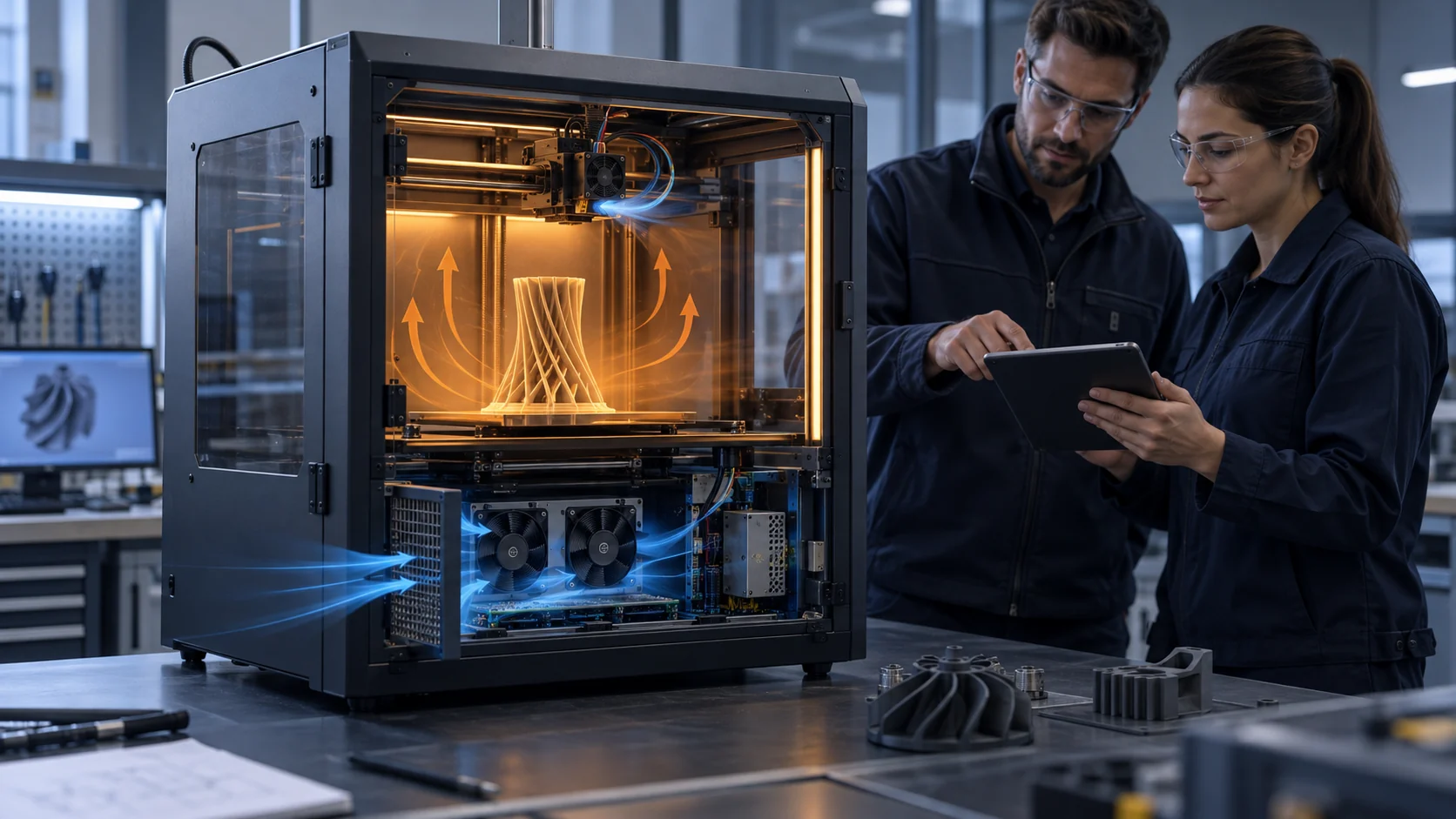
The problem becomes more visible at high print speed. A short layer time gives the polymer less time to solidify, so the part-cooling command can rise quickly. At the same time, the hotend cold side may need continuous airflow, while the chamber is intentionally kept warm for ABS, ASA or other temperature-sensitive materials. If these duties share an unplanned path, a fan that looks adequate on a bench can create a new failure: heat creep, warped bridges, weak layer bonding, electronics overheating or an acoustic peak that appears only when the head moves.
This article gives a practical selection method for a fan supplier or printer OEM. The numbers below are illustrative engineering estimates, not universal printer limits. Replace them with the real heat load, material profile, fan curve, duct geometry and acceptance limits of the machine under development.
Separate the three fan jobs before choosing a model
Hotend protection, part cooling and electronics ventilation have different success criteria. Treating them as one fan problem makes the specification impossible to test.
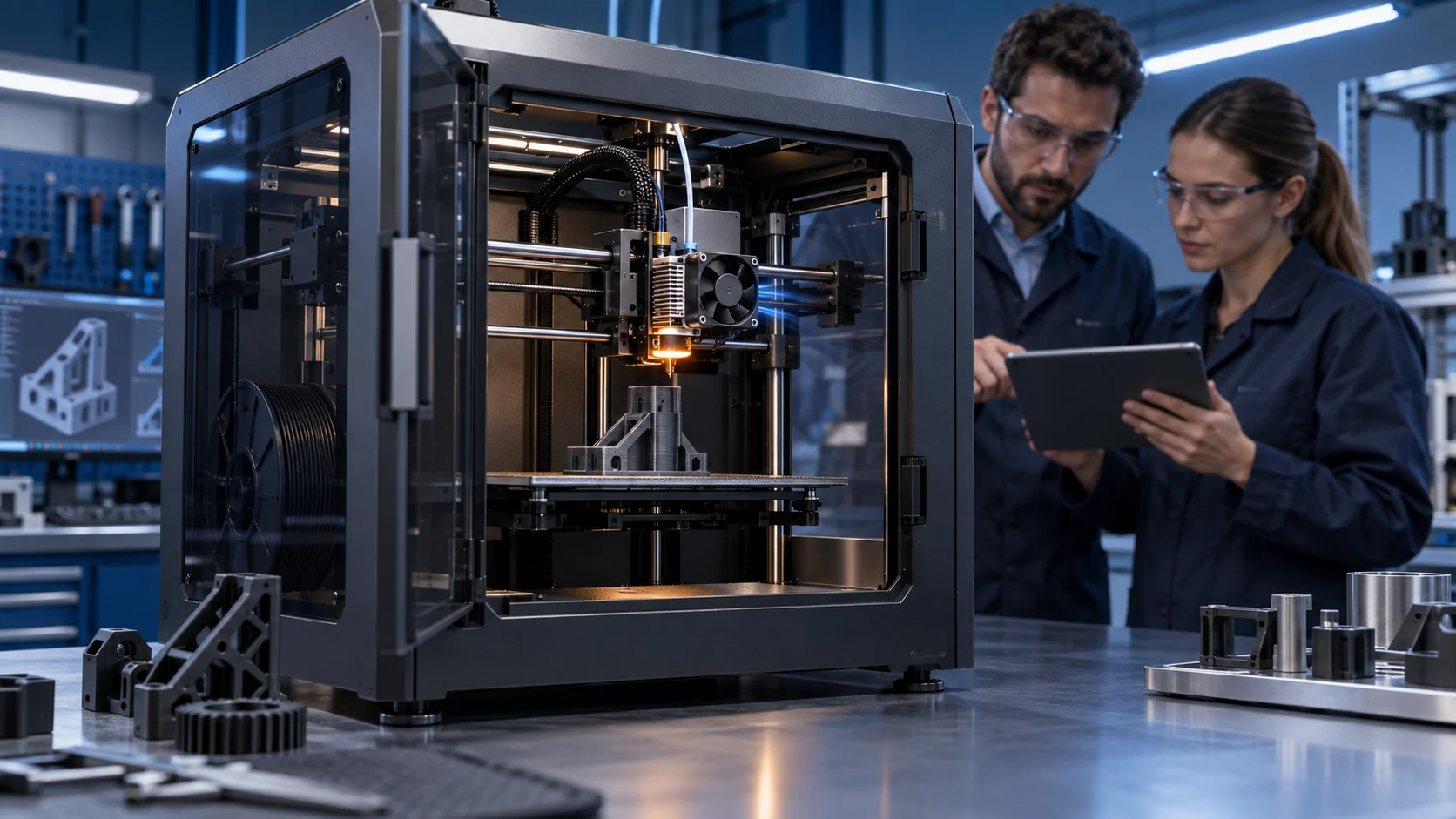
The hotend cold-side fan is a protection path. Its job is to keep the heatbreak and heat sink cold enough that filament does not soften above the intended melt zone. It normally runs whenever the hotend is hot, and it must start reliably at the commanded voltage and remain effective when the printer is inside a warm enclosure. A momentary stall can be more serious than a small reduction in print quality because it can create a blocked extrusion path during a long job.
The part-cooling fan is a process-control path. It is deliberately variable. A slicer may use a low command for the first layers, a higher command for bridges and overhangs, and a different command for short layer times. Prusa documentation describes this tradeoff clearly: cooling helps freeze material on bridges, but excessive cooling can increase warping or reduce layer-to-layer adhesion for some materials. That means the acceptance test is not maximum airflow. It is repeatable cooling response over the commanded range.
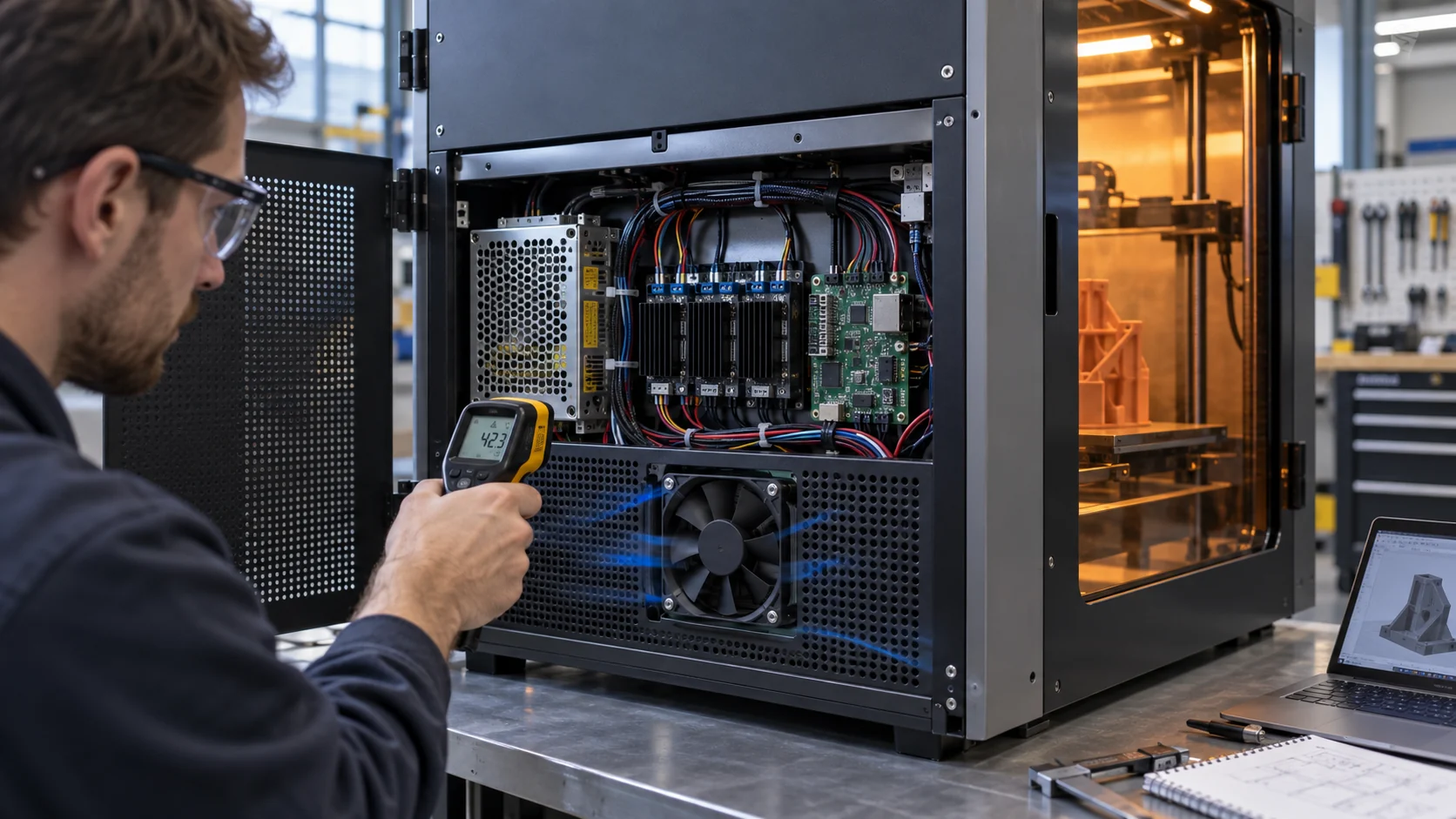
The electronics-bay fan is a reliability path. It must remove heat from stepper drivers, the mainboard, power supplies and other components without feeding the warmest chamber air back into the same compartment. Its requirements often include a filter, a grille, a service interval, a lower acoustic limit and a different control rule from the toolhead. The three paths can share a power supply, but they should not share assumptions about airflow, pressure or duty cycle.
The existing three-air-loop article explains the architecture in more detail. The practical extension here is to assign a measurable fan requirement to each loop before comparing part numbers.

Convert heat load into a first airflow target
A heat balance gives the fan search a physical starting point, but it does not replace a test of the actual duct and printer enclosure.
For a first estimate of sensible air cooling, use Q = P divided by rho times cp times delta T. P is the heat that the air path must remove, rho is air density, cp is the specific heat of air and delta T is the permitted air temperature rise. At sea-level reference conditions, rho is about 1.18 kg per cubic metre and cp is about 1005 J per kilogram-kelvin. These are calculation inputs, not a claim about every printer site.
Consider an illustrative electronics bay that dissipates 150 W and allows a 10 C air temperature rise. The calculation gives 150 divided by 1.18 times 1005 times 10, or about 0.0127 cubic metres per second, approximately 27 CFM. That is the ideal sensible-air requirement before grille, filter, heat-sink, recirculation, altitude and control margin are considered. If the design team applies a 1.3 planning factor for early sizing, the initial search target becomes about 35 CFM at the installed pressure, not 35 CFM at zero pressure.
A toolhead has a different balance. The hotend fan may remove a small average heat load but still need a strong local velocity over the heat sink. The part fan may be judged by surface temperature, bridge geometry and layer adhesion rather than by total cabinet CFM. For this reason, a single heat-load calculation should not be used to size every fan on the printer.
Record the assumed heat sources separately: control electronics, motors, power conversion, chamber leakage, radiant heat from the bed and any filtered exhaust. If the printer is installed in a warm room or at altitude, use the site air density and the highest credible inlet temperature in the calculation. The result is a design envelope that can be tested, not a catalogue promise.
| Input | Example value | Engineering use |
|---|---|---|
| Electronics heat to air | 150 W | Include drivers, PSU losses and measured auxiliaries |
| Allowed air temperature rise | 10 C | Set from component limits, not room comfort |
| Reference air density | 1.18 kg/m3 | Recalculate for altitude and high ambient |
| Ideal airflow | about 27 CFM | Before grilles, filters, ducts and recirculation |
| Early planning factor | 1.3 x | A screening value; validate with the system curve |
| Search target | about 35 CFM at installed pressure | Do not substitute free-air CFM |
Build the pressure-drop budget before comparing fan curves
A 3D printer duct can be small but restrictive. The pressure budget should name every loss so the fan is selected at the installed operating point.
List the air-path elements in order: inlet grille, filter, fan inlet clearance, bend, nozzle or duct transition, heat sink, outlet slot and any protective mesh. For each element, record a measured or estimated pressure drop at the target flow. The individual values do not need to be perfect on the first iteration; the important step is to expose the assumptions and then replace the largest uncertain value with a measurement.
An illustrative electronics path might contain 25 Pa across a clean filter, 18 Pa across a grille, 35 Pa through a short duct, 55 Pa across a heat sink and 22 Pa at the outlet. The sum is 155 Pa before the filter is loaded. If the fan is chosen from its free-air point, the printed cabinet may receive only a fraction of the intended airflow. If the fan curve is still steep at 155 Pa, the design has a credible starting point; if it is already close to shutoff, geometry or fan type needs to change.
The same logic applies to a toolhead, but the measurement plane is harder. A pressure tap at the fan outlet does not prove that the nozzle jet reaches the intended surface. Measure or compare the air path with the real shroud, nozzle, heat sink and moving cable bundle. A small gap can create bypass, while a sharp transition can create noise and local separation. The installed fan and duct are one component from the thermal test perspective.
Use the P-Q curve guide when plotting the fan curve against the printer system curve. The crossing point is the expected operating point. Validate it at clean and loaded filter states, minimum and maximum command, and the warmest inlet condition that the machine can see.

Choose axial or centrifugal airflow from the duct geometry
The right fan type is decided by the air path, not by the product category printed on the box.
An axial fan can be efficient when the inlet and outlet are open, the flow is mostly straight and the pressure drop is moderate. It is often a reasonable fit for chamber circulation or a spacious electronics compartment. Its weakness appears when the fan is placed close to a wall, followed by a narrow grille or forced through a long curved duct. The fan may still spin at the expected RPM while the installed airflow falls sharply.
A centrifugal blower is often better when the printer needs a compact turn, a narrow outlet or a higher pressure rise in a small envelope. It can feed a toolhead shroud or a constrained electronics duct, but it is not automatically better. The blower still needs a complete P-Q curve, an inlet free area, a stable mounting structure and an acoustic review. A restrictive outlet can move the operating point into a noisy or inefficient region just as it can with an axial fan.
For a printer OEM, compare candidates at the same installed pressure and the same electrical command. Record airflow, pressure, current, speed, noise and the temperature at the target surface. Do not compare one fan at free air with another fan at 100 Pa and call the higher CFM the winner. If the design uses PWM, check the low-duty start threshold, response time, minimum stable speed and behavior after a fast command change.
Fan size is also a mechanical choice. A larger, slower fan can reduce tonal noise and bearing stress, but a moving toolhead may not tolerate the added mass. A smaller blower can fit the carriage but may require a more careful mount and create a higher-frequency acoustic signature. The best candidate is the one that satisfies the complete thermal, mechanical and electrical boundary.
| Subsystem | Likely starting point | Must be verified |
|---|---|---|
| Hotend cold side | Compact axial fan or blower | Cold-side temperature, startup, continuous duty, FG/RD |
| Part cooling | Small axial fan or compact blower | Jet distribution, PWM range, bridge and material response |
| Heated chamber circulation | Low-pressure axial circulation | Uniformity map, recirculation and acoustic level |
| Electronics bay | Axial fan or high-static blower | Loaded filter pressure, component temperatures and service life |
| Filtered exhaust | Pressure-capable fan or blower | Filter loading, capture path and chamber temperature impact |
Control fan speed by the process, not by habit
A useful fan control profile has a reason for every speed range and a safe state when feedback is missing.
Part cooling should follow the printing process. The first layers often need limited cooling to preserve bed adhesion. Bridges and overhangs may need a higher command because the deposited strand is unsupported. Very short layer times can require either more airflow or a slower toolpath so the material has time to solidify. These are process decisions, so the fan should respond predictably to PWM rather than jumping between a dead zone and full speed.
Hotend cooling is different. It is normally enabled whenever the hotend is above its safe threshold and may remain on briefly after printing. A controller should distinguish a commanded zero for a part fan from an unexpected zero RPM on a hotend fan. FG or tach feedback makes this distinction visible; RD or lock detection can provide a separate fault signal when the interface supports it.
Electronics cooling can use a thermistor or board temperature, but the sensor location matters. Measuring room air beside the printer can miss the hot pocket above a stepper driver or power module. A useful control loop records command, RPM, current, inlet temperature, outlet temperature and the component temperature that defines the limit. If the fan command is high and the component continues to rise, the answer may be a lower-resistance duct rather than a faster fan.
Avoid making a broad claim such as one PWM percentage equals one airflow value. The relationship changes with pressure, voltage, temperature and fan sample. Characterize the actual fan and assembly at several commands, including the minimum reliable start point and the recovery after a temporary stall or power interruption.
Account for motion, vibration, noise and mass at the toolhead
A fan that is quiet and stable on a fixture can behave differently when it is carried through thousands of acceleration cycles on a print head.
The toolhead turns fan selection into a mechanical integration problem. Fan mass changes the force required to accelerate the carriage. An unbalanced rotor creates a periodic force that can appear as ringing in the printed surface, especially when the fan speed and motion frequency overlap. A flexible bracket can amplify the same force and make a good fan look like a bad one.
Check the mounting plane, screw torque, gasket or isolation strategy, cable routing and clearance from the impeller. A moving cable can touch a guard only at one corner of the travel. A shroud can be dimensionally correct at rest but flex into the rotor during fast moves. The validation fixture should reproduce the real travel, acceleration, orientation and temperature, not just hold the fan on a flat bench.
Noise also needs a defined measurement condition. Record the fan at the installed command with the printer stationary and while the toolhead moves through representative paths. Separate broadband airflow noise from tonal motor or blade noise. A lower dBA number at free air is not automatically better if the installed fan develops a sharp tone when the duct pressure rises.
For a production design, define pass and fail limits before the test: no contact, no intermittent RPM drop, no unacceptable acoustic peak, no rise in carriage vibration above the chosen limit and no thermal failure after a long print. The redesigned sample should be judged on the complete toolhead, not the fan label alone.

Balance heated-chamber temperature against electronics protection
The chamber temperature that helps one material can shorten the life of the electronics and reduce the margin of the hotend fan.
A heated chamber is not a uniform block of air. The bed, build plate, motors, hotend, enclosure walls and exhaust opening create gradients. The top of the enclosure may be warmer than the lower electronics bay, while a fan inlet near the rear panel may draw air from a stagnant pocket. Measure several locations rather than using one chamber sensor as proof of uniformity.
Prusa documents warn that high ambient conditions and enclosed operation can contribute to heat creep, and newer machines also report electronics or chamber overheating when ventilation is insufficient. These warnings describe a system boundary: the printer may need a warm process volume, but it still needs a controlled path for the components that cannot tolerate that temperature.
A practical architecture often uses internal circulation to reduce chamber gradients, a separate filtered intake for electronics and a controlled exhaust or vent for the machine room. The exhaust fan should be selected with the filter and outlet pressure included. Too much exhaust can damage the process temperature; too little can leave the electronics in a rising thermal pocket. The controller should use temperature feedback and a defined fallback state, not only a fixed timer.
The heated-enclosure three-loop guide can be used as the architecture checklist. For a new machine, add the fan duty, sensor position, pressure target and service condition to the product requirements document before the enclosure is frozen.
A practical validation plan for the real printer
The fan is ready for approval only when it passes the same mechanical and thermal conditions that created the original requirement.
Start with an instrumented baseline. Record fan voltage, PWM command, RPM or FG feedback, current, inlet temperature, outlet temperature, chamber temperature, heat-sink temperature and the relevant component temperature. For the part fan, add print quality evidence: bridge length, overhang angle, layer time, surface condition and layer adhesion for the materials that matter to the machine.
Test at three pressure states where possible: open path, normal installed path and degraded path with the real filter or grille condition. Test the hotend fan at the warmest credible inlet air and after dust has been introduced to the service boundary. Test the electronics fan at the maximum simultaneous heat load rather than with motors and heaters idle.
For PWM-controlled fans, record startup from zero, low-duty stability, command steps, recovery after a blocked or disconnected fan and the controller's response to missing FG or RD. The acceptance table should state the time window as well as the limit. A temperature that is acceptable for five minutes may not be acceptable after a two-hour print.
Repeat the test with the toolhead moving. Use representative acceleration and travel patterns, then inspect fasteners, shroud clearance, cable routing and vibration. If the result changes when the fan is mounted, the installed system is the product and the bench result is only a screening result.
| Evidence | Record | Example acceptance question |
|---|---|---|
| Air path | Pressure, airflow or velocity at the installed path | Does the fan reach the target at the real grille, duct and filter? |
| Thermal | Heatbreak, electronics, chamber and inlet temperatures | Does the limiting component stay below its approved limit over the full print? |
| Control | PWM, RPM/FG, RD state, current and voltage | Does the fan start and report correctly at every commanded state? |
| Mechanical | Clearance, vibration, fasteners and cable motion | Can the moving toolhead complete its travel without contact or resonance? |
| Process | Bridge, overhang, layer time and material result | Does cooling improve the intended feature without warping or weak bonding? |
| Service | Dust state, filter condition and replacement access | Will performance remain within limits between maintenance events? |
How MEGA Tech can support a 3D printer fan program
A custom fan sample is useful when the printer constraint is clearer than the available catalogue choice.
MEGA Tech develops customized DC cooling fans and compact centrifugal blowers around the installed duty rather than selecting only by frame size. For a 3D printer, that can mean a different frame or thickness, connector and cable length, PWM response, FG or RD feedback, airflow direction, bearing configuration, mounting detail, or a blower outlet shaped around the toolhead duct. The correct choice depends on the pressure-flow requirement and the mechanical integration.
For a useful first review, share the fan envelope, voltage range, target airflow or pressure, inlet temperature, chamber temperature, control interface, connector pinout, noise limit, duty cycle, expected service life, filter or grille condition and the sample quantity. A drawing, photograph and short video of the failure can be more valuable than a catalogue part number when the problem appears only during motion or after a long print.
Our boundary is important: MEGA Tech supplies and customizes cooling fans and fan samples. We do not replace the printer controller, heater, hotend, enclosure safety design, filtration certification or material process qualification. The final fan must still be validated by the printer team in the real machine with its approved thermal and print-quality limits.
For startups, the same method works before the design is frozen. A small first build can answer whether the fan fits, starts at the required voltage, reaches the installed pressure, stays quiet during motion and protects the limiting component. Once the sample is accepted, the interface and test record become a clearer basis for pilot production and replacement planning.
Recommended Fan Starting Points
These catalogue series may be suitable starting points for this application. Final selection depends on the installed airflow, static pressure, voltage, noise target and operating environment.
Request a sample for validation on your equipment.
Engineer FAQ
Short answers to the questions that usually appear during a 3D printer cooling review.
Q: Is maximum CFM the best way to choose a 3D printer fan? A: No. Use the installed pressure-flow point. A restrictive shroud, filter or grille can move the operating point far away from the free-air value.
Q: Should the hotend fan and part-cooling fan be the same? A: Not automatically. The hotend fan usually needs reliable continuous operation and heatbreak protection; the part fan needs controllable process cooling and a material-specific profile.
Q: Can a stronger part fan fix poor bridge quality? A: Sometimes, but first check nozzle speed, layer time, duct distribution, material and the actual jet at the bridge. More airflow can also increase warping or reduce layer bonding.
Q: Does a closed chamber always improve printing? A: No. It can help some materials by stabilizing the process temperature, but it can also raise the inlet temperature of the hotend fan and overheat electronics. Separate the thermal zones and measure them.
Q: When is a centrifugal blower better than an axial fan? A: When the toolhead or enclosure has a compact, restrictive or turning air path that needs more pressure. Confirm the blower curve, outlet geometry, noise and mass in the actual assembly.
Q: What should a custom fan supplier receive before making a sample? A: The envelope, voltage, target airflow and pressure, temperature basis, PWM/FG/RD interface, connector, noise limit, mounting, environmental exposure, duty cycle and the test conditions that will approve the sample.
Questions for a 3D printer cooling design review
Use these questions to turn a fan discussion into a testable engineering requirement.
- Which fan duty is being specified: hotend cold side, part cooling, chamber circulation, electronics bay or filtered exhaust?
- What are the heat load, maximum inlet temperature, chamber target and allowed temperature rise at the limiting component?
- What is the complete pressure path, including the shroud, grille, filter, heat sink, bends and outlet?
- Where is the operating point on the fan P-Q curve, and what happens when the filter is loaded?
- What must PWM, FG or RD prove at startup, low duty, full duty and a fault condition?
- Does the moving toolhead pass clearance, vibration, noise and cable-flex checks over the full travel?
- Which materials, layer times, bridges and overhangs define the part-cooling acceptance test?
- What evidence will let the team approve the sample for production rather than only for a bench demonstration?