A Room Temperature Number Cannot See a Hot Rack Inlet
AI workloads can move heat between zones faster than a room sensor can describe the risk.
A data-center room may report a comfortable average while one GPU server inlet is already too warm for the intended fan curve. This happens when the sensor is placed in a return path, far from the rack face, or where cool supply air hides the temperature of the actual equipment inlet. The server fan then responds to a delayed or incomplete signal.
The practical question is not whether the room is cool. It is whether the protected rack inlet and component stay inside their declared envelope at the current workload, air path and fan duty. ASHRAE's AI data-center framework recommends granular monitoring at rack inlets rather than relying only on room-level values, and its data-center guidance ties fan control to sensors located where they can maintain equipment inlet conditions.
For a fan supplier, this changes the requirement. The fan needs a stable command, the right pressure-flow behavior and a feedback interface that lets the system distinguish normal load from a bad air path. A replacement fan cannot correct a sensor that is measuring the wrong air.
What the Control Loop Is Actually Trying to Protect
A server fan curve should protect the hottest relevant component, not simply hold a room thermostat value.
The thermal chain has at least four temperatures: room or supply air, rack inlet air, local heat-sink or component temperature, and rack exhaust air. They are related, but they are not interchangeable. A cold-aisle sensor can show a good supply condition while an open U-space or cable bundle feeds warmer air into one device. An exhaust sensor can reveal load, but it is too late to serve as the only inlet protection signal.
The control objective should be written before the fan is selected. Examples include keeping the hottest GPU inlet below a declared limit, keeping a memory or VRM zone within margin, recovering after a workload step, or maintaining a safe state after one fan loses feedback. Each objective needs a sensor location, a filtering time, a fan response and an acceptance window.
A planning example uses a 20 °C rack inlet and a 12 K air-side rise for a 10 kW rack. With air density of 1.2 kg/m³ and specific heat of 1.005 kJ/kg-K, the estimated air flow is 10,000/(1.2×1,005×12) = 0.69 m³/s, or about 2,500 m³/h. This is a sizing estimate, not a product specification. If the inlet sensor is actually seeing 25 °C because of recirculation, the thermal margin and required fan duty change even if the room supply remains 20 °C.
| Signal | Good use | Common mistake |
|---|---|---|
| Room or supply air | facility control and trend reference | using it as proof of every rack inlet |
| Rack inlet, top/middle/bottom | equipment protection and airflow mapping | placing one probe where cool air bypasses it |
| Heat-sink or component sensor | fast local protection and fan response | ignoring the inlet path and creating noisy RPM changes |
| Rack exhaust | load balance and return-air analysis | using exhaust alone to prove component margin |
| Fan FG/RD and current | rotation, locked rotor and electrical health | treating normal RPM as proof of delivered airflow |
Sensor Placement Changes the Fan Requirement
The same fan can appear efficient or inadequate depending on which temperature signal drives its command.
A probe mounted directly in a fast cool jet may report a low temperature while a nearby heat sink is starved by a blocked or recirculating path. A probe behind a cable bundle may report a local hot pocket that does not represent the protected device. Neither placement is automatically correct; the installation must be correlated with the actual component and air path.
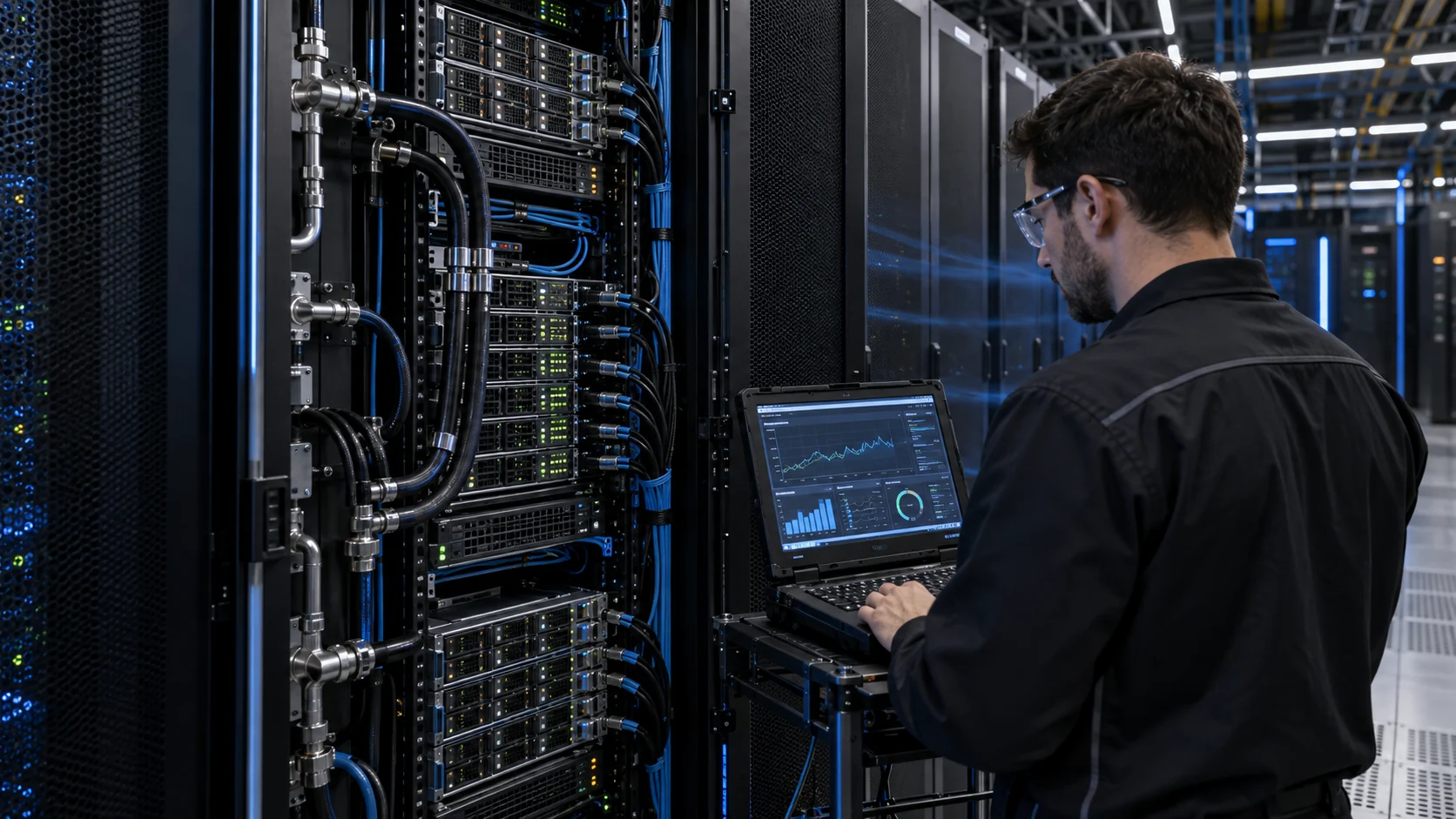
For commissioning, place measurement points at the rack face at several heights, then add local probes near the hottest expected zones. Record the distance from the inlet, the probe shield or mounting, the airflow direction and whether the probe is exposed to a jet. Repeat the map under idle, normal compute and peak workload. A two-point or three-point profile is often more useful than one highly precise sensor in an unrepresentative location.
NVIDIA's DGX infrastructure guidance specifies rack temperature sensors connected at the front of the rack, while ASHRAE guidance emphasizes sensor placement that keeps equipment inlet conditions within tolerance. The exact number and location still belong to the platform designer. The important rule is to identify the protected inlet and document it in the commissioning plan, not hide it inside a generic room-monitoring diagram.

Do Not Let a Sensor Chase a Recirculation Problem
A rising fan command can be a symptom of bad containment rather than a shortage of fan capacity.
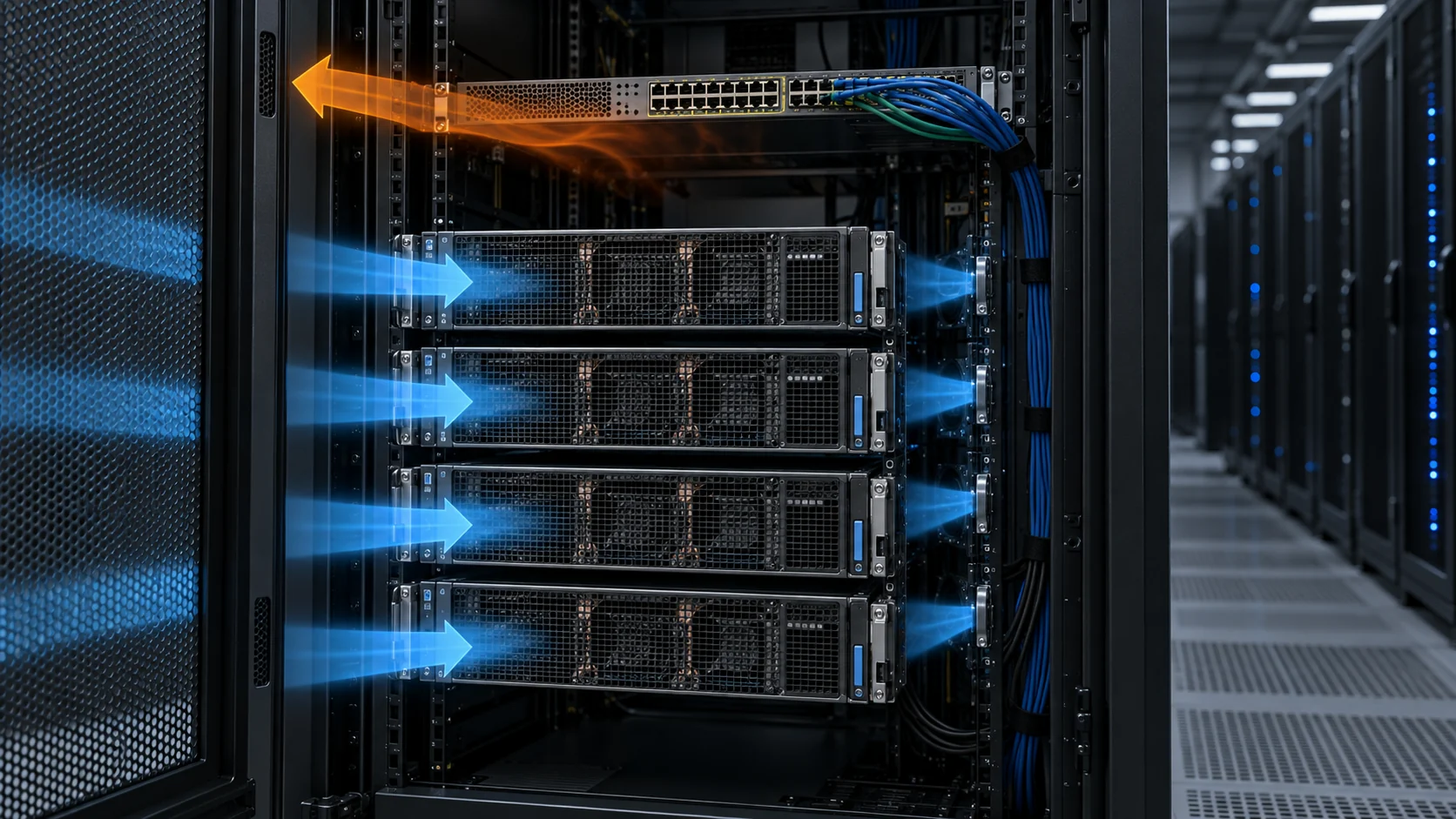
If hot exhaust crosses into a cold aisle, an inlet sensor correctly reports warmer air. The wrong response is to immediately raise every fan to maximum. That can increase pressure, noise and power while leaving the leak path intact. The first check should be blanking panels, tray seals, row ends, cable openings, chassis direction and the pressure relationship between supply and return paths.
The same issue appears when cold air bypasses the server. The return-air temperature may look lower than expected, so a facility controller may increase supply airflow. More supply can increase bypass through the same open gaps, lowering the coil delta-T without improving the protected component. Rack-inlet sensors help expose this because the device-side temperature does not improve in proportion to the room airflow.
ASHRAE describes both effects as air mixing: hot-air recirculation increases IT inlet temperature, while cool-air bypass reduces return-air delta-T and wastes cooling capacity. A fan sample should therefore be evaluated after the intended path is controlled, otherwise the supplier is being asked to compensate for the room installation.
Build a Fan Command from More Than One Signal
A robust control strategy uses temperature, workload and fan feedback rather than a single noisy value.
A practical server fan command can use the highest valid inlet or component temperature, with a slower facility loop controlling the room or CRAH condition. Workload state can add a feed-forward term when a predictable inference or training step is about to increase heat. Fan FG confirms speed, RD or locked-rotor status confirms a fault, and current can reveal a blocked or abnormal module. The exact algorithm belongs to the server maker, but the fan interface must expose the signals the algorithm needs.
Avoid making the fan respond to every small sensor fluctuation. Use a declared filtering time, a minimum stable duty, a ramp rate and a recovery rule. For example, a planning test might use a 5-second moving average for normal control and a faster fault path for an RD event. These are illustrative values, not universal requirements; the control designer must verify them against component time constants and service risk.
The fan also needs a defined minimum starting voltage or PWM command. If the controller reduces duty too far during a cool period, a replacement fan that has a different startup threshold may stall or repeatedly restart. Validate startup, minimum stable speed, command steps, FG pulse behavior, RD alarm timing and recovery at the actual supply voltage range.
| State | Record | Reason |
|---|---|---|
| Idle | inlet temperature, command, RPM, current | find minimum stable duty without hunting |
| Load step | temperature slope, command ramp and recovery time | prove the loop responds before the hotspot limit |
| Peak compute | highest local temperature and delivered airflow | validate the real thermal duty |
| Sensor fault | fallback command and alarm state | avoid silent under-cooling |
| Fan fault | RD, FG loss, current and surviving fan duty | prove the safe state and redundancy response |
The Installed P-Q Point Still Decides Airflow
Temperature feedback can tell the controller that cooling is insufficient, but it cannot create pressure that the fan does not have.
A server fan works against grilles, filters, heat sinks, cable obstructions and the chassis outlet. Its real operating point is where the fan P-Q curve intersects the installed resistance curve. When the inlet warms, the controller may increase RPM, but the delivered airflow still depends on the curve at that pressure. This is why a maximum CFM value is not enough for a custom fan sample.
During a sample review, compare the original and candidate at the same tray or chassis condition. Record pressure or an accepted airflow proxy, command, RPM, current, inlet temperature, local component temperature and noise. If the chassis changes, the curve must be checked again. A different grille, seal or heat-sink stack can move the working point even when the frame and connector are unchanged.
MEGA Tech can develop a custom DC axial fan or compact blower around the declared duty, voltage, PWM or FG/RD interface, mounting and acoustic target. The fan-side evidence must then be combined with the complete server validation. The server maker owns the final thermal, reliability, EMC, safety and platform approval.
Interactive: See Why the Control Signal Matters
Switch between a room-only sensor and a rack-inlet plus hotspot signal to see why the fan duty can diverge.
This animated schematic is qualitative, not a CFD result or a universal control curve. It shows the relationship between sensor location, workload heat and fan response. In a real platform, replace the illustrative states with the measured inlet, component and fan data from the actual rack.
The engineering question is not whether a faster fan is available. It is whether the sensor sees the condition that the fan must protect, whether the control loop is stable, and whether the fan has enough pressure and feedback compatibility at the installed point.
A Practical Commissioning Sequence
Use the same sequence for the original fan and the candidate so that the comparison remains defensible.
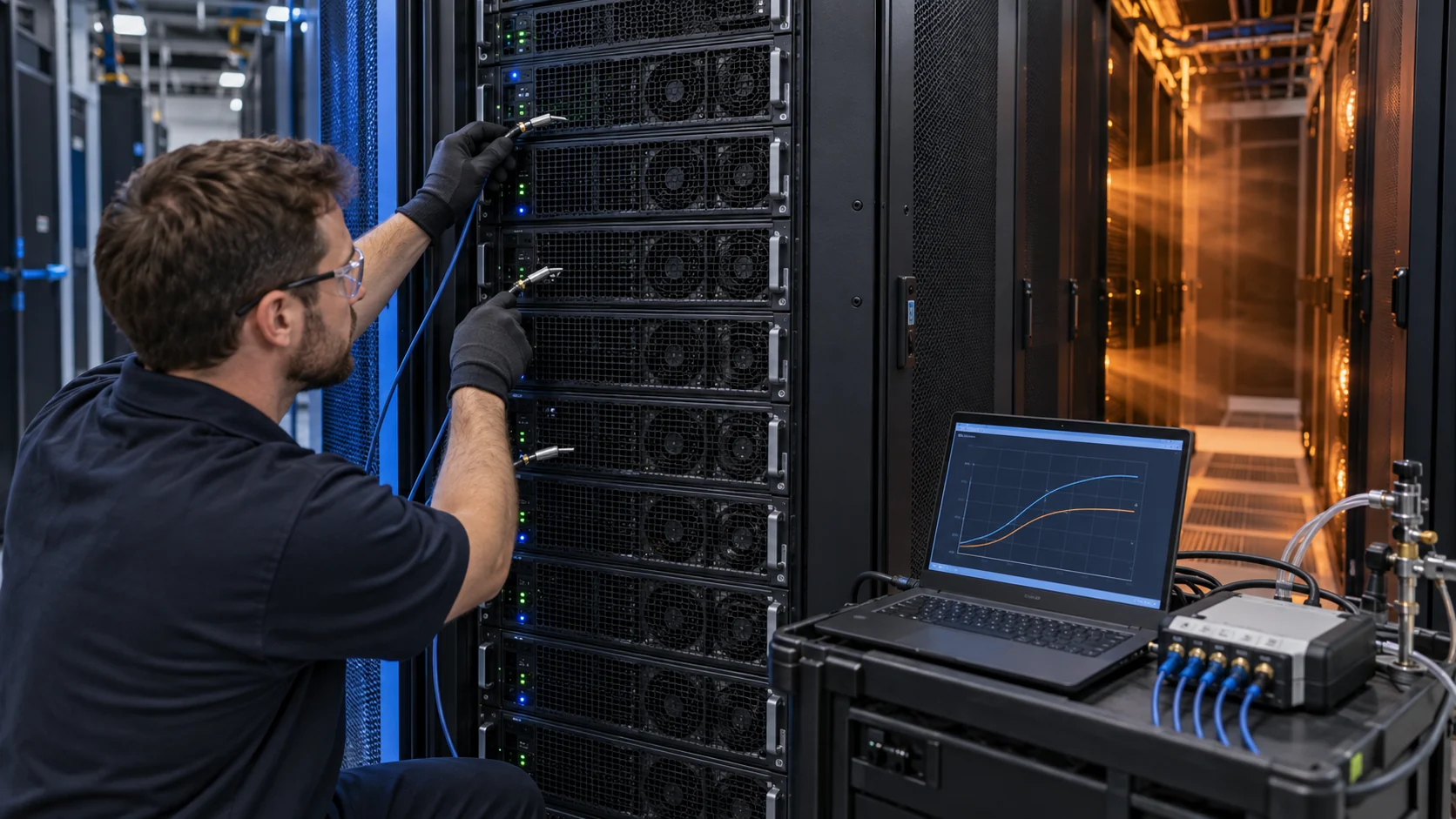
Start by freezing the mechanical condition: same tray, grille, blanking panels, cable routing, heat sinks, room supply and containment state. Mark the rack-inlet probe positions and record their distance from the equipment face. Confirm the fan direction, connector, voltage and control signals before applying the first command.
Run a baseline at idle, representative compute, peak compute and a controlled workload step. At every state record the three inlet positions, the protected hotspot, exhaust temperature, PWM or voltage command, RPM, current, pressure or airflow proxy and acoustic level. Hold each state long enough to separate a transient response from a stable operating point.
Then repeat with the candidate fan, followed by fault tests for FG loss, RD or locked rotor where the platform requires them. If the result changes after a cable or panel adjustment, record that as an air-path change rather than attributing it to the fan. This is how procurement gets a comparable sample report instead of a catalogue comparison.
Engineer FAQ: AI Server Inlet Sensors and Fan Control
Questions to settle before freezing the fan curve or approving a replacement.
Q: Is one room sensor enough for a rack? A: No. Room sensors are useful for facility control, but rack-inlet and local component conditions can differ because of bypass, recirculation, rack position and workload distribution.
Q: Should the fan be controlled by inlet air or component temperature? A: The platform may use both. Inlet temperature describes the air delivered to the server; component temperature protects the local silicon or heat sink. The chosen signal and filtering must be validated against the response time and failure risk.
Q: Why can the fan command oscillate? A: The sensor may be in a jet or recirculation pocket, the filter time may be too short, the PWM range may be poorly matched, or the system may be crossing an unstable operating region. Check the air path and command response before changing only the fan.
Q: Does normal FG prove cooling? A: No. FG proves rotation feedback. It does not prove delivered airflow through the actual grille, heat sink and chassis path.
Q: Can MEGA Tech set the complete server fan algorithm? A: MEGA Tech can review and tune fan-side response, PWM or voltage behavior, FG/RD interface and sample performance. The server maker owns the final controller firmware and system approval.
Q: What should be sent for a sample review? A: The current fan, tray or chassis, airflow direction, voltage range, connector and pinout, control signals, target airflow and pressure, sensor locations, workload states, noise target, service condition and expected quantity.
Questions for an AI Server Cooling Review
A short checklist converts a fan request into an engineering requirement.
- Where are the top, middle and bottom rack-inlet sensors, and do they see representative air?
- Which component or heat-sink zone sets the fan command at peak workload?
- Are bypass, recirculation, cable blockage and open U-spaces controlled before fan selection?
- What are the voltage range, PWM frequency, minimum stable command, startup threshold and FG/RD behavior?
- What pressure and airflow are required at the actual tray, grille and heat-sink condition?
- What filtering time, ramp rate and fallback command are allowed?
- What happens when an inlet sensor fails or becomes implausible?
- What happens when one fan loses FG, asserts RD or is removed for service?
- Which measurements will be repeated for the candidate fan at the same installation?
- Which values are fan-side evidence and which require complete server, rack and facility validation?