A Drop-In Fan Is Not Proven by the Frame Size
A replacement 3D printer fan must match the installed electrical, airflow, feedback and thermal behaviour before it is called drop-in.
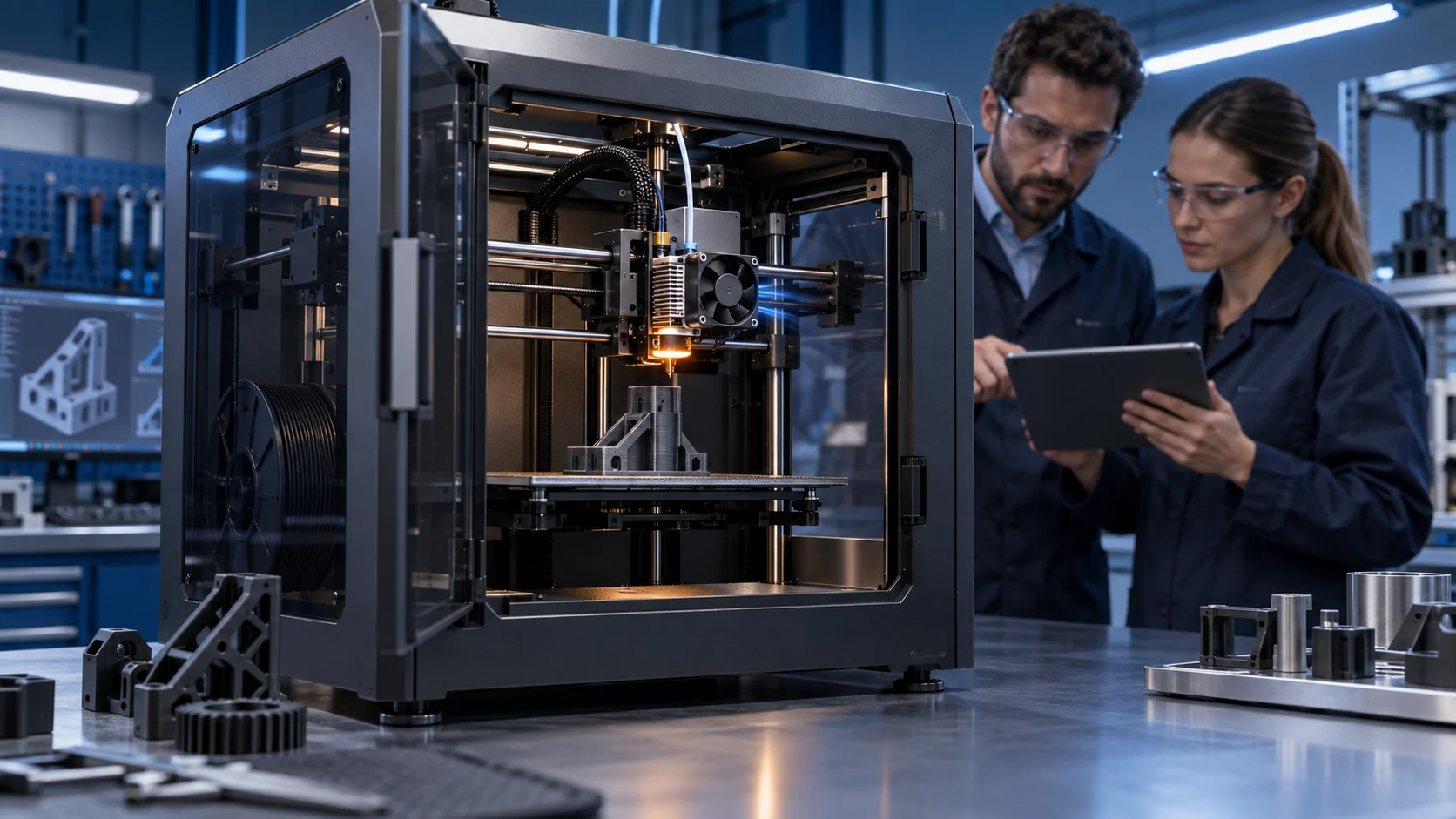
Replacing a printer fan looks simple when the frame, screw holes and connector appear identical. The risk is hidden in the operating point: the replacement may start at a different duty, report a different number of tachometer pulses, draw a different current, produce less pressure through the duct, or change the toolhead mass and acoustic signature. A label match is a useful search filter, not a qualification result.
This matters to printer OEMs and purchasers managing end-of-life parts, cost reduction or second sources. The right question is not whether the substitute spins on a bench. It is whether the printer keeps its thermal margin, print quality, firmware behaviour, noise target and service process with the replacement installed.
This article provides a practical A/B qualification method. Examples are illustrative planning values, not universal limits or MEGA product ratings. The final acceptance must use the printer's actual controller, fan path, material process and service condition.
Build the Compatibility Contract First
Write down what must remain unchanged before asking a supplier for a lower-cost or alternate fan.
The mechanical contract includes frame size, thickness, hole pattern, screw length, connector position, cable exit, guard, airflow direction, toolhead mass and the full axis clearance. The electrical contract includes nominal voltage, tolerance, startup current, running current, PWM method, PWM level and frequency, FG pulses, RD behaviour and alarm timing. The thermal contract includes required airflow or pressure at the installed path, inlet temperature, heat source and acceptance temperatures.
Prusa maintenance guides show why physical details matter: replacement procedures specify cable routing, connector handling, fan orientation and the correct fastener. A fan that fits the opening but exits in the wrong direction or pulls the cable into the moving toolhead is not a drop-in part. The installation record should capture these details before the sample arrives.
Add the service contract: expected life, dust condition, warm restart, cleaning method, access time, spare quantity and what the controller does when feedback disappears. If the printer is sold into a different region or material process, write the environmental and duty assumptions separately rather than hiding them in a generic life claim.
| Area | Must match or be requalified | Evidence |
|---|---|---|
| Mechanical | frame, thickness, holes, cable, direction and clearance | drawing, installed inspection and full-motion test |
| Electrical | voltage, PWM, current, FG/RD and connector | wiring check, waveform, startup and feedback log |
| Airflow/thermal | installed pressure, airflow, inlet temperature and heat margin | pressure/airflow proxy and print thermal test |
| Acoustic | level, tone and vibration at the real toolhead state | fixed microphone setup and spectrum check |
| Service | life assumption, dust, restart and replacement method | cycle record and maintenance procedure |
Do Not Compare Free-Air CFM with Installed Airflow
The reference and replacement must face the same duct, grille, heatsink or filter resistance.
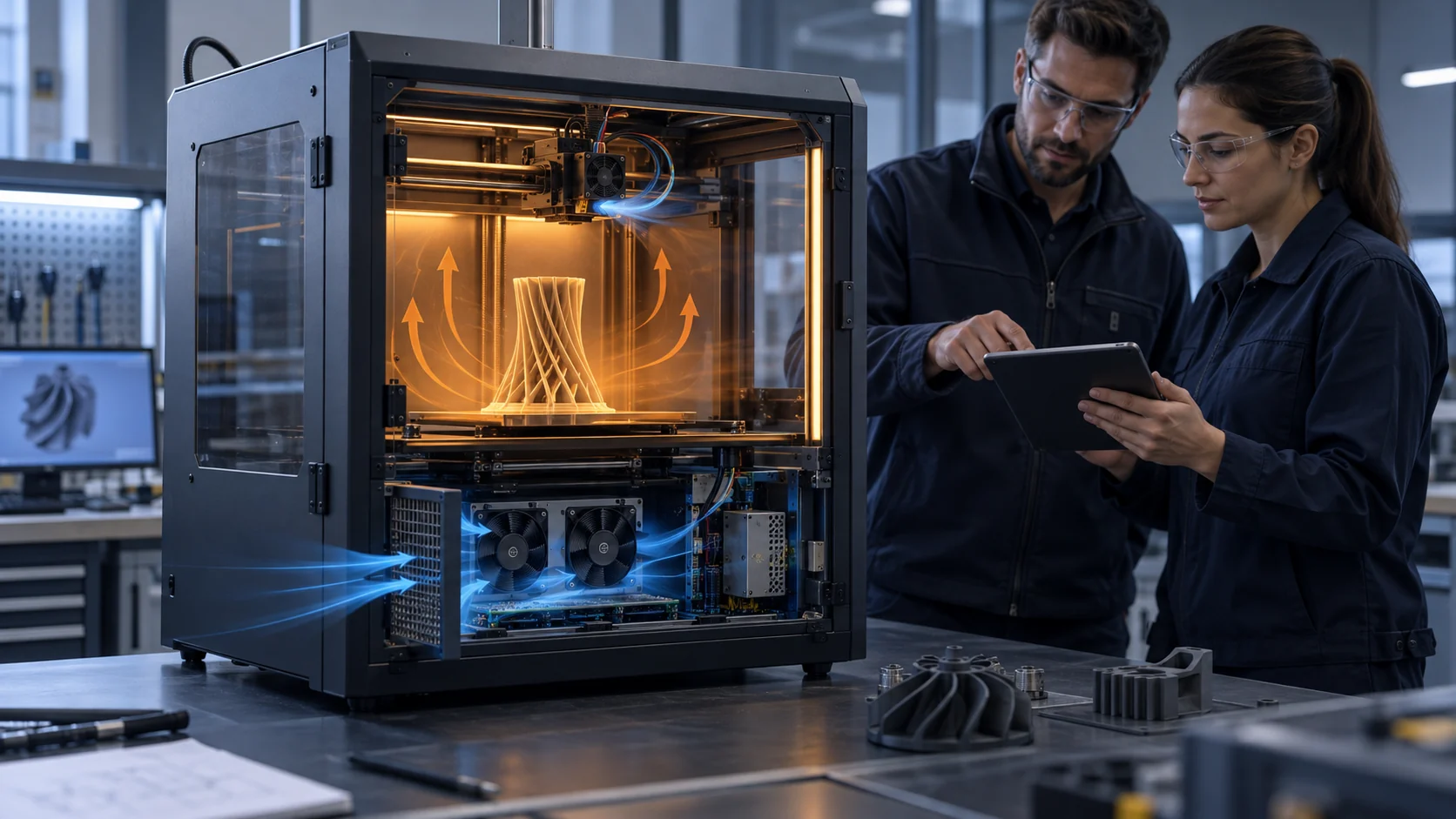
A catalogue may list maximum airflow at zero pressure and maximum static pressure at zero airflow. Neither is the operating point inside a 3D printer. Put the reference and sample in the same fixture and record command, connector voltage, RPM, current, pressure or validated airflow proxy and the relevant temperatures. If the replacement reaches a higher RPM but the duct is restrictive, it may still provide less useful cooling.
Use a small matrix rather than one number. For example, test 30%, 50%, 75% and 100% command, then repeat at cold and warm inlet conditions. If the reference reaches 3,800 RPM at 50% and the sample reaches 4,200 RPM, that is not automatically better. Check pressure, airflow, sound, current and heat-sink temperature at the same point. The numbers are illustrative; the printer's curve and limits control the decision.
If the replacement needs a higher command to match the reference temperature, quantify the cost: extra noise, current, bearing stress and controller headroom. If it needs a lower command, verify that its startup and feedback remain reliable at the lower duty. A useful replacement creates margin without moving the problem into another interface.

Verify Feedback and Startup on the Actual Board
A replacement that runs on a bench can still fail the printer's RPM monitoring or low-duty startup logic.
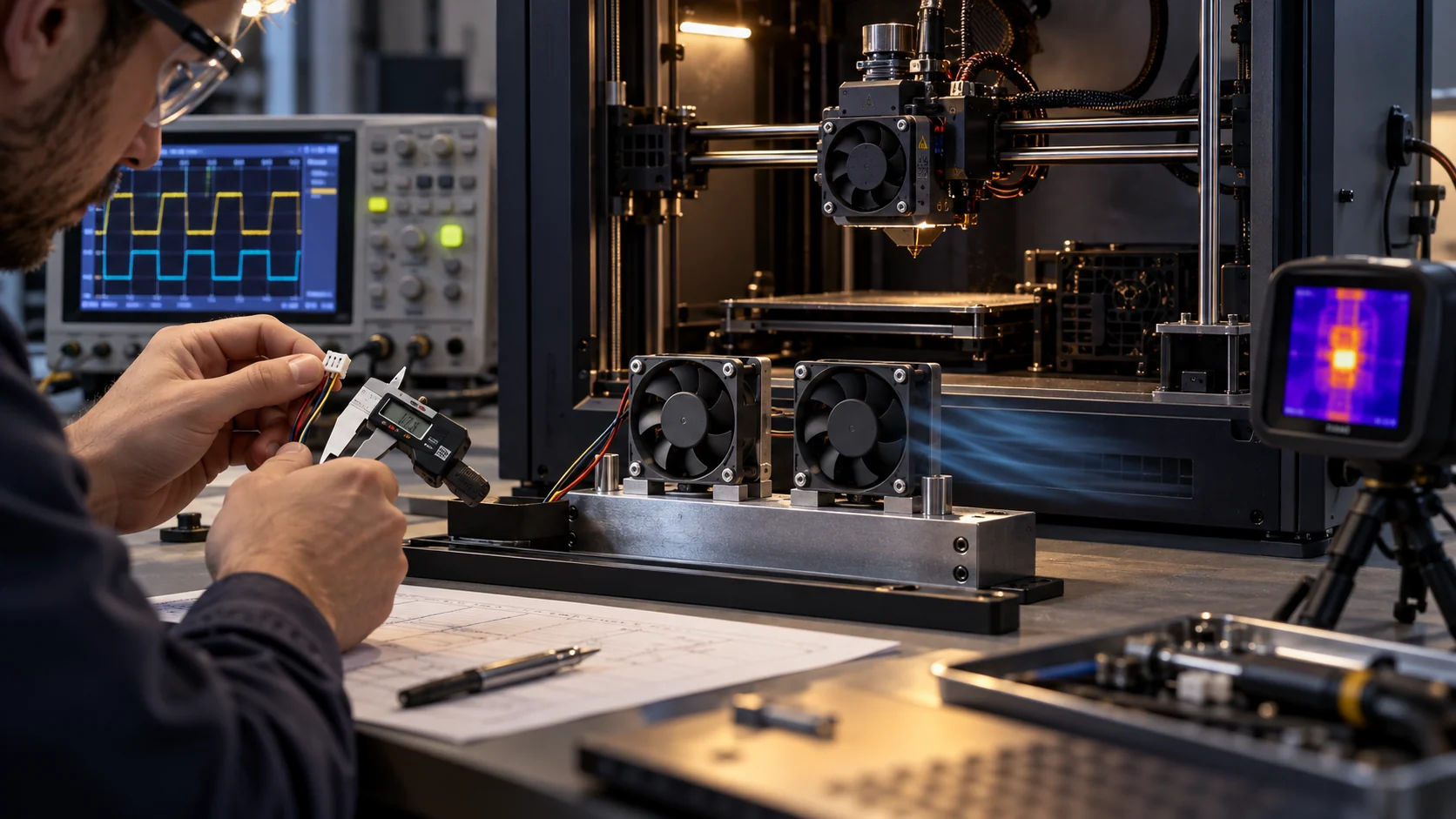
Test the replacement at the board connector, not only on a laboratory supply. Measure voltage during startup, running current, PWM waveform, FG pulses and RD state if present. Confirm the controller sees the expected pulse count and alarm delay. Prusa documentation gives a practical warning: replacing a monitored fan with one that does not support RPM sensing can trigger an error or require monitoring changes.
Run cold start, warm start, zero-to-required-duty, stop-and-restart and repeated short cycles. A planning example might use ten restarts at 30% command and ten at the normal command, but the exact values must come from the printer's firmware and fan curve. Record failed starts, delayed feedback and any command range where the rotor oscillates.
Do not change firmware simply to make a sample pass until the electrical contract is understood. Disabling monitoring may hide a real cooling fault. If the replacement has a different FG or RD convention, either specify a compatible variant or document the controller change as a system revision requiring requalification.
Run Thermal, Print and Acoustic Acceptance Together
The replacement is qualified only when the printer still behaves correctly in the states that matter to the user.
Thermal acceptance should include the protected component, inlet temperature, fan command and representative material process. For a hotend fan, check heat-break temperature and heat-creep margin; for a part fan, check bridge or overhang repeatability; for electronics, check controller and driver temperatures; for a chamber or filtration fan, check the chamber contract and pressure path. Do not use one fan role as proof for another.
Print acceptance should use a repeatable geometry and the same slicer settings. Record layer cooling state, speed, material, nozzle temperature, chamber state and the replacement revision. A fan with the right RPM can still change the jet direction or pressure distribution enough to alter bridge cooling.
Acoustic acceptance should use the same microphone setup and motion state. Check overall level and a narrow tonal spectrum when the sample has a different blade count or speed. Also inspect vibration and cable clearance. A low-cost replacement that creates a new toolhead tone or resonance may be a poor production decision even if temperature passes.
The final report should compare reference and sample in one table: connector voltage, current, command, RPM, pressure/airflow, temperature, sound, vibration, startup and print result. Mark measured values separately from estimates and keep the sample revision with the record.
| Pass | Reference and sample must show | Reject or revise when |
|---|---|---|
| Mechanical | same fit, direction, cable route and axis clearance | contact, flex, mass issue or installation change |
| Electrical | same interface, startup and feedback behaviour | false alarm, wrong pulse map or connector stress |
| Thermal/airflow | required installed duty and temperature margin | higher command cannot recover the duty or margin |
| Acoustic/print | acceptable tone, vibration and repeatable print | new resonance, tone or print defect appears |
How MEGA Tech Can Support a Replacement Qualification
MEGA Tech can build a compatible sample around the real interface and operating point rather than a catalogue headline.
MEGA Tech develops custom DC axial fans and compact centrifugal blowers for equipment that needs a defined frame, pressure, airflow, control interface and reliability boundary. For a 3D printer replacement, the review may cover frame or thickness, airflow direction, connector, cable length, PWM or voltage response, FG/RD feedback, bearing configuration, mounting detail, noise target, temperature range and small first-build quantity.
Send the current part number, drawing or photos, connector pinout, board requirements, measured operating command, RPM, current, airflow path, pressure estimate, fan role, temperature states, duty cycle, acoustic limit and the failure or service record. If the target is a replacement for Sanyo Denki, SUNON, Delta, NMB or ebm-papst, include the installed working point and interface evidence so the sample can be matched honestly.
We can compare a reference and custom sample, prepare a small first build and support electrical and fan-side validation. The printer maker remains responsible for firmware, thermal safety, print acceptance, EMC/compliance and the final production release. The value of a custom supplier is a traceable sample that fits the actual system and can be revised quickly when the test exposes a mismatch.
Build a Release Record for the Replacement Sample
A second source should be easy to reproduce, service and audit after the first prototype passes.
Keep the reference and sample part numbers, revision, drawing, connector pinout, firmware profile, fan command map, test fixture, instrument settings and acceptance results in one release record. Record the actual supply voltage at the fan, not only the nominal printer rail. Include cold-start and warm-start results, RPM feedback, current, pressure or airflow proxy, protected temperatures, sound and print outcome.
A useful purchasing decision separates three outcomes: mechanically compatible, electrically compatible and thermally equivalent. A sample can pass the first two and still fail the third. It can also be thermally equivalent but require a different firmware minimum duty. Each result should have an owner and a retest trigger so a supplier change, connector change or shroud revision does not silently invalidate the evidence.
For a small batch, retain several samples from the same production lot and repeat the most sensitive checks. If the application is 24/7 or difficult to service, add a warm restart and dust or contamination screen. The purpose is not to create an expensive certification program; it is to prevent a single good prototype from becoming an unrepeatable production assumption.
Batch Consistency and Production Release
The first sample proves feasibility; a controlled release proves that the next shipment behaves the same way.
Before changing the BOM, define which characteristics are critical to function: startup at the minimum command, feedback pulse behaviour, current at the operating point, installed pressure or airflow, protected temperature and any acoustic or vibration limit. A supplier should be able to identify the fan revision, production lot and test condition behind the sample result. This is more useful than a generic statement that the replacement is equivalent.
For a small first build, test multiple samples at the same connector voltage and command, then repeat the most sensitive test after a warm soak. If one sample starts at 28% command and another needs 34%, the firmware minimum should not be set at 30% until the reason and production spread are understood. The acceptance band should include measurement uncertainty and the actual controller tolerance.
When the replacement is released, keep a change record for fan revision, bearing or motor change, connector supplier, cable length, shroud revision and firmware profile. Any of these can alter the working point or feedback even if the outside dimensions remain unchanged. This release discipline lets MEGA Tech and the printer maker respond quickly to a field issue without confusing a supplier change with a printer design fault.
Recommended Fan Starting Points
These catalogue series may be suitable starting points for this application. Final selection depends on the installed airflow, static pressure, voltage, noise target and operating environment.
Request a sample for validation on your equipment.
Engineer FAQ: Qualifying a Replacement 3D Printer Fan
Use these questions before changing a production BOM or approving a second source.
Q: If the frame and connector match, is the fan drop-in? A: No. Confirm direction, cable, PWM or voltage behaviour, feedback, startup, installed pressure and thermal result.
Q: Is higher RPM better? A: Not necessarily. Compare installed airflow, pressure, noise, current, vibration and temperature at the same command.
Q: Can a fan without FG replace a monitored fan? A: Only after the controller and safety strategy are deliberately requalified. Do not disable monitoring to hide an interface mismatch.
Q: Should a replacement use the original firmware settings? A: Start with the original settings for A/B comparison, then map the sample's real minimum start and stable range. Any new setting requires thermal and print validation.
Q: How many samples are needed? A: One sample can find interface issues; a production decision also needs repeatability, warm/cold starts and a defined batch or process check.
Q: What can MEGA Tech customize? A: Frame, thickness, airflow direction, connector, cable, PWM, FG/RD, bearing, pressure/airflow duty and mounting details can be reviewed around the printer requirement.
Questions for the Replacement Review
A short checklist prevents a cheaper fan from becoming a hidden firmware or thermal change.
- What exact function does this fan protect, and what is the worst operating state?
- Does the replacement keep the frame, thickness, direction, cable and full-motion clearance?
- What voltage, PWM, current, FG pulse and RD behaviour does the controller expect?
- What are the measured cold-start, warm-start, restart and minimum-stable commands?
- What is the installed pressure or airflow at the reference and replacement working points?
- Do protected temperatures and print results remain within the same acceptance limits?
- Does the replacement add a tonal peak, vibration or toolhead mass change?
- What evidence supports the life and service assumption under dust and temperature?
- Which values are measured, which are estimates and which remain the printer maker's responsibility?
- Has the small first build been tested on the production controller before the BOM is changed?