A Fan Fault Is Often a Control-Path Fault
When a 3D printer reports a fan error, the rotor, connector, PWM command, tachometer signal and installed airflow path all need to be separated.
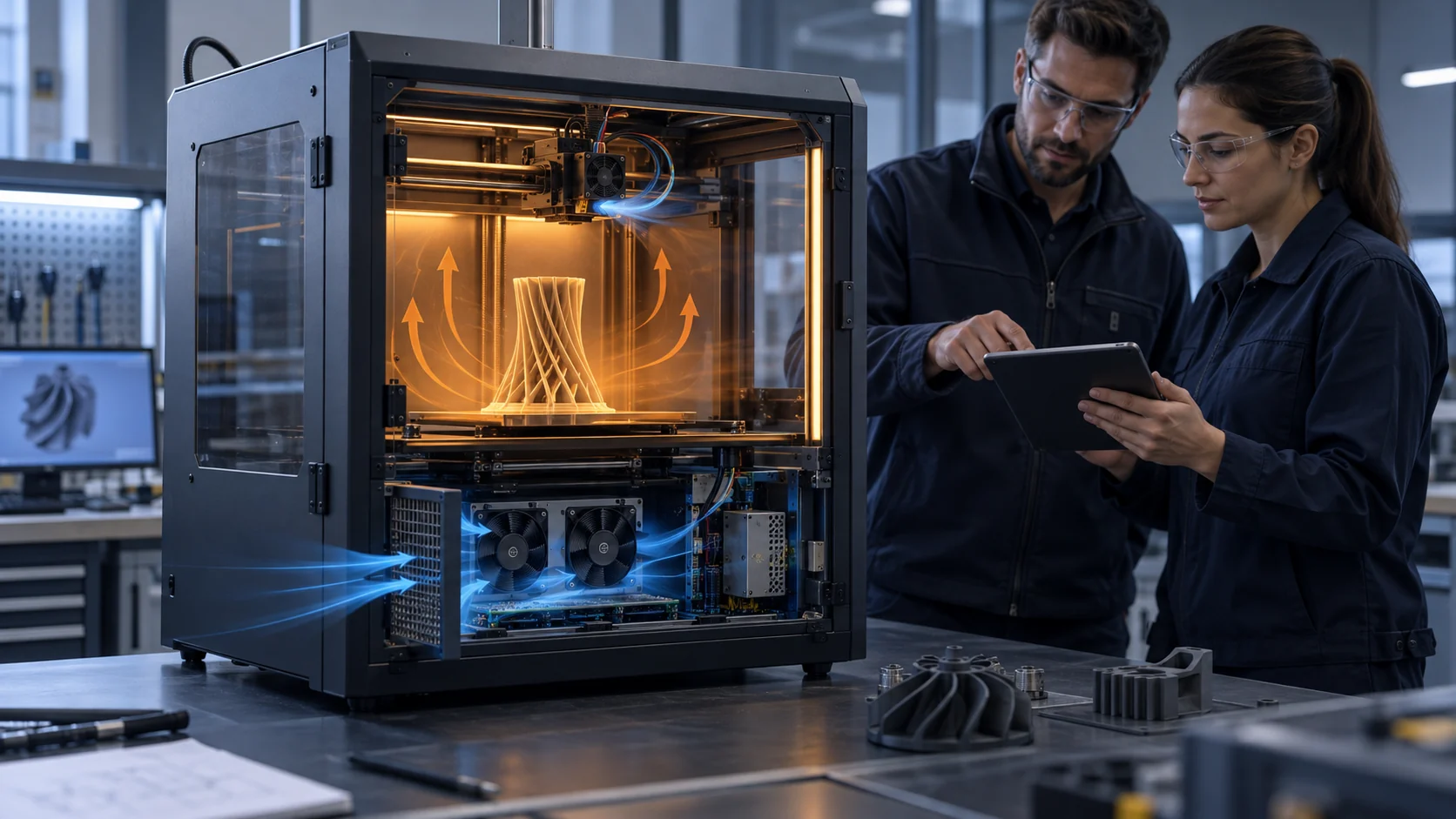
Modern 3D printers use different fan roles: a hotend fan that protects the heat break, a part-cooling fan that follows the print process, an electronics fan that protects the controller, and sometimes chamber or filtration fans. These fans may share a power system but they do not share the same duty, temperature, control method or acceptance limit. Treating every fan as a two-wire motor makes diagnosis slow and can create a false replacement decision.
A controller can command 60% PWM while the fan is stopped, running at the wrong speed, or spinning correctly but moving too little air through a restrictive duct. A tachometer can report pulses while the fan is mechanically loose or the signal is electrically misread. A no-RPM alarm can also come from a replacement fan whose feedback output does not match the printer input. The useful diagnosis therefore follows the full chain: command, supply, motor response, feedback, installed airflow and temperature.
This article gives printer OEMs, service teams and fan purchasers a practical control and fault-validation method. The numerical examples are illustrative planning values, not universal firmware limits or MEGA product ratings. Use the printer controller specification, the selected fan datasheet and the installed thermal test for the final decision.
Define the Fan Interface Before Troubleshooting
Write the electrical contract for each fan position before replacing a sample.
Record whether the fan is two-wire voltage-controlled, three-wire with tachometer feedback, or four-wire with a dedicated PWM input. Confirm the connector pinout, supply voltage and tolerance, PWM logic level and frequency, expected tachometer pulses per revolution, alarm output behavior and the controller's pull-up or input threshold. A replacement that fits the frame can still be electrically incompatible.
Marlin documents fan tachometer reporting through M123 and supports PWM fan configuration; its configuration guide also notes that tachometer support changes the hardware requirement. Prusa's support documentation gives a practical example of why this matters: a fan error can appear when the printer receives no RPM reading, and a replacement without RPM sensing may require monitoring to be configured differently. These are platform-specific behaviors, not a universal wiring rule, so the printer maker must own the interface definition.
Make a one-page fan map: location, function, connector, control mode, normal command range, expected RPM or feedback state, thermal sensor, minimum startup command and fault response. Add the service state. A hotend fan may be required above a nozzle temperature, while an electronics fan may run after motor activity and a part fan may be intentionally off during the first layers.
The map prevents a common mistake: interpreting a deliberate zero command as a fan failure, or interpreting a valid FG signal as proof that the correct fan is installed. Both command state and installed function belong in the record.
| Item | Record | Why it matters |
|---|---|---|
| Power | nominal voltage, tolerance and voltage at connector | low voltage can cause stall or a false restart failure |
| Control | two-wire, PWM or voltage command; level and frequency | wrong mode can make a good fan appear dead |
| Feedback | FG pulses/rev, RD logic, pull-up and alarm delay | wrong pulse map can create false no-RPM alarms |
| Duty | minimum start, minimum stable speed and normal range | a fan may start at 100% but not at the commanded idle value |
| Fault action | stop print, derate, alarm or continue with margin | the response must match the fan's thermal role |
PWM Command, Actual RPM and Airflow Are Three Different Signals
A command percentage becomes meaningful only after the fan response is measured under the installed restriction.
For a quick bench example, suppose a 24 V fan is commanded at 50% PWM. If the controller delivers the expected average drive and the fan reaches 3,200 RPM, that is evidence of motor response, not a guarantee of 50% of the airflow. The duct, grille, heatsink, filter or printed nozzle may move the operating point. Measure the installed pressure-flow condition or use a validated airflow proxy before turning the command into a thermal claim.
The low-duty region deserves its own test. A fan may need 28% to start, remain stable only above 34%, and produce intermittent restarts at 25%. Those values are illustrative and must be measured on the selected sample. If the printer normally commands 20% during a warm chamber state, a start-and-hold test at the warmest expected inlet condition is more useful than a maximum-speed check.
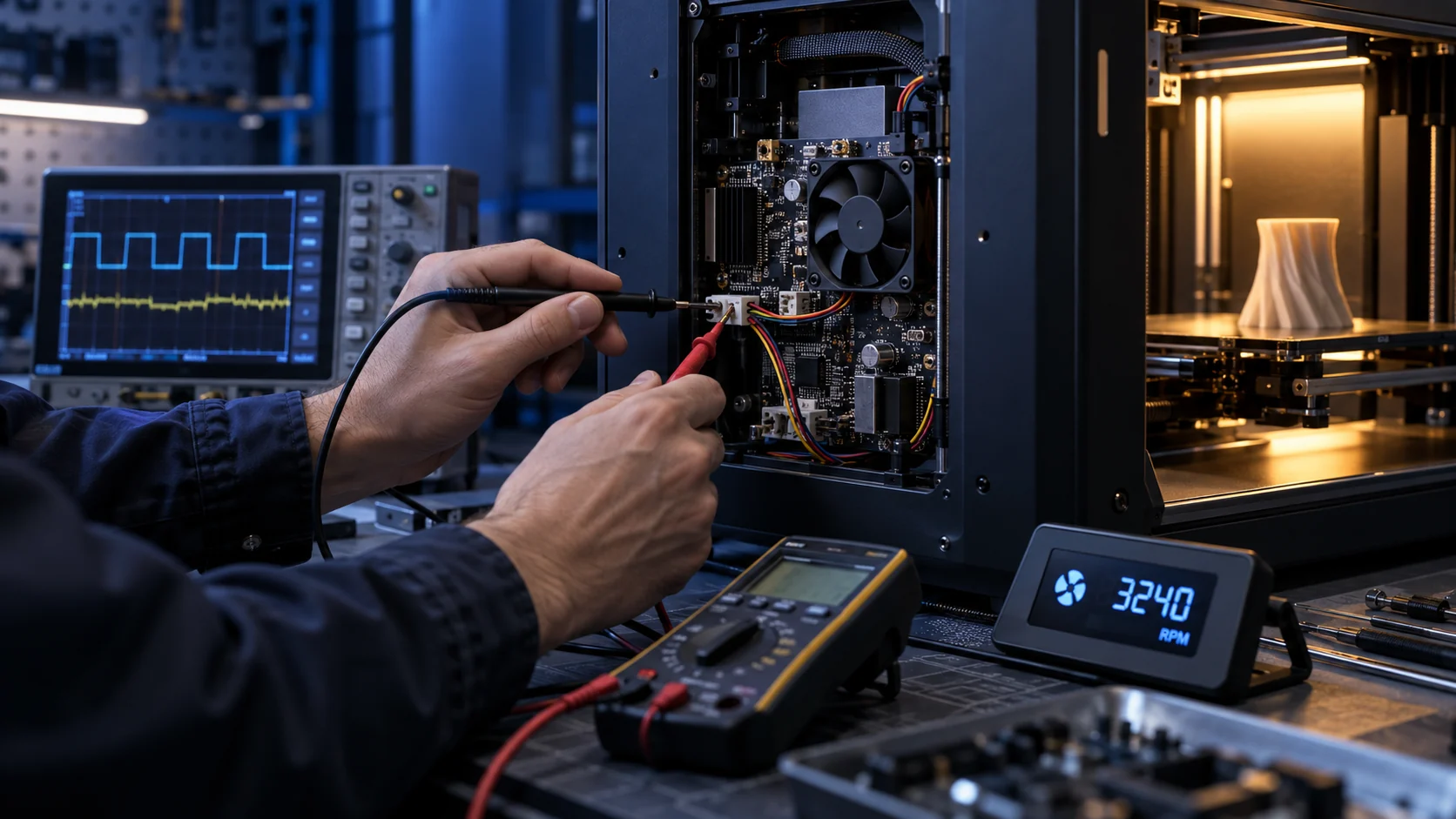
Log command, connector voltage, current, RPM, feedback pulses, inlet temperature, target temperature and fault state on the same time axis. A 2-second delay between a PWM change and an RPM reading can be normal for one control loop and a fault for another. The delay, filtering and alarm threshold should be defined by the firmware and checked against the fan's real startup behavior.
Marlin's tachometer command is useful for reporting RPM, but a service tool should still verify the electrical waveform and the installed thermal result. A tachometer tells you the rotor is being detected. It does not tell you whether the blade is obstructed, the duct is bypassing, or the heat sink is receiving the required air.

Run a Fault Tree Instead of Swapping Fans at Random
The order of checks matters because a fan alarm can be caused by power, signal, mechanics, airflow or firmware mapping.
Start with the safe state and identify the exact fan position. Check the connector seating and cable route, then measure voltage at the connector during the command. If voltage is absent, the fault is upstream of the motor. If voltage is present, check whether the fan starts at a known high command and whether the current is plausible for the selected fan. Do not force a stalled fan indefinitely; use the printer maker's service procedure.
If the rotor spins but the controller reports no RPM, isolate the feedback path. Verify the tachometer pin, pull-up, pulse count and polarity. A replacement fan may have a different pulses-per-revolution convention or no tachometer output. An RD or locked-rotor output is not interchangeable with FG speed feedback unless the controller is designed for it.
If command, voltage and RPM look normal but temperature rises, move to the installed air path. Inspect a reversed fan, blocked guard, cable in the blades, duct contact, heat-soaked inlet, loose shroud and pressure loss. Prusa's fan test guidance similarly calls out obstructions, cable interference and correct board connection before declaring a fan failure.
Finally, test the fault response: unplug feedback with the motor safe, obstruct only under a controlled service procedure, and simulate a low-speed state if the firmware supports it. Record whether the printer warns, stops, derates or continues. A fault strategy that cannot distinguish a missing signal from a thermal overload is difficult to validate in production.
| Step | Question | Evidence |
|---|---|---|
| 1. Identify | Which fan and which service state? | position, role, command and temperature |
| 2. Power | Is the expected voltage present under load? | connector voltage and current |
| 3. Motor | Does it start, run and restart at the declared commands? | startup time, RPM and current |
| 4. Feedback | Does FG/RD match the controller input? | waveform, pulse map and alarm delay |
| 5. Air path | Does the installed assembly move the required air? | pressure/airflow proxy and temperature |
| 6. Response | Does the firmware react correctly to the fault? | alarm, derate, stop and recovery record |
Thermal Cycling Exposes Intermittent Control Problems
A fan that passes a room-temperature check may fail after repeated warm starts, dust exposure or enclosure heat soak.
Test the fan in the temperature states that the printer will actually create. For a heated enclosure, check cold start, warm chamber start, print-end cooldown and restart after a short idle. For an electronics bay, check the fan after the controller has absorbed heat from stepper drivers, power conversion and motor activity. Record the inlet temperature rather than only the room temperature.
Use a simple time history. For example, an illustrative service cycle might contain 10 minutes at room temperature, 60 minutes at the declared electronics load, a 10-minute stop, and a warm restart. The acceptance question is not whether the fan survived one cycle; it is whether startup, feedback, current, noise and temperature remain inside the declared limits at each transition.
Bearing condition, dust on the rotor, connector creep and cable insulation can change the result over time. The printer team should define a service interval or a diagnostic threshold, while the fan supplier should state the life assumption and environmental boundary for the sample. Do not convert a generic L10 number into a guaranteed printer life without the temperature, duty, mounting and contamination conditions.
A useful controller feature is a controlled restart check: when the fan is commanded from zero to a required duty, wait for the defined startup window, verify feedback and then confirm the thermal trend. The exact window belongs to the fan and firmware. It should be proven with samples rather than copied from a different fan family.
How MEGA Tech Can Support a Control-Compatible Fan Sample
A replacement fan is useful when its mechanical, electrical, airflow and service behavior are all matched to the printer controller.
MEGA Tech develops custom DC axial fans and compact centrifugal blowers for equipment that needs a defined pressure, airflow, control interface and reliability boundary. For a 3D printer, the review can cover frame or thickness, connector and cable, PWM or voltage response, FG/RD behavior, startup and restart, bearing configuration, mounting detail, pressure duty, noise target and small first-build quantities.
For a control review, provide the current fan part number, connector drawing, board input requirements, supply voltage at the connector, PWM level and frequency, expected feedback behavior, minimum command, installed duct or grille, temperature range, duty cycle, service state and the fault response expected by firmware. If a replacement is intended to match a known Sanyo Denki, SUNON, Delta, NMB or ebm-papst fan, include the measured operating point rather than relying on the label alone.
We can review a custom sample or a replacement matched to the existing footprint, then test the fan's electrical response before the printer team validates the installed thermal and firmware behavior. The final claim remains system-level: a fan supplier can provide repeatable samples and evidence, while the printer maker owns controller safety, thermal limits, print acceptance and compliance.
This boundary is important. MEGA Tech does not turn an FG waveform into a certification or promise that every printer controller accepts every feedback type. We help define the interface, build the sample and reduce the gap between a catalogue fan and a production-ready cooling assembly.
Recommended Fan Starting Points
These catalogue series may be suitable starting points for this application. Final selection depends on the installed airflow, static pressure, voltage, noise target and operating environment.
Request a sample for validation on your equipment.
Engineer FAQ: PWM, FG and RD on 3D Printer Fans
Use these questions before approving a replacement or changing a printer controller profile.
Q: Does 50% PWM mean 50% airflow? A: No. It is a command value. Actual RPM and airflow depend on the fan, drive method, supply, restriction and operating temperature.
Q: Can a three-wire fan replace a four-wire PWM fan? A: Not automatically. The connector, control method, tachometer behavior and firmware mapping must all be compatible and tested.
Q: Why does a fan spin but still trigger a no-RPM alarm? A: The feedback pin, pull-up, pulse count, polarity or alarm delay may not match the controller, or the rotor may be below the detection threshold.
Q: Is FG the same as RD? A: No. FG normally reports rotational pulses; RD commonly indicates a locked-rotor or fault state. Confirm the exact supplier output definition and board input circuit.
Q: Should minimum duty be selected from the datasheet? A: Use the datasheet as a starting point, then measure cold start, warm start and restart at the printer connector and installed restriction.
Q: Can a fan alarm prove the fan itself is bad? A: No. Check power, connector, signal mapping, obstruction, duct restriction and firmware state before replacing the motor.
Q: What can MEGA Tech customize? A: Fan or blower type, frame or thickness, pressure and airflow duty, connector, cable, PWM, FG/RD behavior, bearing configuration and mounting details can be reviewed around the printer requirement.
Questions for the Control and Purchasing Review
A shared checklist keeps engineering evidence and purchasing decisions aligned.
- Which fan position is being specified, and what thermal function does it protect?
- What are the connector pinout, supply tolerance, PWM level/frequency and feedback definition?
- What are the measured minimum-start, minimum-stable and normal operating commands?
- Does the fan maintain feedback after a warm restart and after the declared service cycle?
- Is the installed pressure or airflow requirement documented instead of only free-air CFM?
- How does the controller distinguish missing feedback, blocked rotor, unplugged fan and low airflow?
- What are the acoustic and vibration acceptance conditions at the real printer motion state?
- Which parts are custom: frame, thickness, connector, cable, PWM, FG/RD, bearing or mounting?
- Which results are illustrative planning values and which are measured on the final printer?
- Has a small first build been checked on the actual controller before the BOM is frozen?