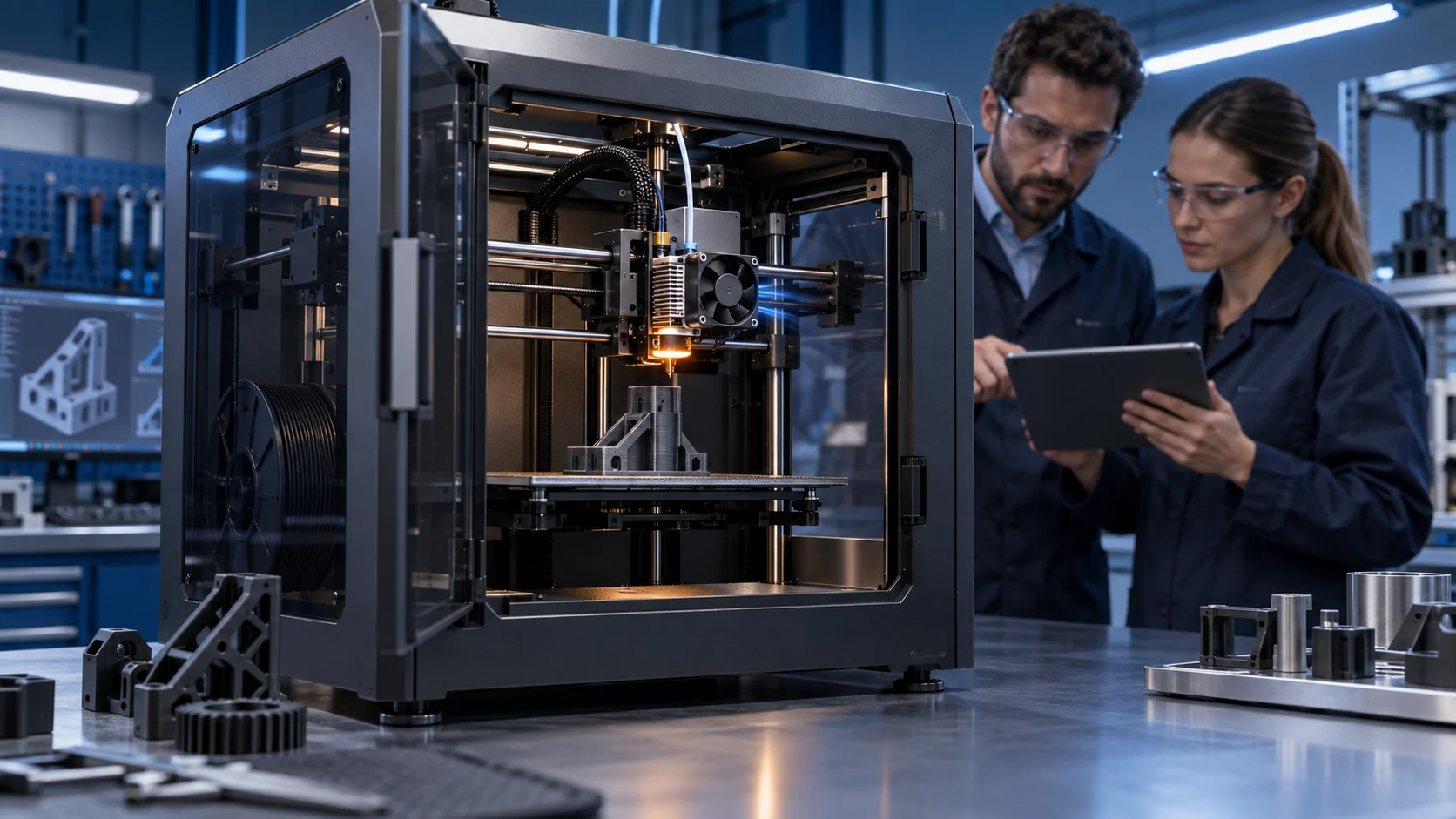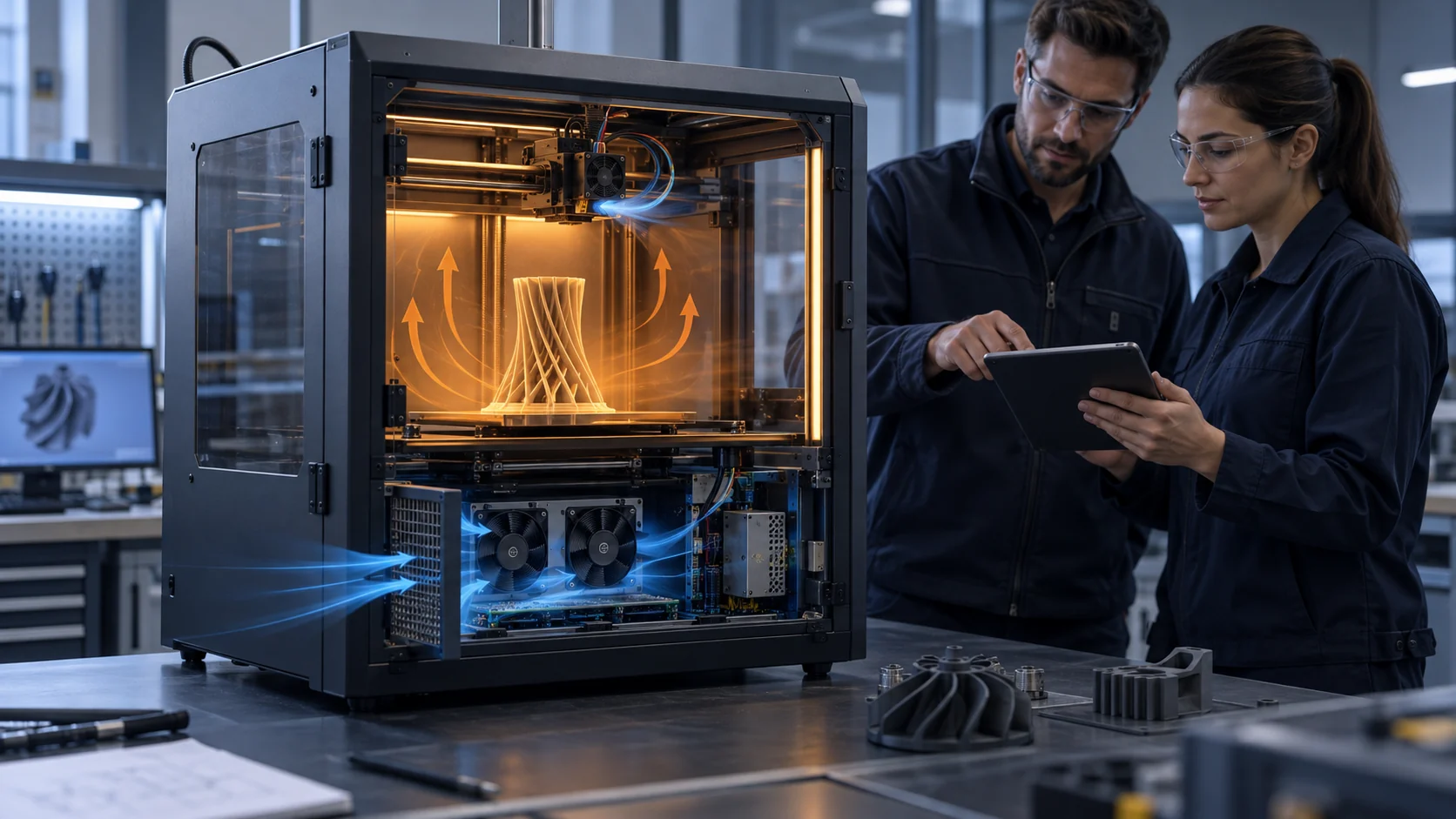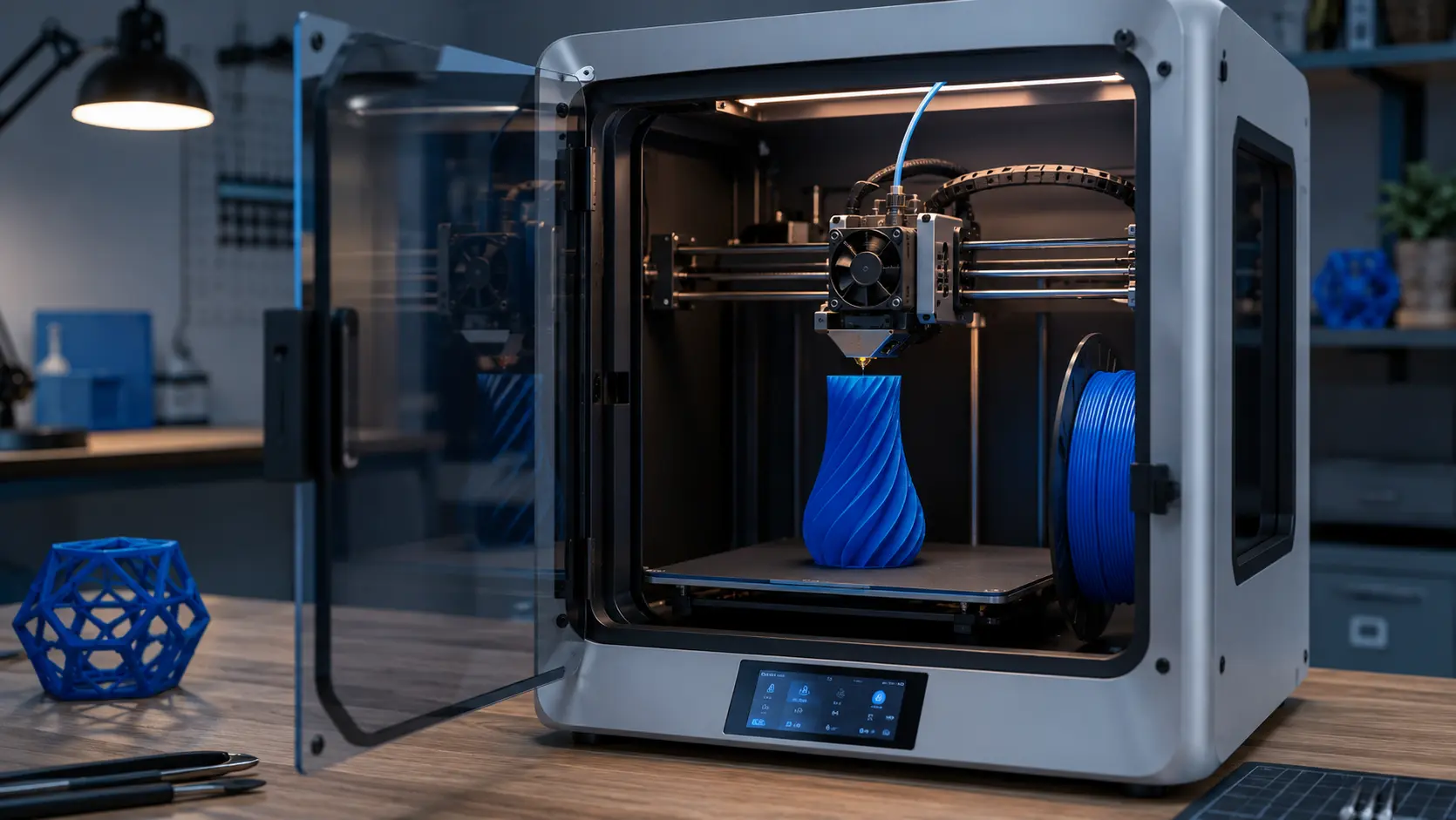
The same box asks a cooling fan to be two opposite things at once
A printer prints well because its chamber stays warm and still, and because each fresh layer gets dragged cool fast enough to shape it. The same handful of fans is supposed to keep the hot part hot and the cold part cold — separated by centimetres. Pick either goal alone and the print quality quietly collapses.
Plenty of builds stall, warp or delaminate not because the printer is bad but because its cooling was treated as a single 'more airflow is better' problem. More airflow is exactly the wrong instinct in an enclosed FDM printer: the chamber needs uniform warmth, while the just-printed layer needs aggressive, local, directed cooling. Those two needs fight over the same airflow budget — and the material in the toolpath decides who wins.
The material split is stark, but the percentages are starting points rather than universal settings. Prusa's material guidance and slicer documentation show why PLA, PETG, ABS and ASA need different thermal strategies; the correct part-fan command still depends on nozzle temperature, layer time, bridge geometry, duct efficiency and the printer enclosure. A fan setup tuned for PLA can overcool a PETG part, while a setting safe for ABS can let PLA bridges sag. The fan hardware does not change. The control and the ducting do.
This article breaks the printer's cooling into four jobs that should be selected independently — chamber circulation, part cooling, enclosure ventilation, and redundancy for long builds — and gives a selection rule for each. Read your slicer's fan settings alongside it and the stalls start making sense.
Chamber circulation is a temperature-uniformity job, not a wind job
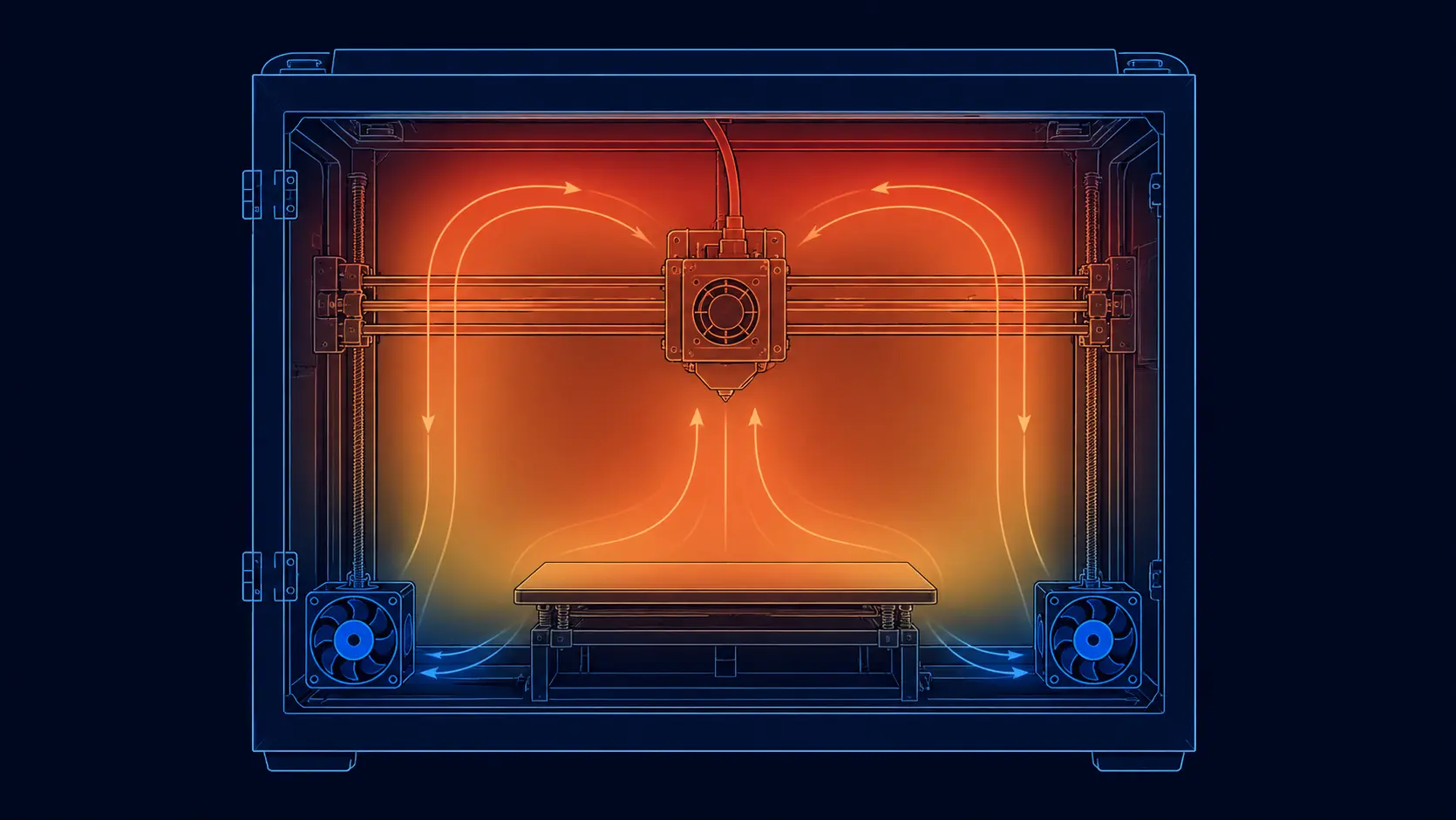
In an enclosed printer the chamber air is the thermal buffer behind the heated bed. If the air is dead and stratified, the top of the body and the top of the model run cooler than the bed, and tall PETG/ABS prints curl and crack where the layer bond is weakest. The fix is not to blast air around the box — it is to move the air gently and evenly so temperature is uniform corner to corner.
That means a low-noise axial fan with a soft pressure curve, run at a moderate speed, positioned to roll the whole volume rather than jet one corner. Loud, high-speed fans aimed at the bed create a hot spot and a draft and make uniformity worse — and in a chamber meant for ABS or ASA, a draft aimed at the print is the direct cause of the corner-lifting warping those materials are famous for.
The practical target is a measured, repeatable temperature spread across the build volume, not a room-air average. A chamber fan that moves generous volume at low static pressure is the right starting point; a high-pressure blower meant to cool a bead is usually the wrong tool. It is the same discipline as any stirred thermal volume: even and slow beats fast and local when the goal is chamber uniformity.
One interaction is worth naming because it defeats careful slicer work: every draft that leaks from chamber to room — through a cable gland, an unlatched door, an over-strong exhaust — flattens the vertical gradient you paid to build. Warping that survives a perfect slicer profile is usually a chamber-leak problem, and it is cheaper to seal a seam than to buy another fan.
Part cooling is a directed-pressure job the slicer already understands
Overhangs, bridges and fine detail depend on cooling the just-extruded layer fast — but only there, and only at the right moment. This is where a printer commonly gets fans wrong: a big general airflow blowing over the whole model both cools the layer and drags heat off the surrounding structure, which hurts layer adhesion and can pop small features off the bed.
Part cooling needs a compact blower that produces static pressure and can be ducted to aim a focused jet at the nozzle and the fresh layer. The metric that matters is not free-air CFM but how much useful airflow it still delivers at the working static pressure of the duct. Radial blowers are often useful because they trade some free-air volume for pressure, but the final choice still depends on duct geometry, nozzle clearance and the measured operating point.
Duct geometry matters as much as the fan behind it. Workshop guides describe the same asymmetric failure over and over: a single-sided duct cools one face of the model and leaves the other soft, so one side of a part prints sharp while the other droops. Dual-sided and ring ducts exist because the goal is even coverage around the nozzle, slightly below the tip, hitting the bead from two sides. The field test is free: hold a strip of paper around the running nozzle and watch for dead zones.
The slicer can ramp that fan from zero on the first layers (to let the part stick) toward a material- and geometry-dependent maximum above bridge and overhang thresholds, with a minimum-layer-time floor for small features. Prusa's guidance notes that the print fan is normally not used on the first layer. A fan whose speed the board can PWM is essential; a fixed-speed part fan either under-cools bridges or overcools the first layer. One more trap from production print farms: aim the duct at the bead, not at the heater block — chilled-block temperature wobble shows up as inconsistent extrusion, and a silicone sock only partly fixes a duct that was aimed wrong to begin with.
And keep the fan honest in the diagnosis order. Production print-farm guidance is blunt about this: a nozzle temperature set too high is often the real reason overhangs sag, because the plastic stays molten too long no matter how hard the fan blows. Calibrate temperatures first, then judge the cooling hardware — otherwise you will buy a bigger blower to fix a heater problem, and the cure will be a draft that cracks the next PETG job instead.
Twenty millimetres away, another fan does the exact opposite
Every toolhead carries a second fan that most cooling discussions ignore: the hotend heatsink fan. It is normally treated as a continuous-duty protection path, independent of material or layer, because its job is to keep the heatbreak's cold side within its required range so filament does not soften early inside the mechanism. When it underperforms, the failure has a name every operator knows: heat creep — soft filament, grinding, and sudden under-extrusion hours into an otherwise healthy print.
So the toolhead holds two fans 20–40 mm apart doing opposite jobs: one fighting to keep a zone cold permanently, one sprinting from 0 to 100% on slicer command to freeze plastic that must briefly stay hot enough to bond. A well-designed toolhead keeps their air paths from fighting: part-cooling exhaust should not wash over the hotend heatsink, and the hotend fan's draft should not chill the freshly printed bead. When users report that a cooling 'upgrade' made prints worse, cross-contamination between these two air paths is one of the usual suspects.
Layer time is the quiet variable that ties the two together. Small features and top surfaces finish in seconds, so the slicer raises part-fan speed or stretches the minimum layer time to compensate; big sparse layers take long enough that natural cooling does the job and full blast would only embrittle the bond. Thin 0.1–0.2 mm layers — the ones that make overhangs printable — shrink the time window further. This is why the fan must respond cleanly to PWM across its whole range, not just at full: a blower that stalls or drones at 30% duty makes the slicer's careful per-layer plan fiction.
The hotend fan's own spec reads differently from the part fan's: modest airflow, low noise, and above all unconditional reliability — it has no off state. This is a duty profile where a ball-bearing fan with a tachometer output earns its cost, because a hotend fan that slows silently does not ruin one print; it ruins whatever the machine is printing when it finally gives up, which in a print farm is always the longest job on the queue.
Enclosure ventilation balances fume removal against chamber warmth
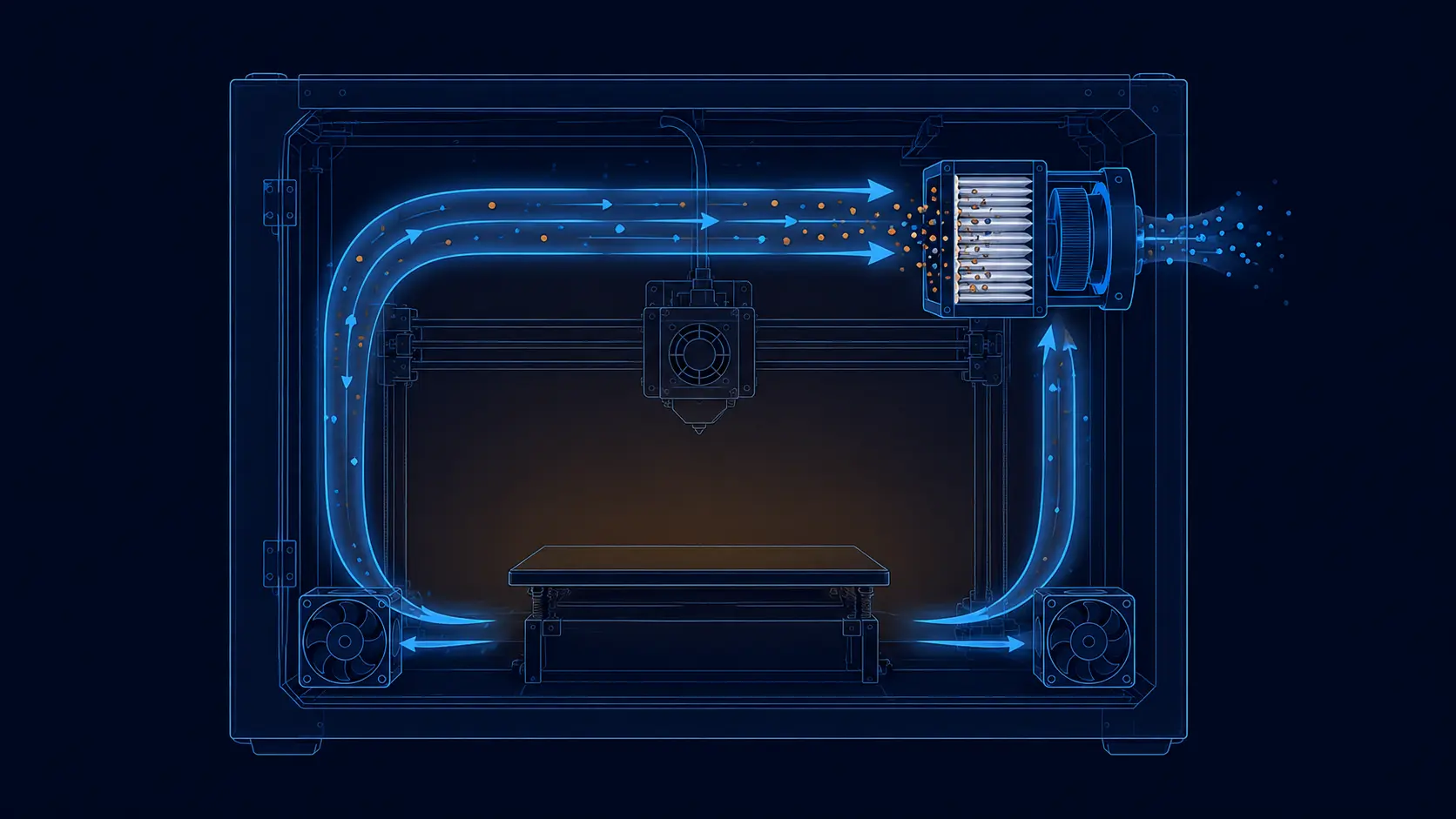
Heated filaments release fine particles and VOCs, and a sealed box traps them near the operator. Proper enclosure ventilation pulls a small, controlled exhaust plus filtering rather than blasting a gust through the printer. That is deliberately a low-airflow, high-resistance job: the intake filter is the biggest pressure drop.
The trap is that relentless ventilation fights chamber temperature. Air you pull out is replaced by room air, so an aggressively vented box has trouble holding its project-specific chamber setpoint. The measured solution is to vent enough to meet the site's exposure-control objective but not so much that the heater has to chase the setpoint continuously. For materials that print best in a warm chamber, ventilation sizing is really chamber-setpoint sizing in disguise.
Filtration choice follows the filament and the exposure-control plan. NIOSH research supports local exhaust or a sealed enclosure with high-efficiency particle and gas filtration for reducing 3D-printing emissions; ultrafine particles and VOCs need different control mechanisms. Both stages add pressure drop that the exhaust fan must overcome while still moving useful air. Check the fan's P-Q curve at the filter's loaded condition, not its clean one, and replace the filter from a measured pressure or airflow limit.
If you can only do one thing, do it in order of value: correct chamber circulation first, correct part cooling second, and treat ventilation as a tuned exhaust with a filter, not an open draft.
Long prints make a single fan a single point of failure
A 30-hour print is a lot of wall-clock time to gamble on one 40 mm fan spinning in a warm, vibrating box. When a part-cooling blower dies mid-print, the slicer's quality assumptions all break at once — overhangs sag, bridges string, and the part often has to be scrapped, wasting the whole build and the material.
Redundancy means a second fan (or a fan with independent control) covering the critical part-cooling job, so the machine may be able to derate or pause gracefully after a fault. That behavior must be implemented and tested in firmware; a second fan alone does not guarantee print quality. Pair it with a tachometer/FG signal the controller can watch: the firmware should raise an error, not keep printing silently into a bad part.
Hours in a heated chamber also accelerate bearing wear. A brushless impeller on ball bearings survives this duty; a sleeve-bearing unit ages fast in a hot sealed box. For a printer that runs day or night, spending a little more on a robust bearing fan is the cheapest insurance against a 30-hour ruined build.
Treat the fans as consumables the way print farms do: logged hours per fan, a replacement interval measured in months of duty rather than failure events, and a validated spare on the shelf for every toolhead in service. A replacement part-fan costs less than one kilogram of engineering filament — and a failed 30-hour build typically wastes far more than that, plus the machine time nobody can bill.
- Add an independent second fan on the critical part-cooling duct, each with its own speed control.
- Use fans with an FG/tach output so the controller detects a stalled or dead fan instead of printing on.
- Prefer ball-bearing construction for 24/7 heated-chamber duty; sleeve bearings age fast hot and enclosed.
- Ramp fans with temperature/PWM, not flat-out, to keep dust out and bearings quiet.
Select each fan at its operating point, not from its free-air number
Across the whole printer the selection discipline is the same as in any restricted airflow path: the fan delivers its free-air CFM only with no duct, filter or chamber to fight. Once you add the enclosure, a dust filter and a duct, the real airflow can be half the free-air value, and that is the number the part actually feels.
The three jobs map onto three very different fan shapes, and this catalogue range covers all three in 24 V DC axial and high-static blower classes:
- MG4028UH24X — 40×40×28 mm, 24 V, ~17.9 CFM at 22.7 mmH2O: the high-static-pressure blower class for ducted part cooling.
- MG8025L24X — 80×80×25 mm, 24 V, ~31.5 CFM at 3.5 mmH2O, ~28 dBA: the quiet low-pressure axial class for chamber circulation.
- MG12025L24X — 120×120×25 mm, 24 V, ~64 CFM at 1.8 mmH2O, ~30 dBA: the larger low-noise axial class for enclosure ventilation.
- Browse all 24 V DC models and check each P-Q curve against your duct before buying — size to the operating point, not the sticker.
For new printer platforms, develop the fan with the machine
A new printer rarely has a perfect airflow path on the first build. The fan, duct, firmware and chamber should be refined together.
MEGA Tech can support 3D-printer teams with the fan side of that development process. We review the available envelope, material profile, chamber temperature, target layer-cooling response, duct resistance, voltage, PWM range, noise limit and expected duty cycle, then separate the requirements for chamber circulation, part cooling, hotend protection and filtered exhaust.
When the standard fan is close but the machine needs a different fit, we can develop a customized sample around the product: compact blower pressure, axial fan airflow, speed range, PWM response, FG feedback, bearing selection, connector, cable length, mounting details and other integration requirements. That is useful for startup equipment brands that need only a small number of samples while the design is still moving.
The sample is evaluated in the actual printer or a representative toolhead and chamber fixture. We can adjust the fan and airflow path based on print-quality, temperature, noise and reliability results, then transfer the approved configuration into repeatable production as the printer moves from prototype to market.
- Develop the fan, duct and control response around the actual printer.
- Support small sample builds for early-stage equipment programs.
- Validate temperature uniformity, layer cooling, noise and long-run reliability.
- Move the approved fan configuration into stable, cost-conscious production.
Engineer FAQ: 3D Printer Chamber and Part Cooling
A 3D printer has several different cooling jobs, so each fan must be validated against its own air path and process condition.
Q: Why should chamber circulation and part cooling use separate paths? A: Chamber circulation is intended to reduce temperature gradients, while part cooling is a directed jet for the fresh layer. Mixing them can create drafts, disturb chamber temperature or cool the hotend and bead in the wrong place.
Q: Is there one correct fan setting for PLA, PETG, ABS and ASA? A: No. Material, nozzle temperature, layer time, bridge geometry, enclosure temperature and duct efficiency change the required setting. Use the slicer profile as a starting hypothesis and validate print quality and chamber conditions on the actual machine.
Q: Why can a hotend fan cause a print failure even when the part fan is working? A: The hotend fan protects the heatbreak and normally has a different duty profile. If it slows or stops, heat creep can soften filament above the melt zone and cause under-extrusion or a jam. Monitor its speed or fault state where the machine risk requires it.
Q: How should an enclosure exhaust fan be selected? A: Define the exposure-control objective, filter type and loaded pressure drop first. Then select the fan at the required exhaust operating point and verify that the exhaust rate does not pull the chamber away from its intended thermal condition.
Q: What should a fan sample test include? A: Test the real duct, nozzle, enclosure, filter, firmware control and material profiles. Record chamber temperature map, part-cooling response, hotend temperature, airflow or pressure, noise, current, RPM feedback and long-duration behavior.
- Tie every numerical answer to voltage, speed, temperature, mounting and test condition.
- Separate catalogue maximums, engineering estimates and measured application results.
- Use the FAQ to define the next measurement or sample-validation step.
Final checklist — balance the chamber and cool the layer
Work through these in order and the print-quality stalls that look like slicing or leveling usually resolve as a cooling problem:
- Chamber: one quiet low-pressure axial fan rolling the volume so temperature is uniform corner-to-corner, verified with a temperature map at the intended chamber setpoint.
- Part cooling: a pressurized blower on a duct that PWM-ramps with the slicer; start from the material profile, then validate PLA/PETG/ABS or ASA settings on the actual printer and geometry.
- Hotend: a constant-duty fan with speed feedback that never turns off — and an air path kept separate from the part-cooling jet.
- Ventilation: a controlled, filtered exhaust or local-exhaust connection that meets the exposure-control objective without draining the project-specific chamber setpoint.
- Redundancy: a second, individually-controlled part-cooling fan plus an FG/tach watch so a dead fan fails the print loudly, not silently.
- All fans sized at their operating point (duct + filter + chamber in the way), with ball bearings for the hot, vibrating, 24/7 run.