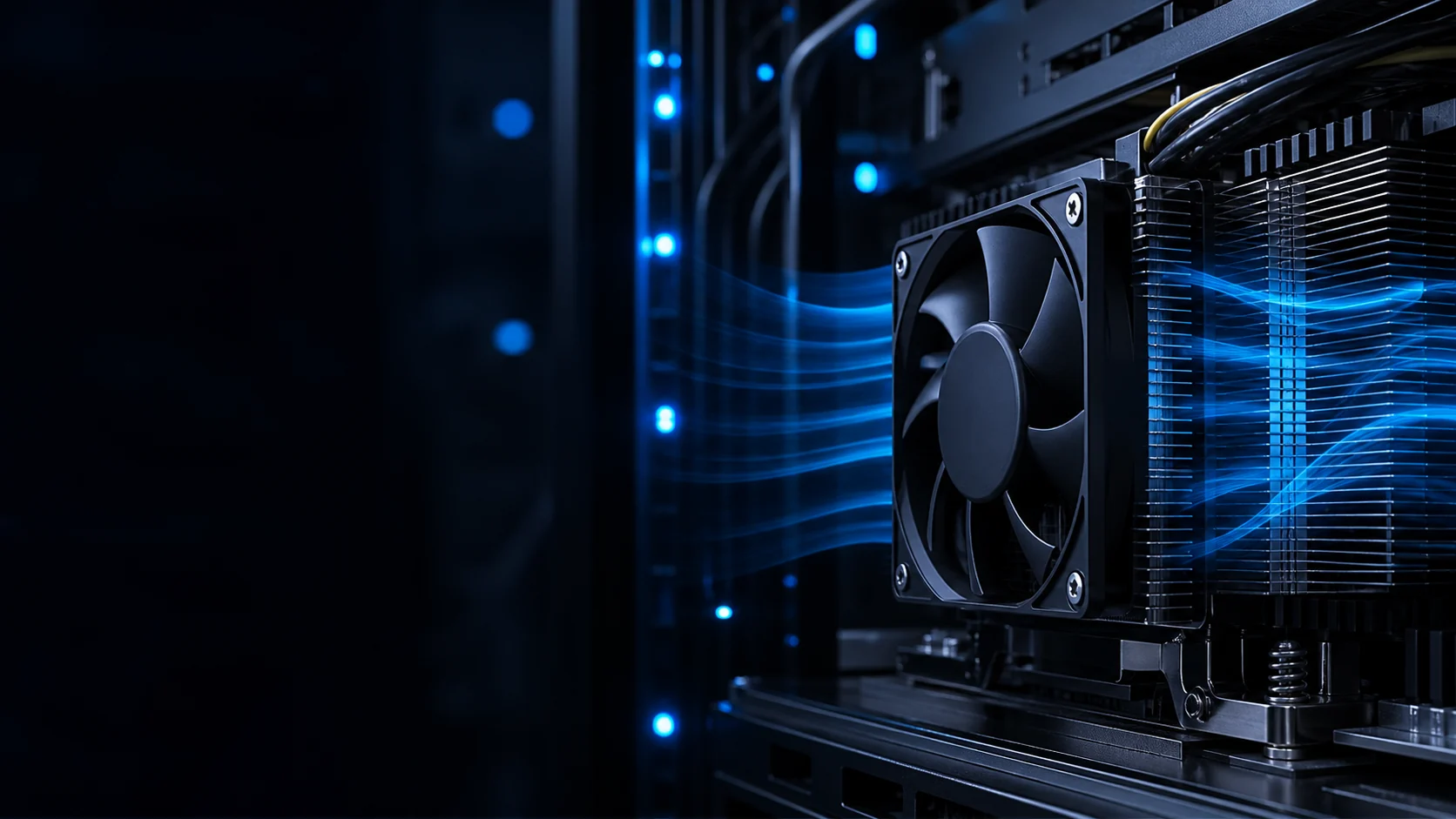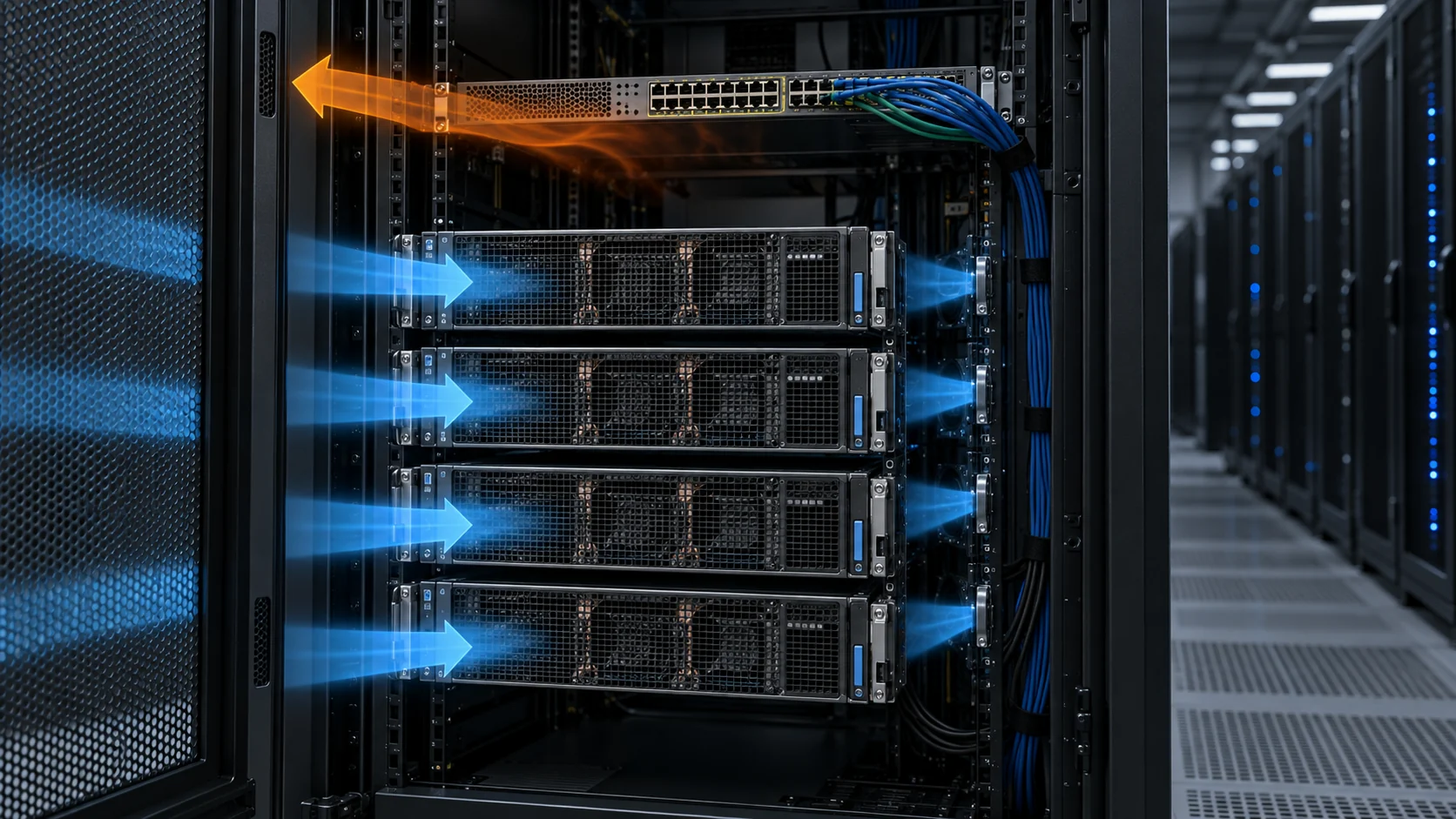
Liquid Cooling Does Not Mean Zero Airflow
A cold plate can remove the dominant GPU heat load while the rest of the rack still depends on controlled air movement.
The phrase liquid-cooled AI rack is often interpreted too broadly. Direct-to-chip liquid cooling can remove heat from selected GPUs and CPUs through cold plates, manifolds, hoses, a coolant distribution unit and a heat-rejection loop. It does not automatically remove heat from every electrical, optical and mechanical component in the rack. Network switches, memory, storage, power supplies, voltage regulators, control boards, pumps and leakage-detection hardware can still exchange heat with air.
That creates a hybrid cooling problem. The air side may carry a smaller fraction of the total rack heat than in a conventional server, but it may still protect the components that are not in the liquid loop. The remaining air load can also be concentrated in a smaller physical zone, making local airflow and fan pressure more important than a simple rack-average CFM number.
This guide gives engineers a way to define the residual air load, select an auxiliary fan or fan module, and validate the installed result. It does not claim that every liquid-cooled rack needs the same fan. The rack drawing, component map, coolant temperature, air path and service requirements must drive the decision.
Map the Components That Still Depend on Air
Fan selection starts with the parts that the coolant loop does not actually touch.
Create a heat map of the rack before choosing a fan. Mark liquid-cooled devices, air-cooled devices, power shelves, busbars, optical modules, storage bays, management controllers, pump electronics and any enclosure zone that can accumulate heat. Record component power at idle, normal AI load and the highest credible operating state. A component that looks small in the rack can still have a narrow thermal margin if its airflow path is blocked by hoses or cable bundles.
Separate the air-side heat load from the total rack power. If a 100 kW rack sends 80 kW through the coolant loop, the remaining 20 kW is not automatically a 20 kW air load at the same temperature rise because part of the liquid system, pump and structure may also reject heat to the room. Use measured or vendor-provided component losses and keep the boundary explicit.
For an illustrative estimate, suppose network and power electronics contribute 12 kW to the air path and the design allows a 10°C air temperature rise. With air specific heat near 1,005 J/(kg·K), the required mass flow is approximately 12,000/(1,005 × 10) = 1.19 kg/s. Converting that to volumetric flow requires the actual air density and altitude. The calculation is a starting point, not a replacement for an installed test.
| Rack zone | Evidence to collect | Why it affects fan selection |
|---|---|---|
| Network and switch trays | power, inlet/outlet direction, heat sink path | may need focused flow at a higher local pressure |
| Power shelves and VRMs | loss map, allowable inlet temperature | can become the air-side thermal limiter |
| Storage and memory | load profile and sensor locations | response can be faster than rack-average temperature |
| CDU and pump area | pump heat, leaks, hose arrangement | hoses can obstruct or redirect the air path |
| Cable and blanking zones | openings and bypass paths | low-resistance bypass can steal useful airflow |
Do Not Use Liquid Supply Temperature as the Air-Fan Setpoint
Coolant temperature and air-side component temperature are related, but they are not interchangeable control signals.
The coolant loop may remain within its target while an air-cooled network switch or power shelf sees a warm inlet. Conversely, raising the liquid supply temperature may be acceptable for the cold plate but can reduce the margin of a nearby air-cooled component. The air controller should therefore use sensors that represent the air-side thermal limit, not only the CDU supply or return value.
Place air temperature sensors at the actual intake of the residual-load component. Compare top, middle and bottom positions if the component spans a rack height, and check near/far positions where the fan or duct creates a gradient. If the air path passes through a filter, guard, heat sink or narrow cable gap, measure the pressure and temperature after that restriction.
For a commissioning example, a CDU return may remain at 34°C while the rear power shelf inlet varies from 27°C near the fan to 33°C at the far end. A controller using only the CDU return can miss the spatial problem. The fan response should be validated against the air-side worst point and an independent alarm channel.
Interactive: See the Two Thermal Paths Meet
The schematic separates the liquid path from the auxiliary air path and shows how a hose bundle or bypass opening can change the fan duty.
Use the animation to define the boundary of the test. Label which components are cooled by liquid, which are cooled by air, and where the two heat paths exchange energy with the room. Then test the air path with the hose arrangement, cable bundle, filter, guard and rack doors in their real positions.
A fan can show strong outlet velocity while the air bypasses the power shelf or flows around the switch tray. Measure at the component inlet and outlet, not only at the fan face. If a hose or quick-connect position changes between prototype and production, repeat the pressure and temperature test because the system curve has changed.
This is a qualitative model, not a CFD result. Its purpose is to prevent a common design mistake: treating a liquid-cooled rack as a single thermal path and deleting the fan requirement before mapping the remaining air load.

Select the Auxiliary Fan at Pressure, Not at Free-Air CFM
Hoses, cable bundles, heat sinks, mesh, filters and tight rack gaps can consume the pressure margin of a small fan.
Define the auxiliary air path from inlet to outlet. Include the rack opening, inlet guard, filter, heat sink, switch tray, power shelf, hose or cable obstruction, bend, exhaust grille and any rear-door or room-side resistance. The fan's P-Q curve should intersect this system curve at the required component flow and temperature rise.
For an illustrative branch, a network tray requires 420 m3/h at an estimated 145 Pa: 35 Pa through the inlet mesh, 40 Pa through the tray heat sink, 25 Pa through the cable and hose region, and 45 Pa through the exhaust grille. If a service filter adds another 30 Pa, the selected fan must be checked near 175 Pa, not at zero pressure. The exact values must come from the installed hardware or reliable supplier data.
Axial fans may be suitable for a low-resistance path with a broad opening. A compact blower or higher-pressure axial design may be more stable through a restrictive tray, filter or heat exchanger. Choose by the installed operating point, noise, electrical input, control range, footprint and maintenance access rather than by fan type alone.
- List every restriction and mark whether its loss is measured, vendor-provided or estimated.
- Test clean and service-state filters if the air path includes filtration.
- Check whether hoses and cable bundles change the inlet area after assembly.
- Compare candidate fans at the same voltage, PWM command and pressure.
- Verify that the fan has stable startup and feedback at the minimum required duty.
Fan Control Should Follow the Residual Air Load
The auxiliary fan should not run at a fixed maximum simply because the GPU loop is busy.
A GPU workload can be high while the network or storage load is moderate, and the reverse can also occur during data movement or system initialization. The auxiliary fan controller should therefore use the temperature or power signal of the air-cooled components, with appropriate limits and fault handling. A single global rack-power signal may be useful as a feed-forward term but should not replace local protection.
Validate PWM or EC control range, minimum stable duty, tachometer or FG feedback, rotor-lock or RD alarm, startup after a long idle period and restart after a power interruption. In a liquid-cooled rack, humidity or condensation exposure may also differ near the CDU and near the air inlet, so connector and electronics protection must be part of the specification.
For an illustrative energy comparison, six auxiliary fans at 24 V and 0.22 A use 31.7 W at full command. If a validated control rule operates them at 0.12 A for 75% of a 24-hour day and 0.22 A for the remaining 25%, the average is about 17.3 W, or 415 Wh per day. The value is only the fan input; the whole rack and cooling-loop interaction must be measured before claiming a system energy saving.
Mixed Cooling Needs a Different Failure Test
A liquid-loop alarm and an air-fan alarm protect different parts of the rack and should not be collapsed into one generic fault.
Test the auxiliary air path with one fan stopped, one branch obstructed, a filter loaded and the liquid loop at its intended warm operating condition. Observe the power shelf, network tray, memory or storage inlet temperature and the controller alarm. A healthy liquid loop cannot compensate for an air-cooled component that has lost its local flow path.
Also test a pump or CDU state that changes the surrounding air temperature. The air fan may need to respond to the residual heat emitted by the liquid system and its power electronics. Conversely, a failed air fan should not trigger an unnecessary full-rack shutdown if the affected component can be protected by load reduction or a defined service procedure.
For a simple fault example, four auxiliary fans each provide 280 m3/h at the installed pressure. The healthy total is 1,120 m3/h. If one fan stops and the other three rise to 330 m3/h, the theoretical total becomes 990 m3/h before the changed system pressure and reverse leakage are considered. Measure the actual useful flow at the component, not only the sum of catalogue ratings.
| State | Record | Question |
|---|---|---|
| Normal liquid + air load | component inlet, flow, fan duty | is the residual load controlled with margin? |
| One air fan stopped | temperature, alarm and remaining flow | does local protection respond before derating? |
| Filter service state | pressure, current and inlet temperature | does restriction consume the air margin? |
| Warm coolant condition | CDU temperature and air-side sensors | does the air controller see the changed ambient? |
| Controller restart | startup time, feedback and alarm | does the fan reliably recover after service or power loss? |
An Anonymous Customer Example: Air Cooling Added to a Liquid-Cooled Pilot Rack
A North American AI-system developer used a custom auxiliary fan sample after its first liquid-cooled prototype left the power and network zones under-validated.
The pilot rack used cold plates for the main compute modules. During extended workload testing, the coolant temperatures remained stable, but the network tray and power shelf showed a rising air-side temperature near the cable and hose bundle. The original fan selection had been based on free-air flow and did not include the installed mesh, narrow tray inlet and rear exhaust resistance.
MEGA Tech reviewed the remaining air-side heat map, fan envelope, voltage, PWM and FG requirements, hose routing, filter condition and the target noise level. Two samples were compared: a larger low-pressure axial fan and a compact high-pressure module. The evaluation used the same pressure taps and temperature probes at normal and service-state restrictions.
The compact module produced a more stable operating point through the restrictive tray, while the larger axial fan moved more air in the open test fixture but lost more of its useful flow after installation. The customer then adjusted the bracket and cable path, retested one-fan-off behavior and set a local temperature alarm separate from the liquid-loop alarm.
The transferable lesson is that hybrid cooling needs two connected but separate acceptance plans. The liquid loop must be validated for its heat-removal and leak-management duties, while the auxiliary fan must be validated at the air-cooled component's installed pressure and fault state.
Production Acceptance for a Hybrid AI Rack
The final specification should show the cooling boundary, the component that limits the air path and the evidence from both normal and fault states.
Document which components are liquid cooled, which remain air cooled and which receive mixed or indirect cooling. Define the air-side target at the component inlet, the allowed temperature rise, the pressure point, noise limit, voltage, PWM/EC interface, feedback signals, environmental exposure and maintenance state. Keep the IT OEM limit separate from the fan supplier's mechanical and electrical limit.
Repeat the test with the final hose and cable arrangement, doors, grilles, filters, heat sinks and exhaust path. Record air speed or flow, differential pressure, temperature, current, command, feedback, acoustic output and vibration. If the fan is part of a replacement program, compare both units at the same installed point and not only on a bench.
Include the transition cases: liquid loop warm-up, AI workload step, network burst, one auxiliary fan stopped, one branch restricted, filter loaded and controller restart. A design that passes only at steady state may still fail during the exact operating transition that makes hybrid cooling valuable.
Engineer FAQ: Auxiliary Fans for Liquid-Cooled AI Racks
These questions help teams avoid deleting the air path before the residual heat and installed resistance are understood.
Q: If the GPU cold plates are liquid cooled, why are fans still needed? A: Network, memory, storage, power electronics, controllers and residual heat may still rely on air. The exact requirement depends on the rack design.
Q: Can I size the auxiliary fan from total rack kW? A: Not safely. Separate the liquid-loop heat from the residual air-side load and identify the component that sets the local temperature limit.
Q: Should the fan follow coolant temperature? A: Coolant temperature can be a useful feed-forward signal, but air-side inlet temperature and component protection should be validated separately.
Q: Is a larger axial fan always better than a compact blower? A: No. A larger fan may have more free-air flow but lose its advantage behind mesh, filters, heat sinks, hoses or narrow tray openings.
Q: What pressure should be used for selection? A: Use the installed pressure created by the guard, filter, tray, heat sink, cable/hose region and exhaust path, then check clean and service states.
Q: What should be tested during a fan failure? A: Component inlet temperature, useful flow, pressure, reverse leakage, alarm timing, remaining fan duty and the load-reduction or service response.
Q: Can MEGA Tech support an AI hybrid-cooling prototype? A: Yes. We can review the cooling boundary, tune a custom axial fan or blower, build samples and support pressure, thermal, acoustic and electrical validation.
Hybrid AI-Rack Fan Review Checklist
Use this checklist before removing fans from a liquid-cooled design or freezing a replacement specification.
- Is every liquid-cooled and air-cooled component identified on the rack heat map?
- Is residual air-side heat separated from total rack power?
- Are air sensors located at the actual power, network, memory or storage intake?
- Was the fan selected at installed pressure rather than free-air CFM?
- Were hoses, cable bundles, filters, guards and heat sinks included in the system path?
- Were PWM/EC minimum duty, FG/RD feedback, startup and restart checked?
- Was one auxiliary fan stopped and reverse leakage or loss of useful flow measured?
- Were warm coolant, network burst and AI load-step conditions included?
- Were noise, vibration, bearing life, humidity and connector protection checked?
- Are measured values, estimates, IT limits and fan limits clearly separated?