The blackout at 2 PM
Two field stories with the same root cause: a cooling system sized for the average day, meeting the hottest one.
It is the hottest afternoon of the year. A highway billboard — a dozen square meters of high-brightness LED — goes dark in the middle of rush hour. Not a power failure: the display’s thermal protection tripped. The LEDs were generating heat faster than the cooling system could remove it, the internal temperature crossed the protection threshold, and the controller did the only safe thing: shut down. The advertiser lost the slot. The operator lost the revenue. The fans were running — they just were not enough.
The slower version happens everywhere: a display that never quite blacks out but derates its brightness every summer afternoon to stay within thermal limits. From the road it looks like a dim screen; on the balance sheet it looks like an asset that cannot deliver its rated brightness for a third of the year. Nobody’s fan failed. The thermal design did.
Outdoor LED displays are a special kind of thermal problem: the heat comes from inside (LEDs at high brightness plus power supplies) and outside (direct sun on a dark cabinet), the enclosure must keep rain and dust out while letting heat escape, and the whole thing hangs where maintenance is expensive. This article explains the heat sources, the IP-versus-airflow trade-off, the brightness-heat coupling, four misconceptions, and five buyer checkpoints.
Where the heat comes from
LEDs at high brightness, power supplies, the sun, and the enclosure — budget all four honestly.
The LEDs themselves: at the brightness levels outdoor displays need — several thousand nits to compete with sunlight — LED modules convert a large fraction of their input power to heat. Higher brightness means more current, more heat, and a tighter thermal budget per module. This is the dominant heat source and it scales with the display’s selling point: brightness.
The power supplies and drivers: LED power supplies and driver electronics add their own heat, concentrated in the cabinet’s power compartment — and they are the components most sensitive to temperature, since electrolytic capacitor life halves roughly every 10 °C. The sun: a dark display cabinet in direct sunlight absorbs significant solar load on top of everything else, peaking exactly when ambient temperature peaks and the LEDs work hardest. The worst case is not an edge case; it is a summer afternoon.
The enclosure: every watt generated inside must cross the enclosure to the outside air — and the enclosure’s thermal resistance is the part most often ignored in fan selection. Do the heat budget honestly: LED heat at rated brightness, power supply losses, solar load at peak sun, all at the site’s maximum ambient. That total is what the fans must move.
The outdoor environment
Rain, dust, condensation, wind — and maintenance visits that cost more than the parts.
Rain and water ingress: driving rain, not just vertical rain — wind pushes water into every gap, so the enclosure and fan installation must handle the site’s real rain exposure. Dust and pollution: roadside displays breathe traffic dust, coastal sites add salt — filters clog, unfiltered designs ingest, and either way the maintenance plan is part of the thermal design.
Temperature swings and condensation: a display that bakes at 50 °C by day can drop near dew point at night — drainage, breathing, and conformal coating belong in the design, not as afterthoughts. Wind and vibration: large displays catch wind and flex; fan mountings must survive the movement without adding resonant vibration to the structure.
Maintenance access: many displays hang high or sit roadside where a service visit means a lift truck and a lane closure — every maintenance task costs far above the part price. Design for the service visit you want to avoid.
The IP-versus-airflow trade-off
Keeping water and dust out fights letting heat escape — the central tension of outdoor display cooling.
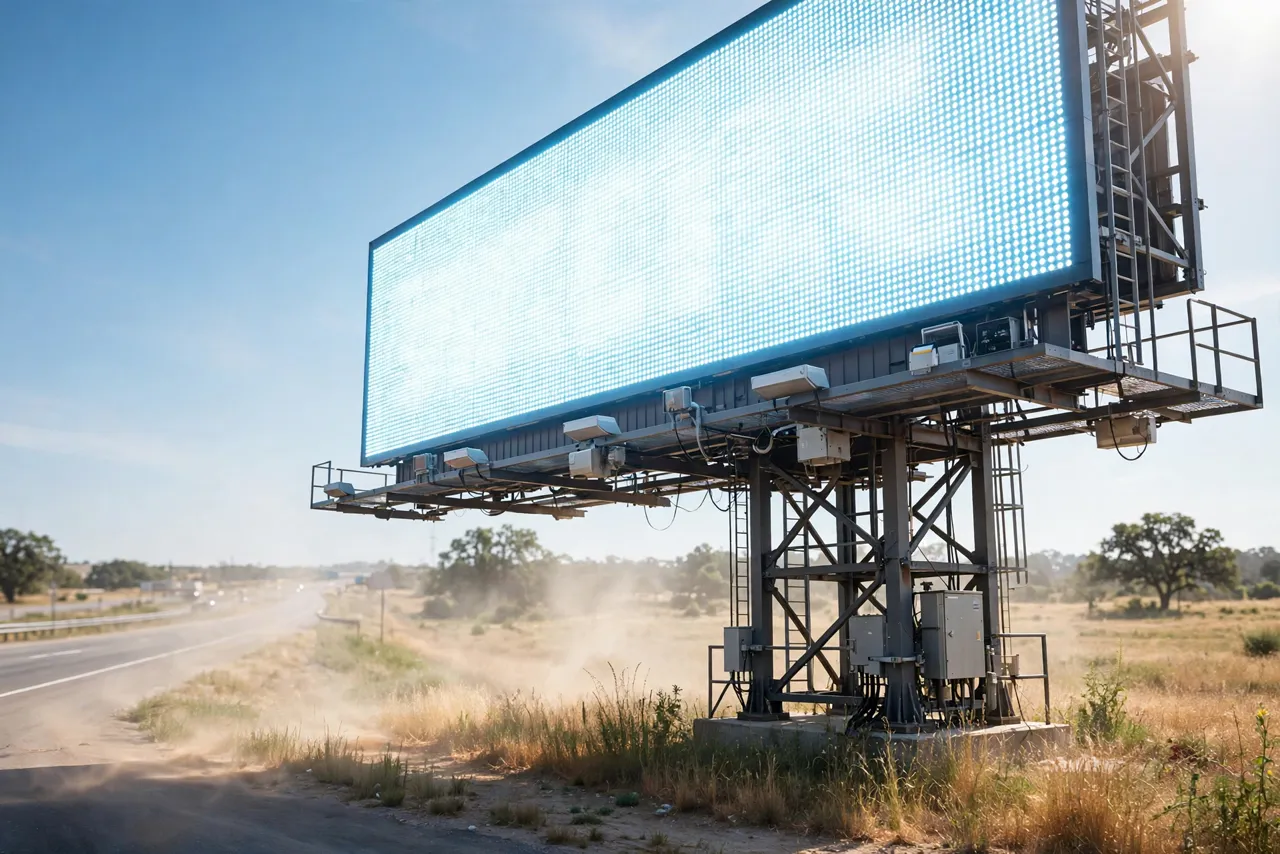
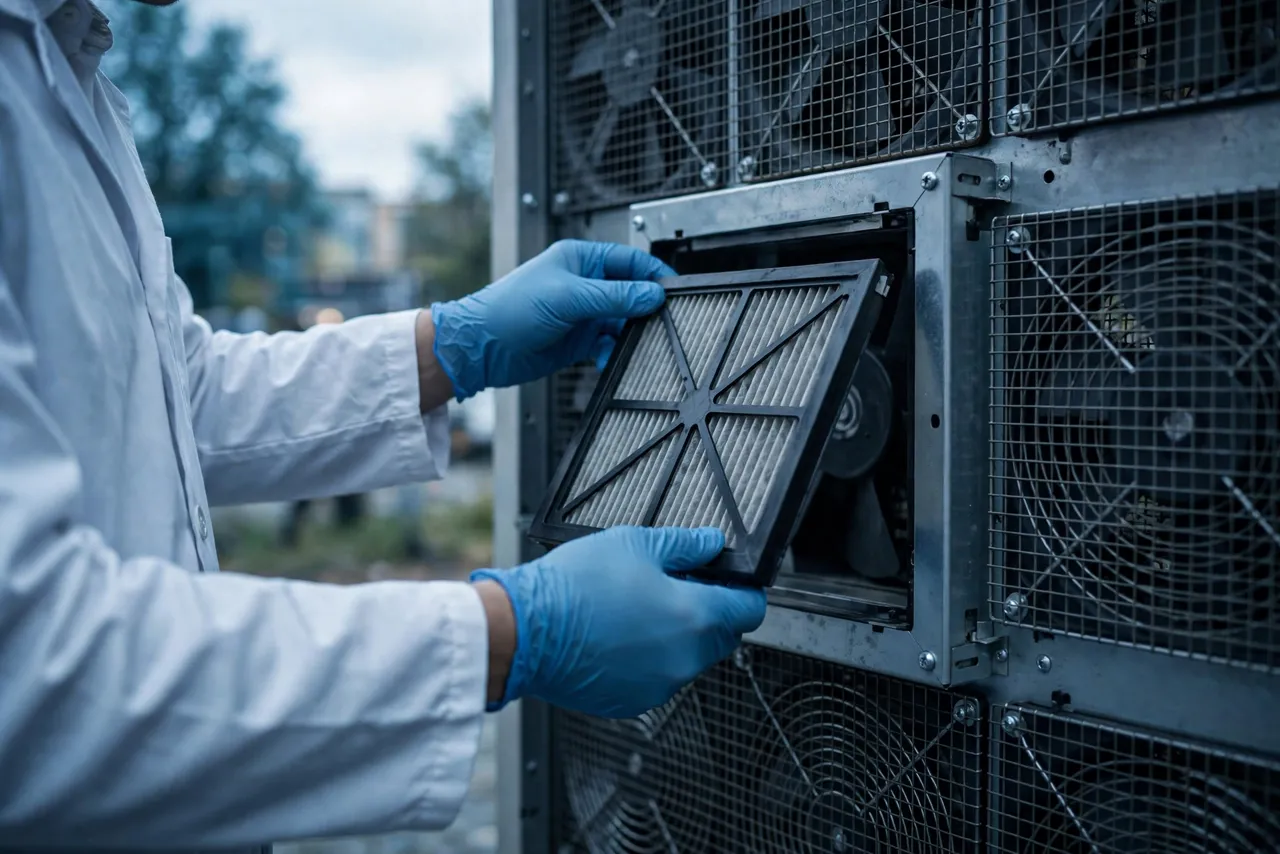
Sealed cabinets (high IP) protect everything inside but trap heat — the fans then work against a closed box, and you need much more airflow, heat exchangers, or air conditioning. Filtered ventilated cabinets (moderate IP) breathe through filters: simpler and cheaper until the filters clog — the thermal design must include the clogged-filter pressure drop, or the display is designed for the showroom.
The trade-off decision depends on the site: dusty roadside favors sealed-plus-exchanger, clean suburban favors filtered ventilation, coastal salt pushes toward sealed. There is no universal answer — but there must be a deliberate one, documented before fan selection, because the fan type, size and control strategy all follow from it.
The brightness-heat coupling
Brightness sells the display, brightness generates the heat, heat limits the brightness — design for the coupled worst case.
At high ambient plus solar load, the thermal budget shrinks exactly when the display needs maximum brightness to stay readable. The controller’s options are all bad: run full brightness and risk thermal shutdown, derate brightness and deliver a dim screen, or oversize the cooling system and pay for it upfront. Design for the coupled worst case: the thermal design point is not “rated brightness at 25 °C ambient” — it is “rated brightness at maximum site ambient plus peak solar load.” If the cooling system cannot hold that point, the product cannot deliver its headline specification when it matters most.
Brightness scheduling as a thermal tool: many operators reduce brightness at night, which also reduces heat when ambient is low. But daytime derating to survive heat is a product failure wearing a software mask — size the cooling for full brightness at worst-case conditions, and use scheduling only for energy savings, not thermal survival. Module-level thermal design matters too: even with perfect cabinet cooling, hot spots on the LED modules — from uneven airflow or poor module heat-sinking — create local derating and color shift. Airflow path review should cover the module face, not just the cabinet average.

Four misconceptions that ship dim displays
The four beliefs that survive every design review — and keep causing blackouts.
Misconception 1: “The fans are running, so cooling is fine.” Running is not cooling — fans running against clogged filters, in a sealed box with no heat path, or sized for average conditions all “run” while the display overheats. Measure internal temperatures at worst case; that is the only verdict.
Misconception 2: “A higher IP rating is always better.” Higher IP usually means less airflow, which means more heat trapped inside. The right IP rating is the one matched to the site’s exposure with a cooling system designed around it — not the highest number on the datasheet.
Misconception 3: “Thermal protection shutdown is a safety net.” It is an admission of failure — every thermal shutdown is lost revenue and a visible embarrassment, and protection that trips in normal summer operation means the thermal design was undersized. Protection is for faults, not for afternoons.
Misconception 4: “Maintenance will handle the filters.” Roadside displays, high mounting, lane closures — the maintenance visit costs orders of magnitude more than the filter. If the thermal design depends on clean filters and the filters depend on heroic maintenance, the design depends on heroism. Design for the maintenance you will actually get.
Five buyer checkpoints for LED display cooling
Five questions that turn “outdoor rated” from a slogan into a specification.
Checkpoint 1: demand the worst-case heat budget. LED heat at rated brightness, power supply losses, peak solar load, maximum site ambient — in one documented budget. If any term is missing or “typical,” the budget is fiction. Checkpoint 2: confirm the enclosure strategy. Sealed, filtered, or hybrid — chosen for the site, with the cooling system designed around it. Ask what happens thermally as filters load, and see the numbers.
Checkpoint 3: verify full-brightness operation at worst case. Not derated, not “typical afternoon” — rated brightness, peak sun, maximum ambient, filters at end-of-maintenance-interval condition. This is the test that matters. Checkpoint 4: check the maintenance reality. Filter change interval, fan replacement procedure, what equipment a service visit needs, and what it costs — then ask whether the thermal design survives the maintenance you will actually perform.
Checkpoint 5: require temperature monitoring and alarming. Internal temperature sensors with remote alarming turn a thermal problem into a maintenance ticket before it becomes a blackout. A display without thermal telemetry is flying blind.
The design details that decide survival
Redundancy, clogging margin, sensor placement — the details that separate a display that survives August from one that derates through it.
Redundant or N+1 fan configurations for critical displays: one fan failure should derate cooling, not kill it — size the remaining fans to hold safe temperatures until the service visit, which roadside may take days. Filter clogging margin and monitoring: size airflow for the loaded filter, add change indicators, and make filters replaceable without tools or disassembly where possible.
Thermal sensors and control: temperature-controlled fan speed matched to the real thermal load — running hard on sunny afternoons, easing off at night — saves energy, reduces dust ingestion, and extends fan life. But sensor placement must reflect the hottest spots, not the cabinet average. Corrosion and condensation protection: conformal coating on electronics, drainage paths, and hardware rated for the site’s exposure — coastal salt and night condensation are slow killers.
Structural and vibration considerations: fan mountings that survive wind-induced movement, balanced impellers that do not excite the structure, and wire routing with strain relief. A fan that shakes its mount loose becomes a mechanical problem on top of a thermal one.
How MEGA Tech supports LED display projects
The winners design the cooling around the site — not around the catalog.
Outdoor displays punish generic fan selection — the winners design the cooling around the site. MEGA Tech supports LED display thermal projects through its standard five-step engagement: custom cooling fan development and manufacturing, fan selection, airflow path review, sample validation, and mass production.
In practice: selection starts from the worst-case heat budget and the enclosure strategy (Checkpoints 1–2), so the fan matches the thermal reality; airflow path reviews cover the module face and the cabinet, including filter pressure drop at end-of-life loading; sample validation tests full-brightness operation at worst-case conditions; and mass production holds the validated configuration steady with change control.
Engineer FAQ
Short answers to the questions buyers actually ask.
Q: Sealed or ventilated — which is right for our display? A: It depends on the site: dusty or coastal environments favor sealed cabinets with heat exchangers; cleaner sites can use filtered ventilation at lower cost. The wrong choice is whichever was made without the site’s dust, rain and maintenance reality. Document the decision before selecting fans.
Q: How do we handle the solar load in the heat budget? A: Add peak solar irradiance on the sun-facing surfaces to the internal heat at rated brightness, at maximum site ambient. This combined worst case — not the lab’s 25 °C — is the design point. If the budget cannot hold it, the display cannot hold full brightness on a summer afternoon.
Q: Our display derates brightness on hot afternoons. Is that normal? A: It is common but it is not acceptable as a design strategy — it means the cooling system cannot support the product’s headline specification. Fix the thermal design; do not normalize the derating.
Q: How often do filters need changing on a roadside display? A: It depends on dust loading at the specific site — which is why the interval must be validated per site type, and why the thermal design must survive to the end of the interval, not just the beginning. Monitor pressure drop or set conservative schedules.
Q: Do we need redundant fans? A: For revenue-critical or hard-to-service displays, yes — N+1 fan configurations turn a fan failure into a maintenance ticket instead of a blackout. Size the survivors to hold safe temperatures until service arrives.
Q: Where should temperature sensors go? A: At the hottest spots: near the LED modules’ heat path, the power supply compartment, and the cabinet’s thermal worst point — not just one sensor at the air inlet. Remote alarming on these sensors is Checkpoint 5.
Questions for your next design review
Bring these to the review; leave with a thermal design you can defend.
- Do we have a documented worst-case heat budget — LEDs, power supplies, solar load, max ambient?
- What is the enclosure strategy, and was it chosen for this site?
- Can the display hold full brightness at peak sun and maximum ambient with loaded filters?
- What is the filter maintenance interval — and does the thermal design survive to its end?
- Is there fan redundancy, and can the survivors hold safe temperatures?
- Where are the temperature sensors, and is there remote alarming?
- Are the electronics protected against condensation and the site’s corrosion exposure?
- What does a fan or filter service visit actually cost — and how does that change the design?