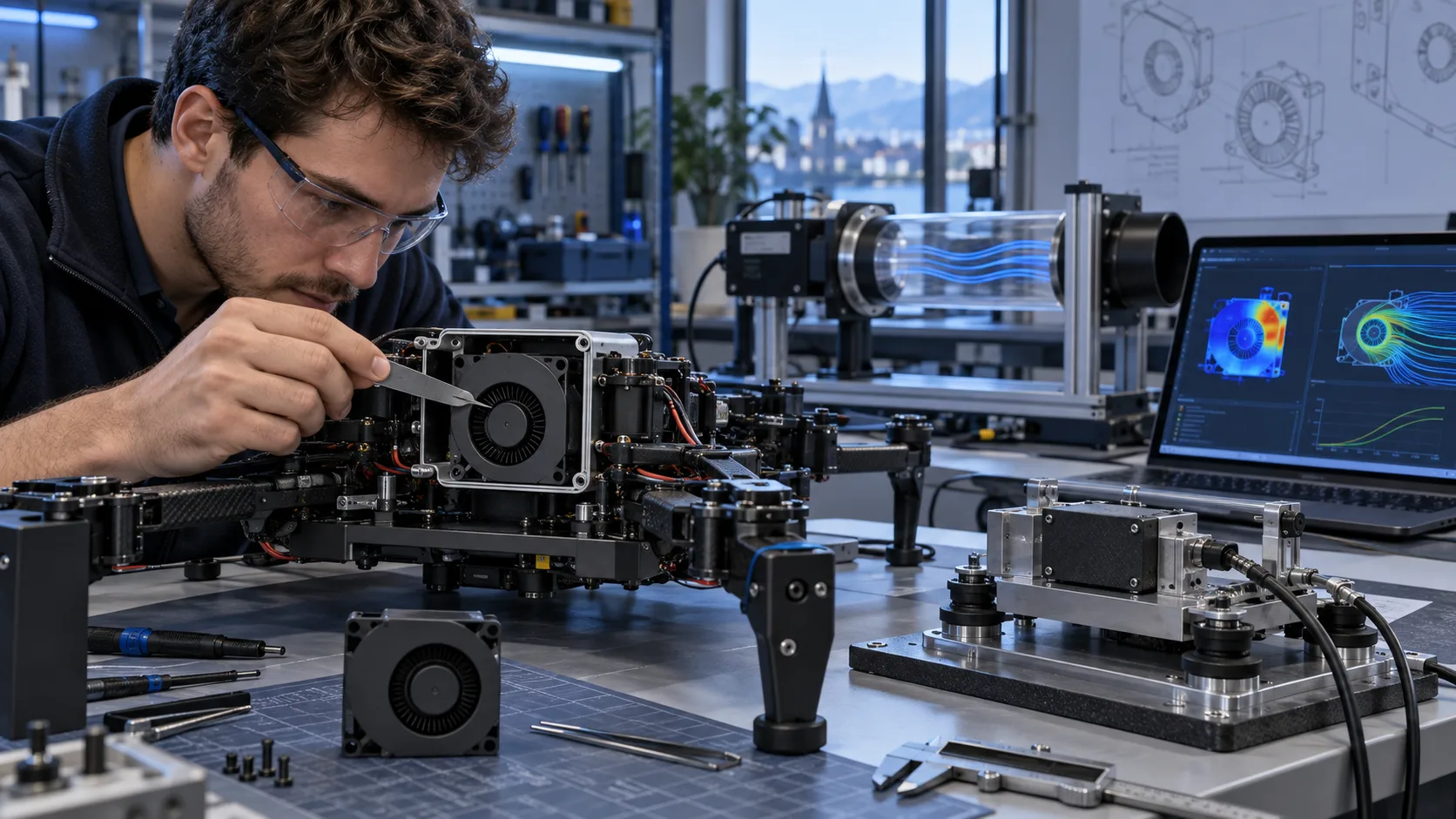
Why a fan symptom is not yet a diagnosis
A cooling fan that does not turn, makes an unexpected sound or reports an unstable speed is showing a symptom, not a root cause. The same symptom can come from the fan, power source, controller, connector, air path, mounting frame or measurement method. Replacing the fan before separating those causes often creates a second problem: the new part is tested in a different condition and the original failure is never understood.
Start with a controlled record. Write down the fan identity, voltage, frequency or control signal, terminal voltage, current, command, measured speed, airflow or pressure condition, mounting orientation, inlet and outlet arrangement, ambient temperature and the exact moment of failure. Preserve the original wiring and installation before making changes. A useful troubleshooting process narrows one variable at a time.
This guide uses a field sequence: make the equipment safe, verify identity, confirm electrical input, check the control path, inspect the air path and mounting, separate noise types, measure the operating point, then repeat the failure under a defined condition. It is suitable for AC axial fans, DC axial fans and compact centrifugal blowers when the product record and control interface are known.
1. Make the equipment safe and freeze the evidence
Before touching a fan, follow the equipment isolation procedure. Disconnect power, wait for stored energy to discharge and prevent an unexpected restart. For line-voltage AC equipment, only qualified personnel should perform live measurements. For DC equipment, remember that a low-voltage bus can still deliver high fault current and can drive the fan unexpectedly through a controller.
Photograph the installation before disassembly. Capture the label, connector, wire order, airflow arrow, rotation arrow, guard, filter, gasket, cable route and nearby obstruction. Record whether the fan was running, stopped, cycling or producing the symptom at the time of inspection. Do not remove the filter or bypass the alarm before recording its condition.
Keep the suspect fan, connector and mounting hardware together. If a replacement is available, label it as a comparison unit and do not mix its wiring with the original. A controlled A/B test is valuable only when the air path, voltage, control command, mounting and measurement location remain the same.
2. Verify that the part is the intended configuration
Check the model, type, frame size, thickness, voltage, frequency, connector, bearing option and drawing revision against the approved equipment record. A visually similar fan may have a different motor winding, impeller, speed range, pressure capability or feedback output. Same outline dimensions do not prove equivalence.
Compare the connector pinout with the wiring diagram. Check wire order, terminal retention, crimp quality, polarity, shield or drain requirements and the cable exit direction. A fan can be electrically intact while a loose terminal opens under vibration or a cable is pinched by a panel.
Measure the mechanical envelope. Check mounting-hole pitch, screw length, corner clearance, impeller clearance, guard spacing and cable bend radius. Look for a frame twisted by uneven screws, a gasket blocking the inlet, a filter frame touching the guard or a cable contacting the blade. Record the installation orientation because some symptoms change when the fan is rotated.
3. If the fan does not start, begin at the terminals
The fastest useful test for a no-start complaint is terminal voltage at the fan, measured during the start command. Do not stop at the power supply display. Check upstream voltage, protection devices, switching contacts, cable drop, connector drop and the actual fan terminals. A shared load or long cable can make the voltage acceptable at the supply and insufficient at the fan.
For an AC fan, confirm voltage, frequency and phase condition. Check the switch, relay or contactor for an open pole, a high-resistance contact or a control sequence that is too short. Confirm that the fan is not connected to a variable-frequency or phase-control device outside the documented application. The exact rated condition belongs to the selected fan record.
For a DC fan, confirm polarity, voltage, enable state and control reference. A PWM input may need a defined level, frequency or pull-up. A tachometer wire is not a power wire, and a feedback alarm should not be used as proof that the motor has received the correct supply. Measure the supply and command at the same time as the fan response.
Use a known-good test supply only after recording the original condition. If the fan starts on the test supply, the fault may be in the equipment power path, controller sequence, connector or cable. If it still does not start, inspect for mechanical obstruction, locked rotor, contamination or a fan-side electrical fault.
4. If the fan starts and stops, capture the sequence
Intermittent starting is difficult to diagnose after the system has been reset. Capture terminal voltage, command signal, current where appropriate, speed feedback, alarm state and temperature during the event. A short data log is more useful than a statement that the fan sometimes stops.
Separate three different cases. In the first, the controller removes the command and the fan is behaving as instructed. In the second, the command remains present but terminal voltage falls or a protection device opens. In the third, the fan receives the intended input but speed collapses under a mechanical, thermal or electrical condition.
Check restart order after a power interruption. The controller may start before the fan supply is stable, or the fan may be enabled while the air path is at maximum restriction. Test cold start, warm restart and repeated cycling under the approved conditions. Do not create a universal restart time from one sample; define the equipment requirement and record the test method.
5. If the fan is noisy, classify the sound before changing speed
Describe the sound instead of using only the word noisy. Rubbing, clicking, rattling, broadband airflow noise, tonal whistle, motor hum, bearing noise and panel resonance have different causes. Record when the sound appears: startup, a particular speed, a filter condition, a mounting state or a temperature condition.
A rubbing or clicking sound requires a mechanical inspection. Check impeller clearance, foreign material, frame distortion, screw length, gasket position, guard contact and cable routing. Rotate the assembly only when power is isolated and the inspection is safe. If the sound changes with mounting torque, investigate the frame and panel rather than treating the fan as the only variable.
A tonal whistle can be caused by blade-pass interaction with a grille, narrow opening, heat sink, guard or sharp edge. Test with the production air path and compare a temporary controlled change only as a diagnostic. If removing a guard makes the sound disappear, the solution may be an air-path or guard redesign, not an unapproved fan substitution.
Motor hum or commutation noise should be checked against voltage, frequency, control command, speed and mounting resonance. Measure at the operating points that matter to the equipment. Reducing speed can hide a symptom while leaving the root cause in the power path or structure.
6. If measured speed is abnormal, verify the measurement first
An abnormal RPM display does not always mean abnormal fan speed. Confirm the tachometer pulse definition, number of pulses per revolution, signal reference, pull-up voltage, input threshold and controller scaling. Compare the controller reading with an independent measurement method appropriate for the fan and test environment.
For a DC fan, record supply voltage, PWM frequency, duty-cycle definition and command polarity. Some controllers display duty cycle while the fan responds to another control convention. A 30 percent command on one interface cannot be assumed to produce the same speed as a 30 percent command on another.
For an AC fan, check voltage and frequency at the fan terminals and confirm the exact model. A frequency difference can change speed and airflow. A wrong replacement or a model from a similar family can also produce a different speed while appearing mechanically compatible.
If speed hunts, capture command, feedback, voltage and temperature together. Look for a controller loop that reacts to delayed feedback, a filter or pressure condition that changes the operating point, an intermittent connector, a resonant speed range or a protection cycle. Do not tune a control loop around an unverified tachometer signal.
7. Check airflow and pressure before blaming the motor
A fan can rotate normally while the equipment receives too little useful airflow. Inspect the inlet, outlet, filter, grille, heat sink, coil, duct, cable loop and nearby wall. Check for recirculation from the outlet back to the inlet. Measure filter pressure drop when the filter is clean and when it represents the defined service condition.
Use the fan selection tool to organize the required airflow and pressure, then compare the installed operating point with the selected product record. A free-air airflow number does not prove performance through a loaded filter or restricted cabinet. A pressure-flow measurement should state pressure definition, air temperature, density basis, tap location and stabilization time.
If airflow is lower than expected, check fan speed, rotation, leakage, sensor zero, fixture blockage and air-density correction. If the fan speed is correct but pressure is too high, the system restriction may be different from the design assumption. If pressure is correct but temperature remains high, inspect heat load, flow distribution, bypass and hotspot location.
8. Inspect mounting, vibration and structure
Mounting changes can create symptoms that follow the fan even when the root cause is the equipment. Check screw torque, grommet compression, bracket stiffness, panel flatness, gasket contact and guard alignment. A frame distorted by over-tightening can reduce clearance or transfer vibration into the panel.
Measure vibration on the fan and the panel separately when possible. Record sensor location, direction, bandwidth, speed and installation state. If the fan is quiet in free air but noisy in the cabinet, compare the guard, panel, duct and mounting structure. A structural resonance may be excited only at one speed.
Check for transport damage, cracked corners, bent brackets, loose weights or contamination. Do not disassemble a sample before documenting its state. Preserve the failed configuration so the supplier and equipment team can reproduce the issue.
9. Check temperature, dust and condensation
A fan fault can be triggered by an environment that is outside the defined operating condition. Record inlet temperature, local humidity or dew-point basis, dust or filter state, enclosure temperature and the time before the symptom appears. A fan that starts in a cool laboratory may not start after a hot soak or a cold humid restart.
For condensation, identify cold surfaces and drainage paths. A fan does not eliminate the need for enclosure sealing, drainage and separation of water from electrical parts. Test the sequence that the equipment can actually experience: storage, temperature change, humidity exposure, powered restart and normal operation.
For dust, inspect the filter, grille, impeller and motor area. Measure pressure drop and compare the operating point before and after the defined loading condition. A fan can continue to turn while a blocked filter reduces useful airflow and raises protected-component temperature.
Do not add IP, certification or environmental capability claims to a report unless they are documented for the exact product and configuration. The test record should state what was tested, under which conditions and what remains the responsibility of the equipment owner.
10. Use a controlled fault-isolation table
A useful report records the symptom, first evidence, controlled change, result and next action. Avoid changing voltage, control, filter, guard and fan at the same time. If multiple variables must change for safety, record each change and restore the original state before drawing a conclusion.
| Symptom | First evidence | Next isolation step | Do not assume |
|---|---|---|---|
| No rotation | Terminal voltage and command during start | Test power path, connector and mechanical clearance | The motor is failed |
| Starts then stops | Voltage, command, alarm and temperature versus time | Separate controller action, voltage drop and protection | The fan is randomly defective |
| Rubbing or clicking | Impeller clearance and mounting state | Remove obstruction and compare torque or guard | Lower speed is the final fix |
| Tonal whistle | Sound versus speed and air-path configuration | Inspect guard, grille, opening and resonance | The bearing is noisy |
| Low airflow | Speed, pressure, filter drop and leakage | Recreate installed operating point | Free-air CFM is the result |
| Wrong RPM display | Independent speed check and pulse scaling | Verify feedback interface and controller settings | The fan speed is wrong |
| Vibration | Fan and panel measurements | Compare mounting, structure and balance | A new part will solve it |
| Hot equipment | Heat load, inlet temperature and operating point | Check distribution, bypass and restriction | More RPM is always safe |
11. Define the retest and release decision
After the root cause is identified, define a retest that proves the corrective action. Repeat the original failure condition, the nominal operating condition and the most important boundary condition. If the correction changes the fan, air path, control, mounting or filter, update the drawing and test record before starting.
Classify each result as pass, pass with approved deviation, fail with corrective action or not tested. Link the result to fan identity, sample ID, drawing revision, fixture revision, instrument ID and test date. A replacement fan should not be approved because it sounds better in a free-air test if it has not been checked at the equipment operating point.
MEGA Tech develops and manufactures custom cooling fans and supports fan selection, air-path review, sample validation and volume production. For a useful review, provide size, voltage, frequency or DC control, airflow and static-pressure target at that airflow, quantity, noise target, connector, mounting, temperature, humidity, dust or filter condition and life assumption.
The complete cabinet, coil, liquid loop, controller, emergency ventilation and system safety design remain with the equipment owner or system integrator. The fan review should make that boundary explicit.
Planned dynamic particle SVG
Filename proposal: uploads/blog/industrial-electronics/cooling-fan-troubleshooting-flow.svg
Figure brief: three connected animated panels. Panel one shows the safe isolation and evidence-capture gate. Panel two shows blue airflow particles moving through a fan, filter and equipment load while amber measurement markers display terminal voltage, command, speed and pressure. Panel three shows a branching diagnostic path for no rotation, abnormal noise, abnormal speed and low airflow.
Use blue particles for normal airflow, amber markers for measured evidence, red particles for a failed branch and grey blocks for an unknown input. Animate with inline CSS keyframes inside the SVG and do not add a reduced-motion guard. Use the exact caption: “Illustrative only, not product data.” Add the small disclaimer: “Schematic model / illustrative only — not data for any specific product.” Do not include invented CFM, pressure, temperature, life or certification values.

Engineer FAQ
### What should I measure first when a fan does not turn?
Measure voltage at the fan terminals during the start command, then record the control signal and mechanical condition. The supply display alone cannot show cable drop, connector loss or a controller sequence problem.
### Why does a correct-voltage fan still fail to cool the equipment?
Voltage compatibility does not prove airflow at the installed pressure. Check speed, rotation, filter drop, grille, leakage, recirculation, density and the actual system operating point.
### How can I tell whether noise is from the fan or the cabinet?
Measure and listen in free air and in the production mounting condition while holding speed and operating point as constant as practical. If the symptom follows the panel or guard, investigate structure and air-path resonance.
### Can I use a tachometer display as proof of speed?
Only after verifying pulse count, signal reference, input threshold and controller scaling. Compare with an independent speed measurement before changing the fan.
### Should I replace the fan immediately after a field failure?
Preserve the original evidence first. A replacement can be useful for a controlled comparison, but replacing the part without recording the original condition can hide a power, control, mounting or filter problem.
### What should I send for a custom troubleshooting review?
Send fan size, voltage, frequency or control interface, terminal measurements, airflow and static-pressure target, quantity, noise symptom, mounting, connector, ambient condition, filter or dust state and any photos or test logs.
Questions for a Design Review
1. Is the fan identity and configuration confirmed against the approved drawing?
2. What voltage, frequency, PWM or control signal exists at the fan terminals during the symptom?
3. Does the fan receive the intended command when it stops or changes speed?
4. Is the feedback interface scaled correctly for the actual pulse count and signal level?
5. What are the installed airflow and static pressure, including filter and grille loss?
6. Is there recirculation, leakage, bypass or an obstruction near the inlet or outlet?
7. Does the noise occur at a specific speed, mounting torque, filter state or temperature?
8. Has the fan been separated from panel and guard resonance by a controlled comparison?
9. What cold-start, warm-restart, cycling, dust and condensation conditions reproduce the failure?
10. Which result is pass, approved deviation, fail or not tested?
11. What corrective action changes the fan, air path, control, mounting or service procedure?
12. Which responsibilities remain with the equipment owner or system integrator?